Windows 11 HDR Looks Washed Out in an Older Game: Check Auto HDR and Calibration
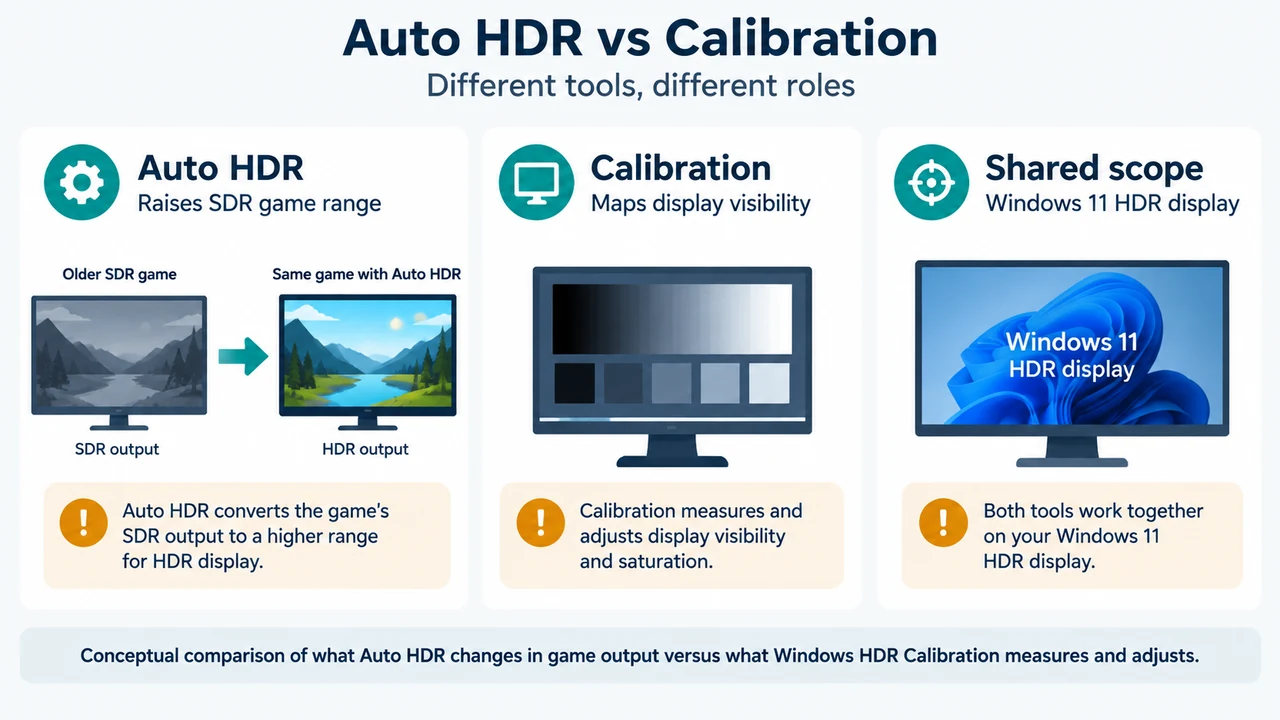
For an older SDR DirectX 11 or DirectX 12 game on Windows 11, check Auto HDR and the documented requirements for Windows HDR Calibration. These checks…
For an older SDR DirectX 11 or DirectX 12 game on Windows 11, check Auto HDR and the documented requirements for Windows HDR Calibration. These checks…
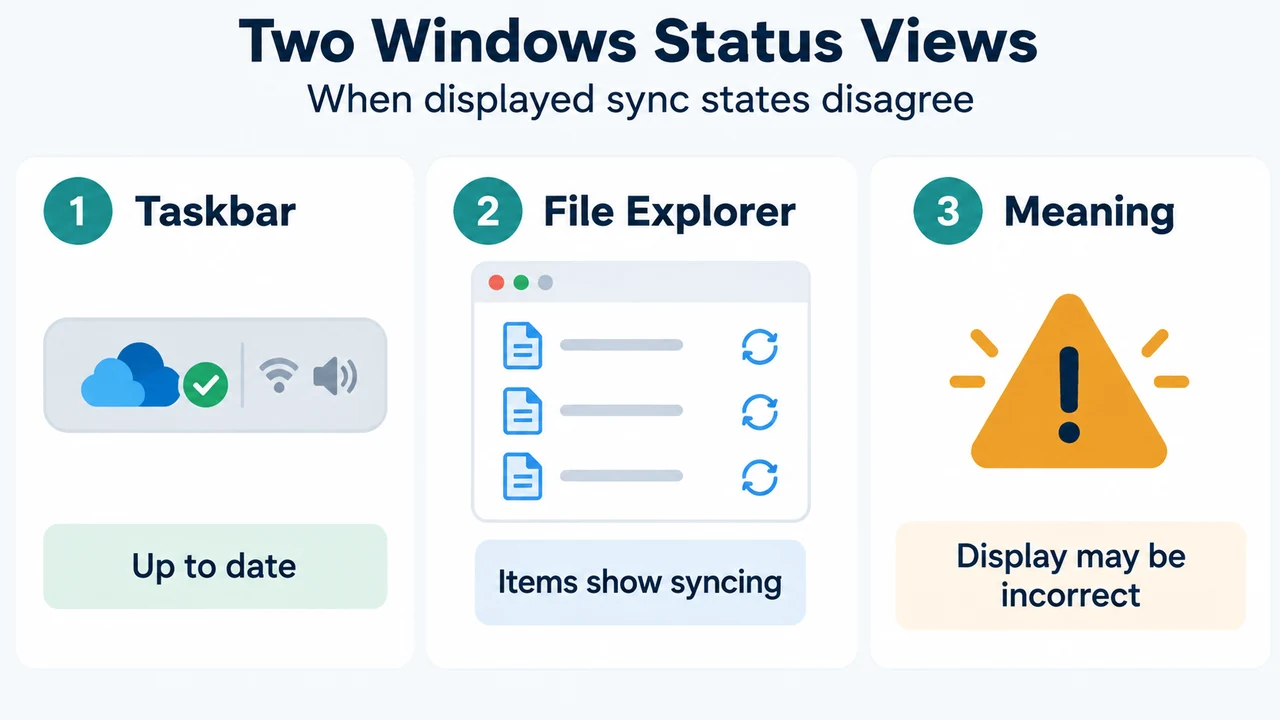
Microsoft documents cases where File Explorer shows “syncing” while the OneDrive taskbar status is “Up to date.” The supported checks cover hidden or temporary files, the…
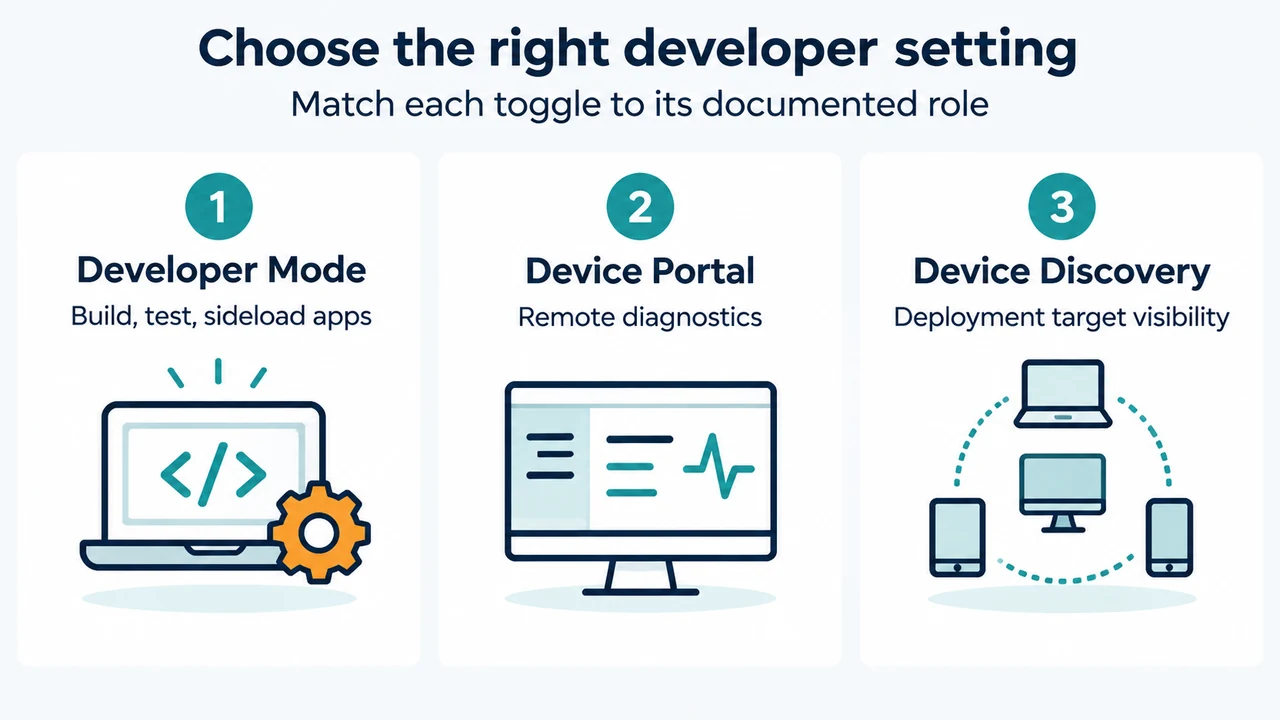
On Windows 11 version 25H2 and later, Developer Mode is under Settings > System > Advanced > For developers. This guide explains the administrator requirement, organization…
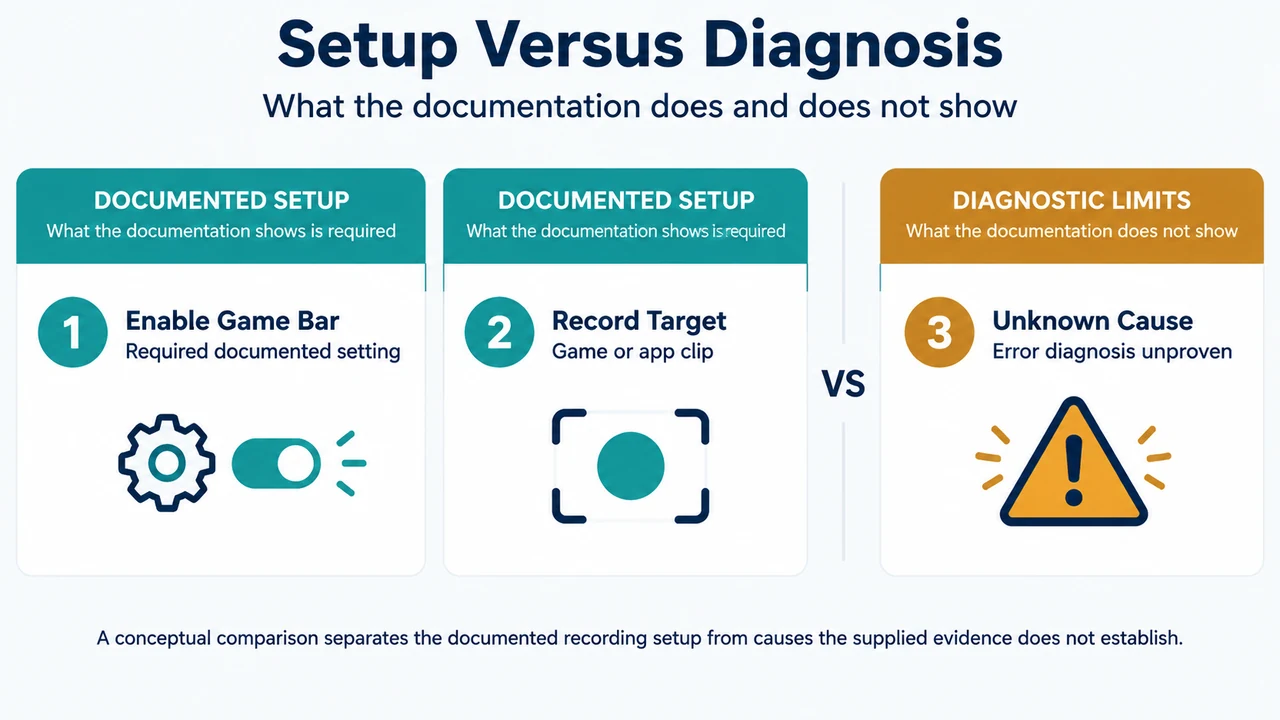
If Xbox Game Bar cannot start a recording in Windows 11, verify that Game Bar is enabled, the Capturing audio option is set to All, and…
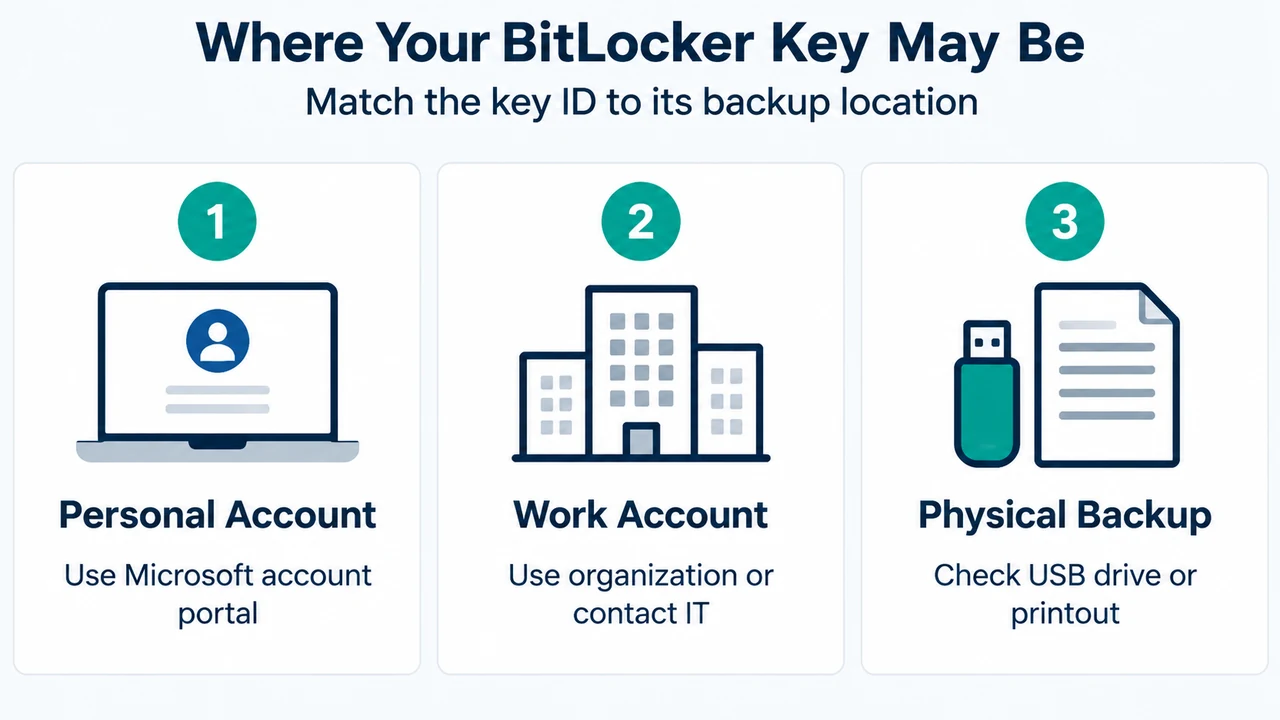
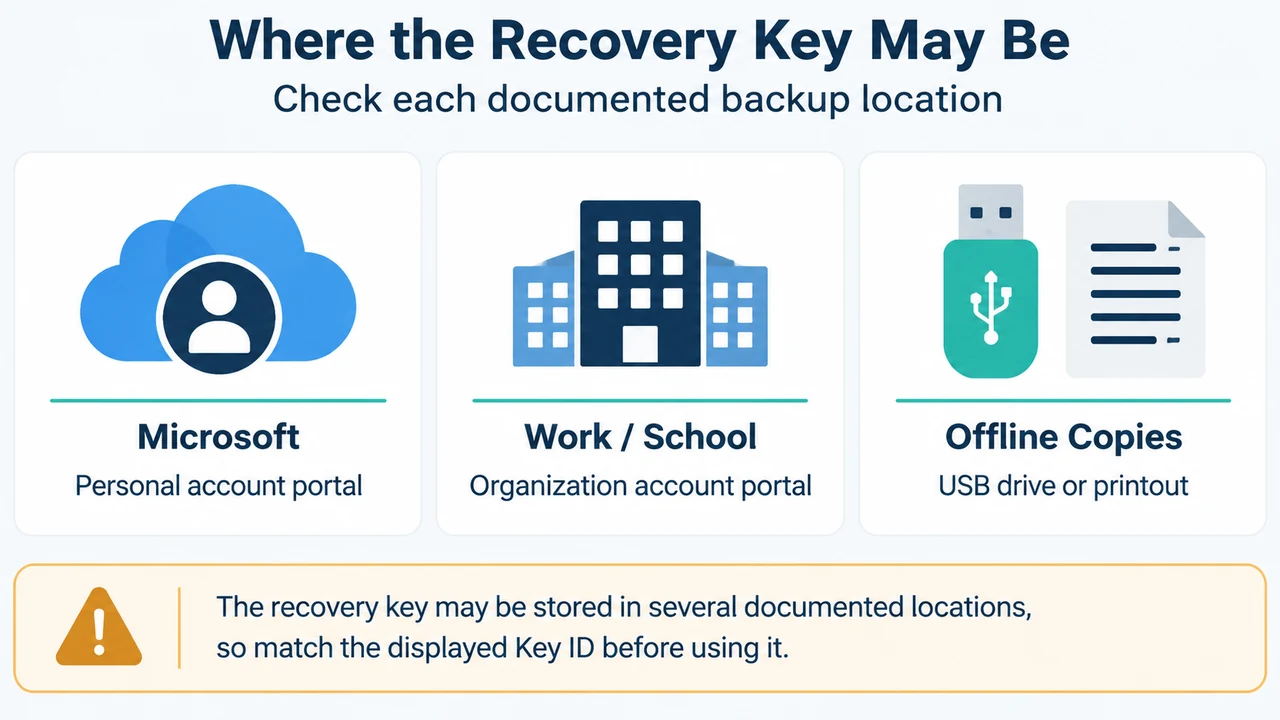
When Windows 11 prompts for a BitLocker recovery key at startup, match the first 8 digits of the on-screen Key ID to your documented backup locations—or…
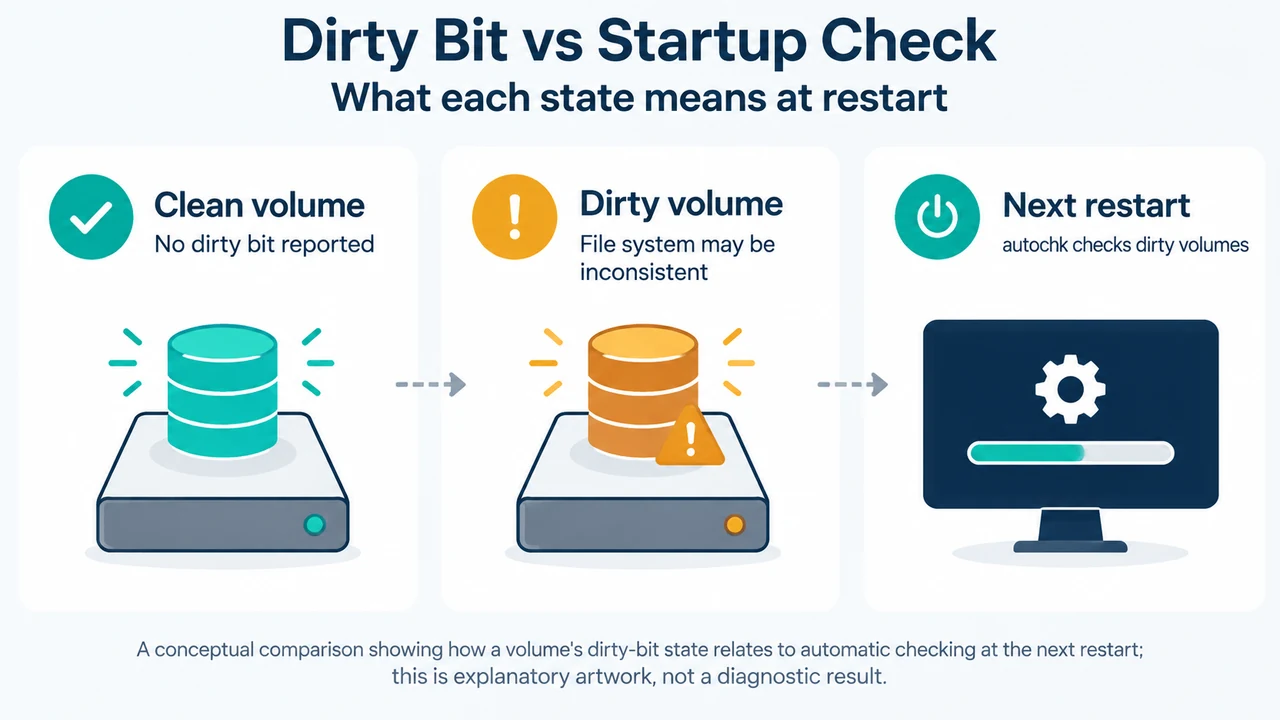
Query volume dirty bit status with fsutil and manage startup disk checks or exclusions using chkntfs in Windows 11 and Windows 10.
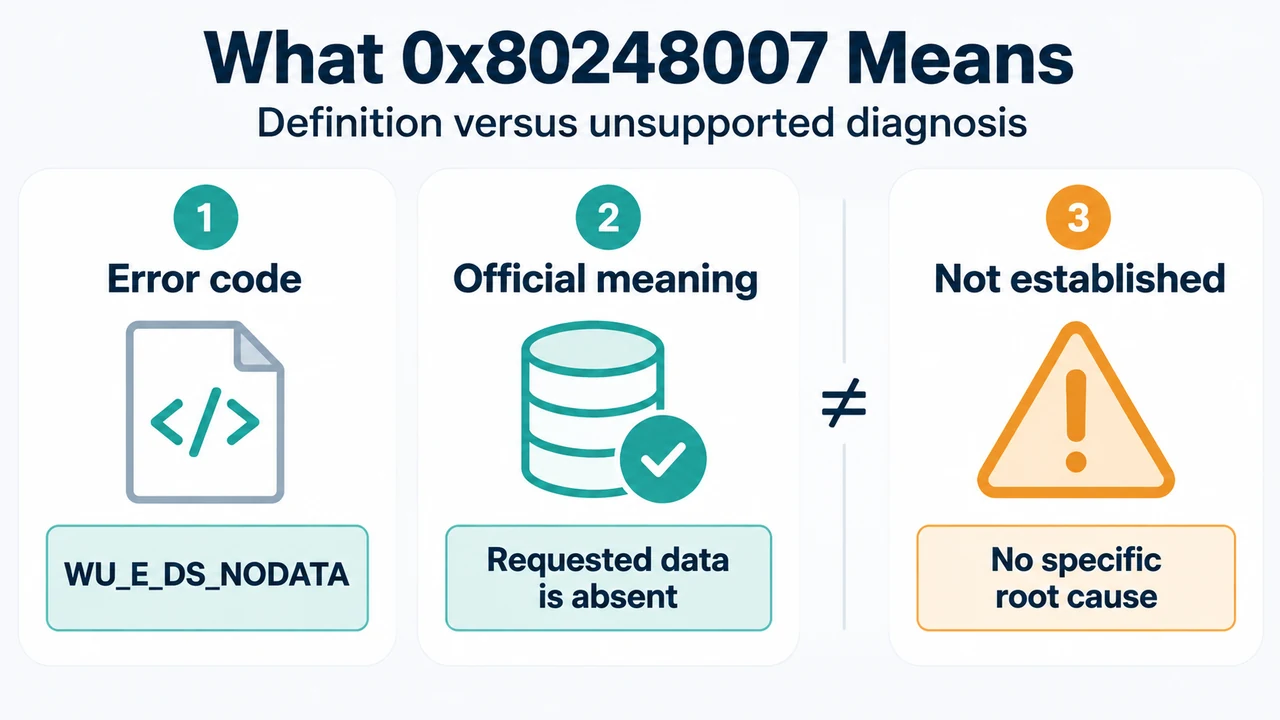
Understand the official definition of Windows Update error 0x80248007 (WU_E_DS_NODATA) and review documented troubleshooting steps from Microsoft documentation.
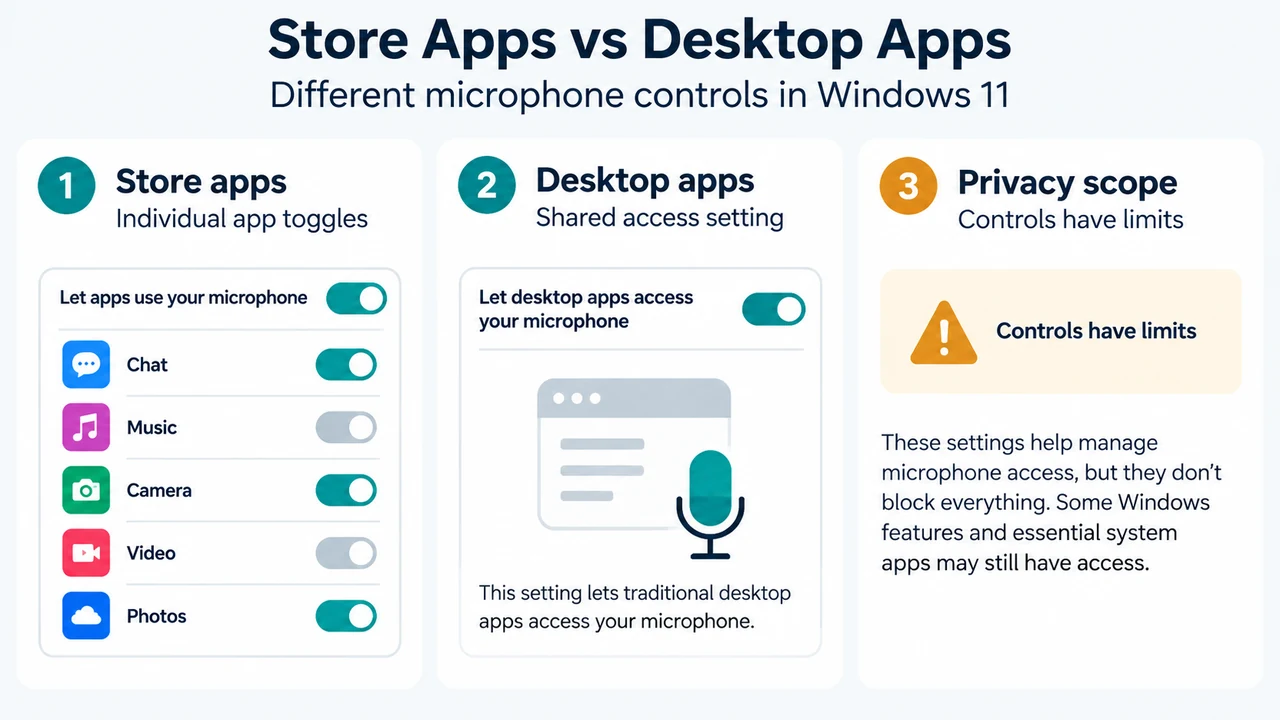
Configure Windows 11 microphone privacy settings for Microsoft Store apps and desktop applications, and review documented desktop privacy limits and Edge site controls.
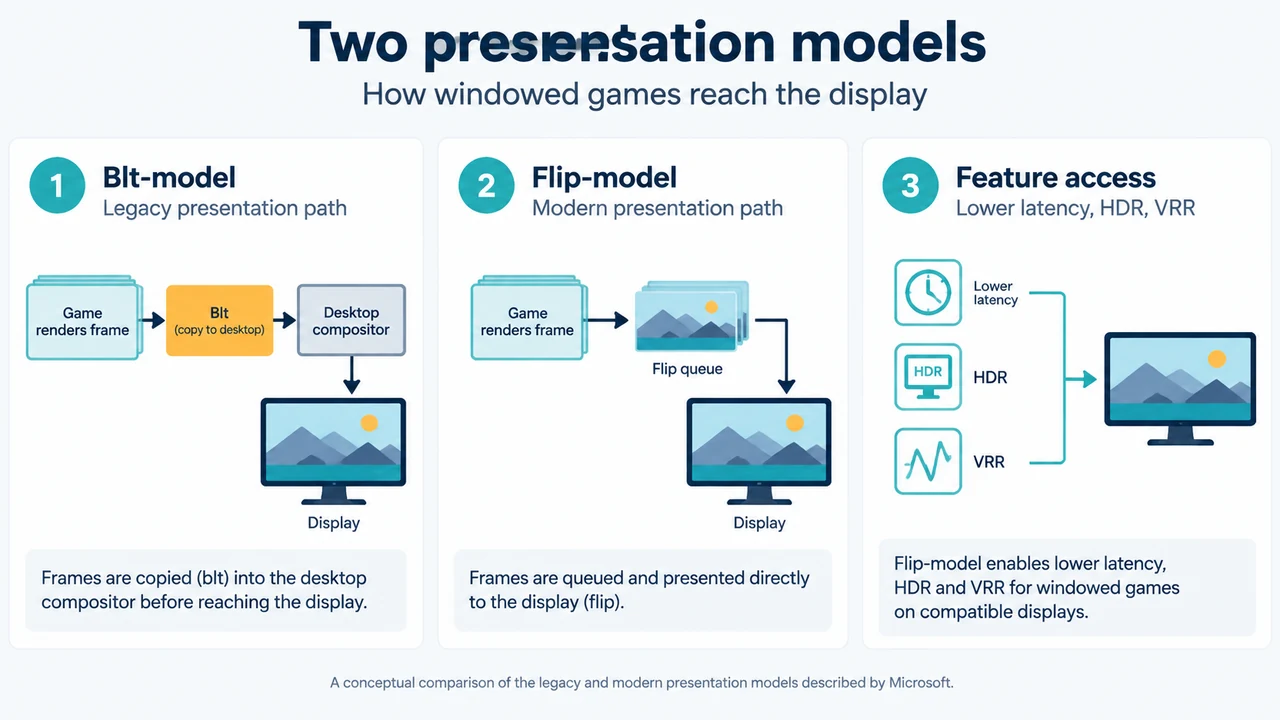
Configure or disable 'Optimizations for windowed games' in Windows 11 Insider Preview build 22545+, manage per-app overrides, and address screen tearing.
Learn how to locate your 48-digit BitLocker recovery key in Windows 11 and Windows 10 across Microsoft accounts, work portals, USB drives, and printouts after a…