Ubuntu Disks: How to Check Drive Health and Run SMART Self-Tests
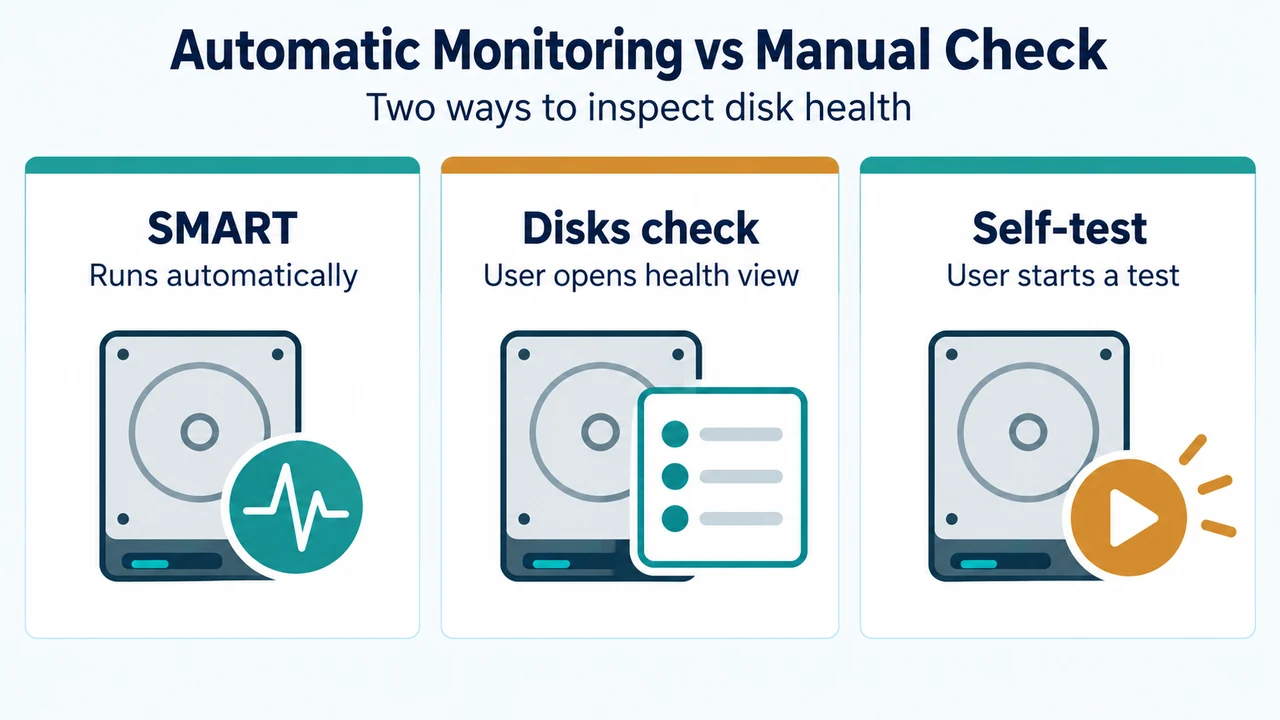
Learn how to check hard disk health, interpret SMART status messages, and run self-tests in Ubuntu using the Disks application.
Learn how to check hard disk health, interpret SMART status messages, and run self-tests in Ubuntu using the Disks application.
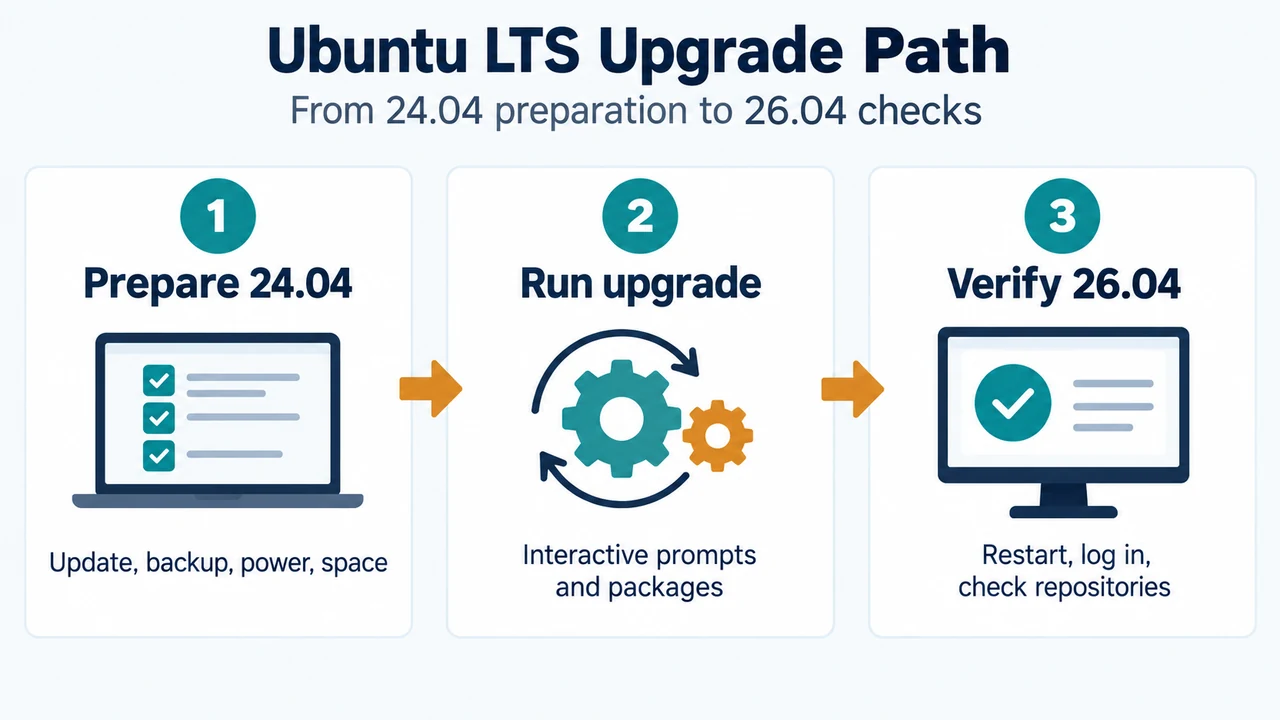
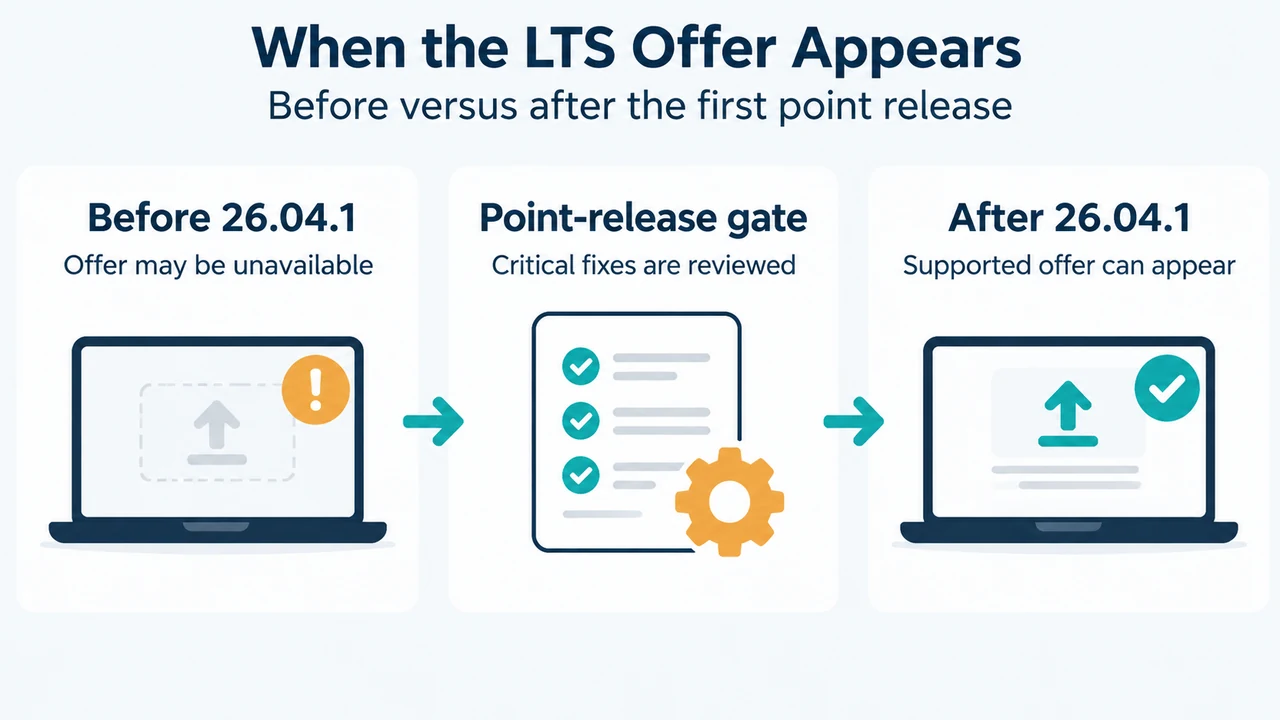
Ubuntu supports sequential LTS upgrades, and upgrades to Ubuntu 26.04 LTS become available after the first point release, 26.04.1. This guide covers the documented prerequisites, preparation,…
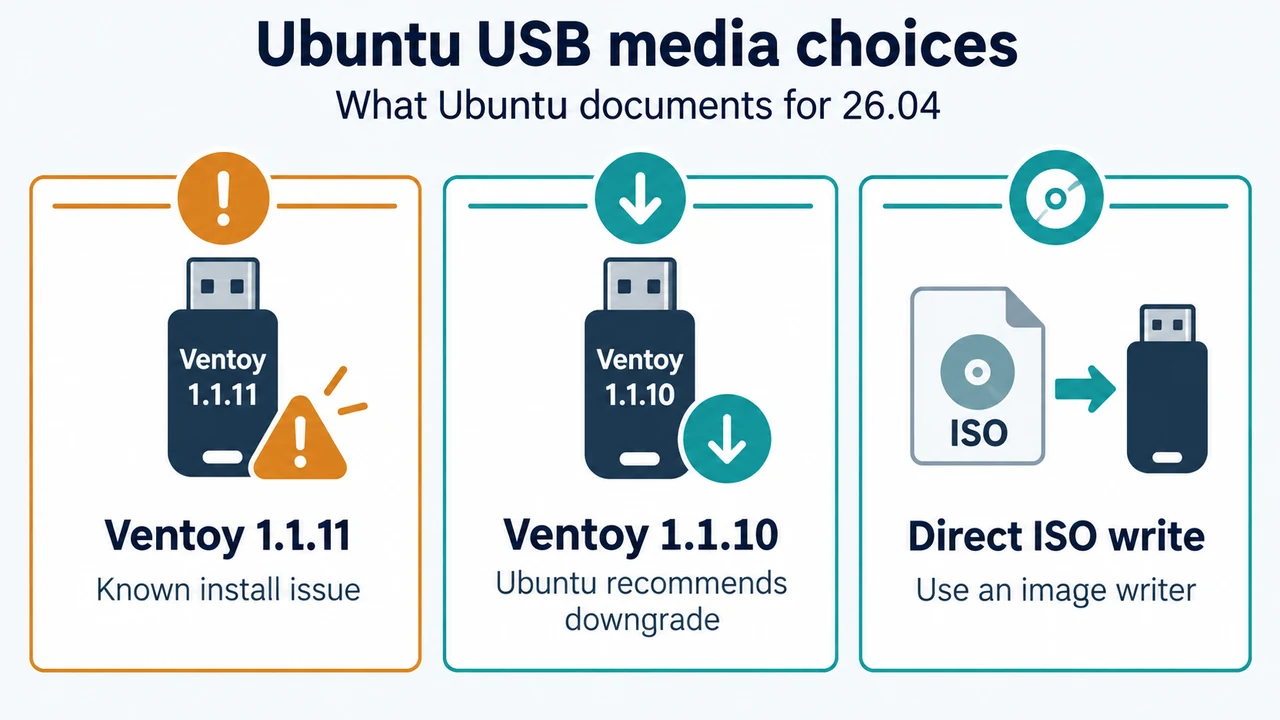
Ubuntu documents a known issue in Ventoy 1.1.11 that can prevent Ubuntu installation. For Ubuntu 26.04 media, use another Ventoy release—Ubuntu specifically recommends 1.1.10—or write the…
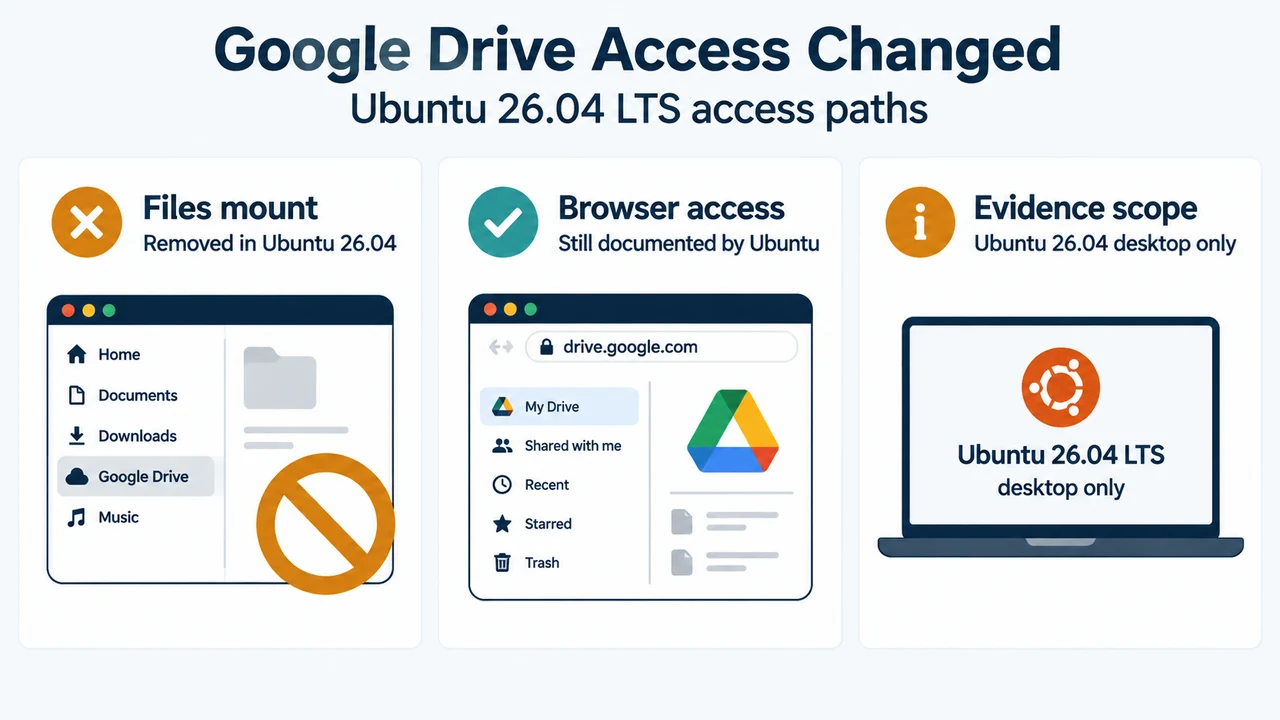
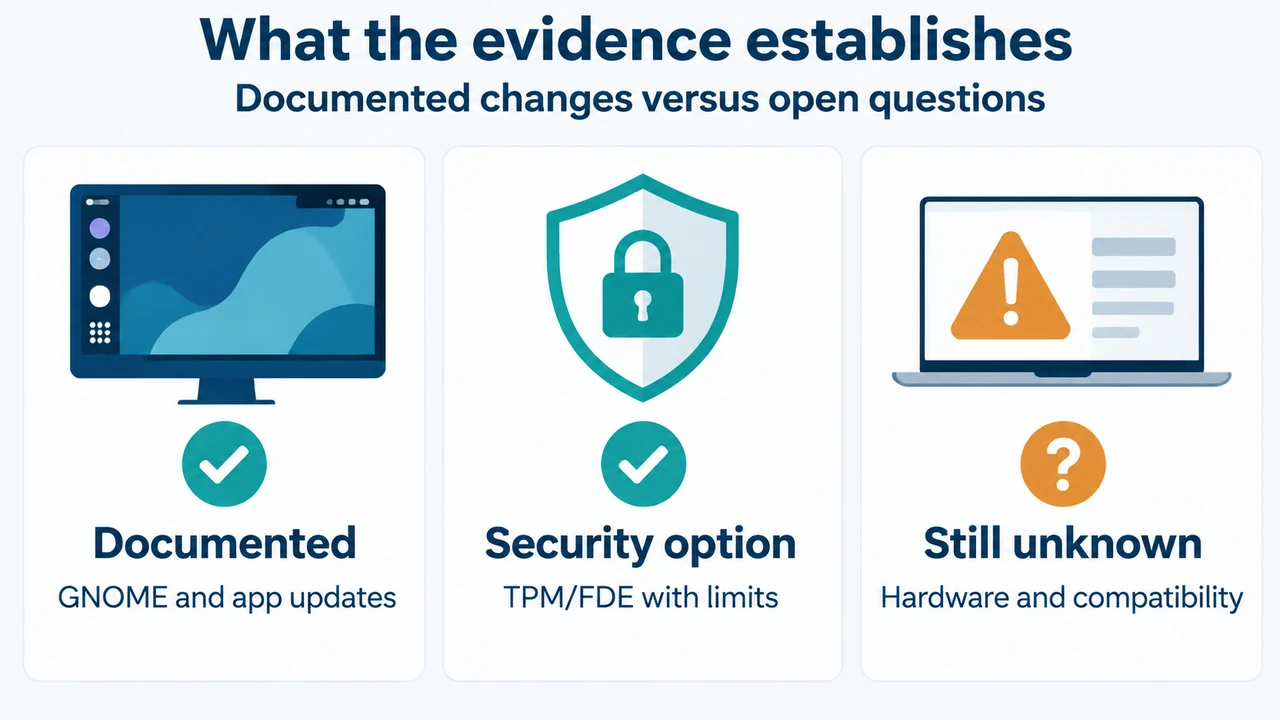
Ubuntu 26.04 LTS uses GNOME 50, where Google Drive mounting in the Files app was removed. Here is what the official release notes document, what still…
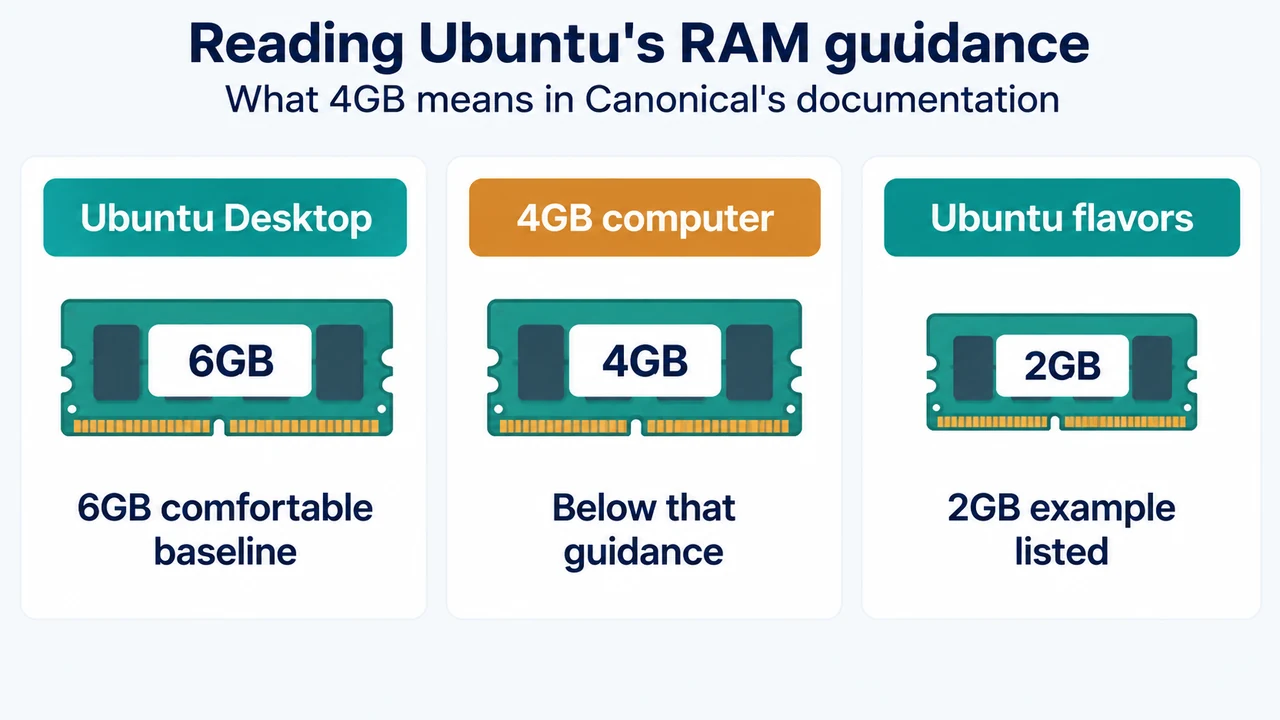
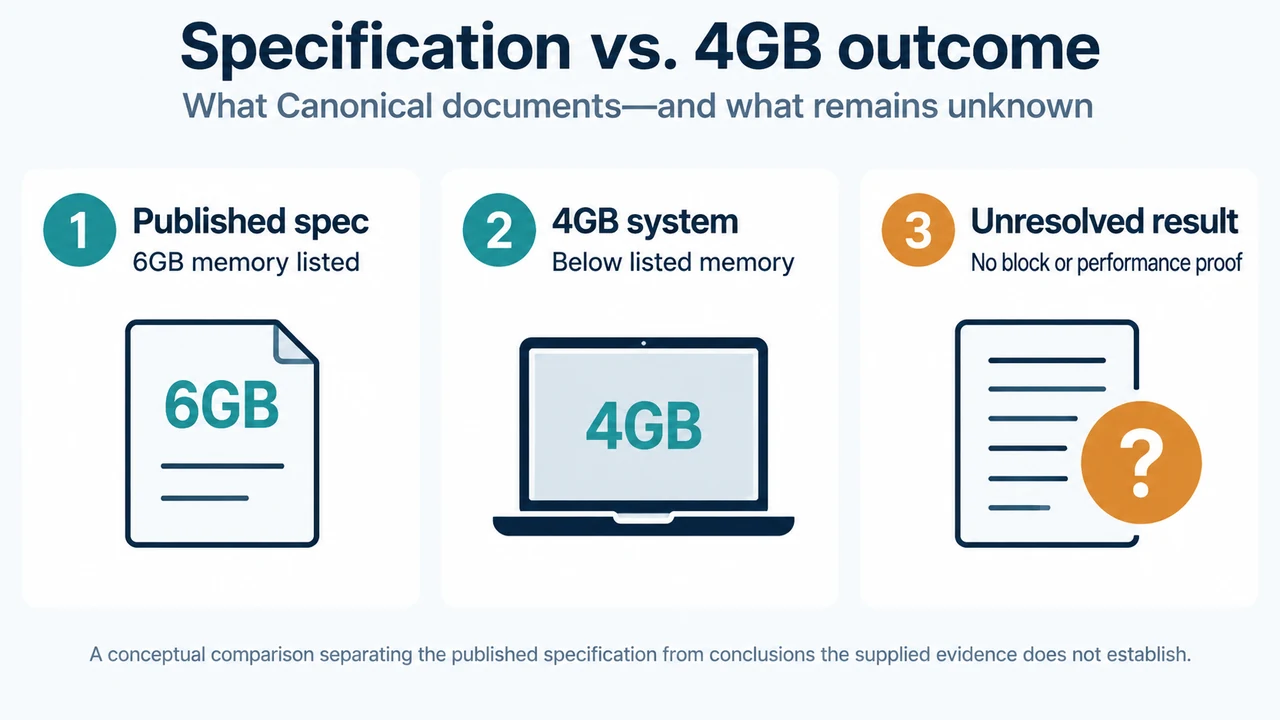
A 4GB PC is below Ubuntu Desktop 26.04 LTS's documented 6GB RAM baseline for a comfortable experience. Canonical says installation on lower-spec systems is possible, but…
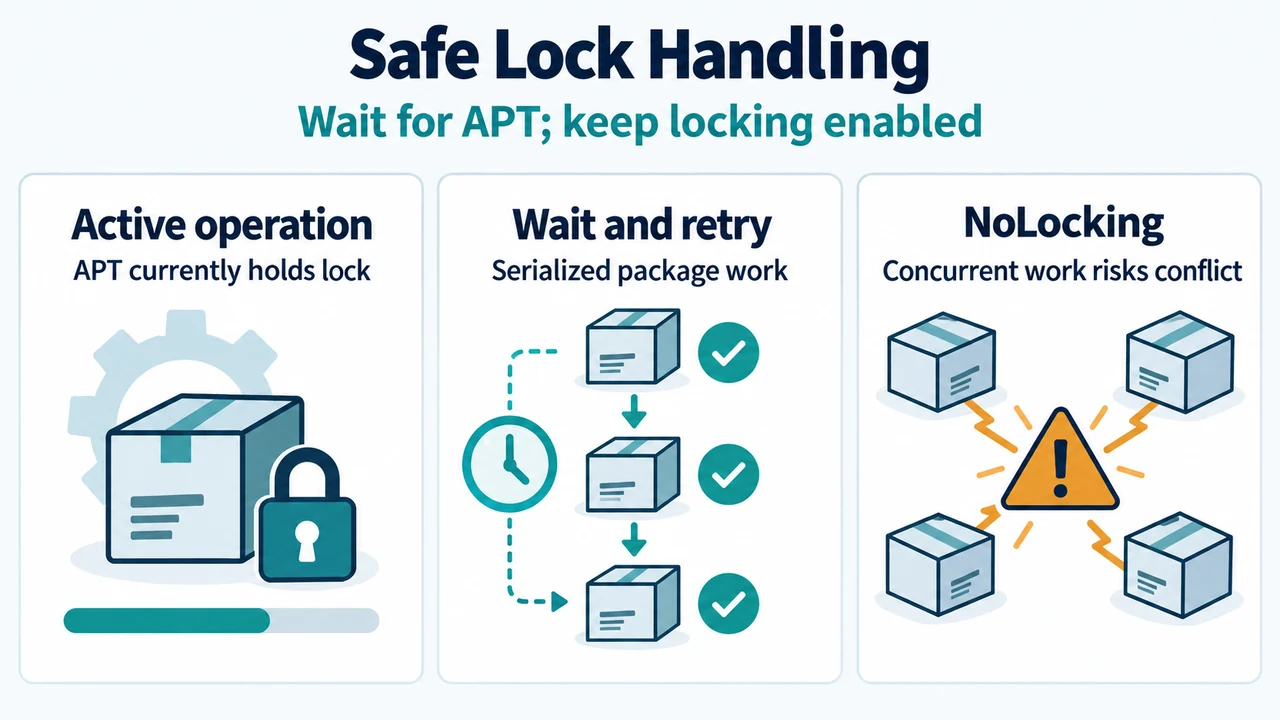
When APT cannot acquire a lock, let the current package operation finish. Then retry the APT operation; APT normally asks dpkg to process pending configurations and…
Canonical lists 6GB of system memory for Ubuntu Desktop 26.04.1 LTS. Here is what that documented requirement tells 4GB-PC owners, how to try Ubuntu from USB…
Ubuntu 26.04 brings GNOME 50, newer desktop applications and TPM-backed full-disk encryption, while 26.04.1 adds documented installation and upgrade fixes. This evidence-based guide explains who should…
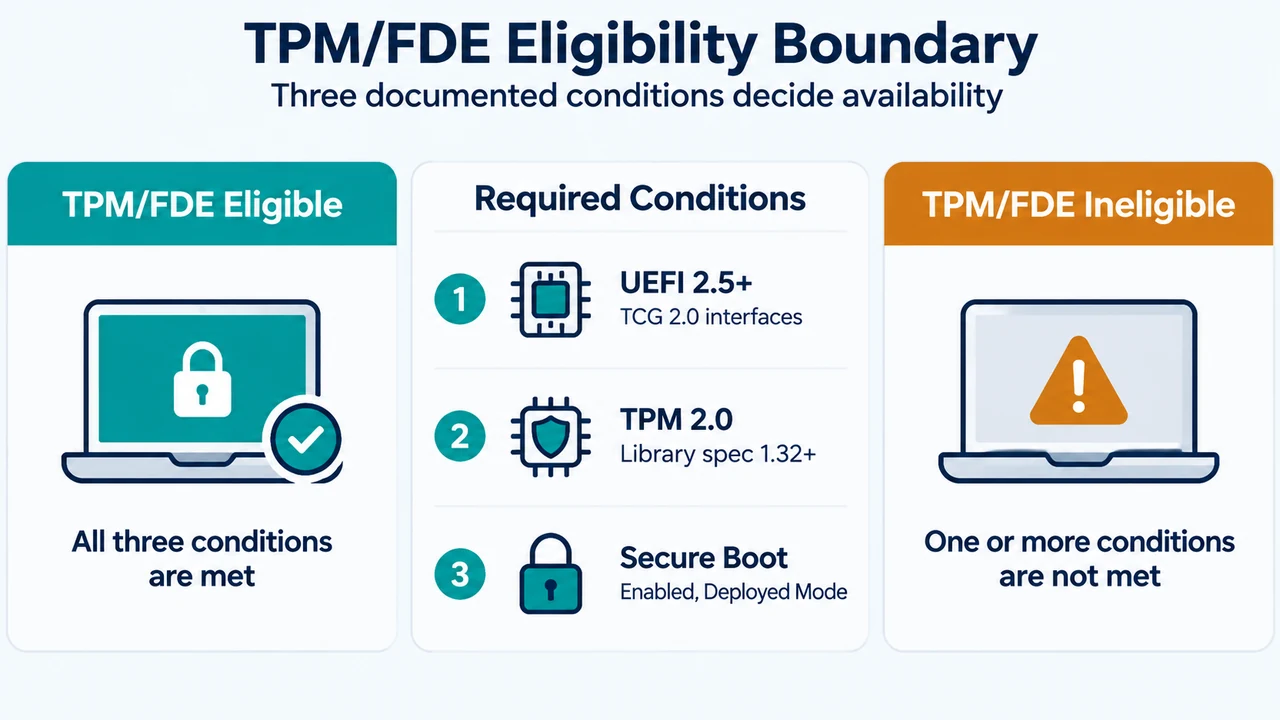
If Ubuntu Desktop 26.04 does not offer hardware-backed full-disk encryption, check the documented UEFI, TPM 2.0 and Secure Boot requirements first. This guide explains automatic unlocking,…
Ubuntu 24.04 LTS users may not be offered Ubuntu 26.04 LTS until the first 26.04 point release. This guide explains the supported LTS path, preparation checks,…