Clear Read-Only Attributes in DiskPart: Disk and Volume Commands
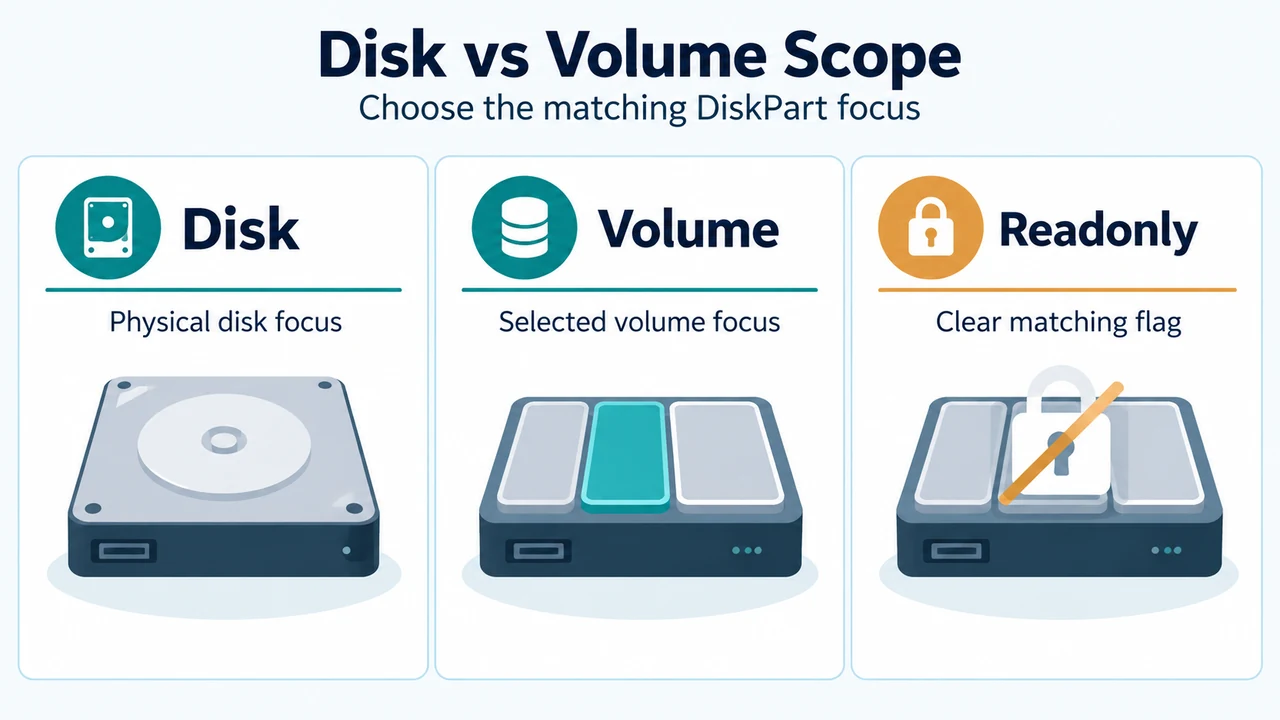
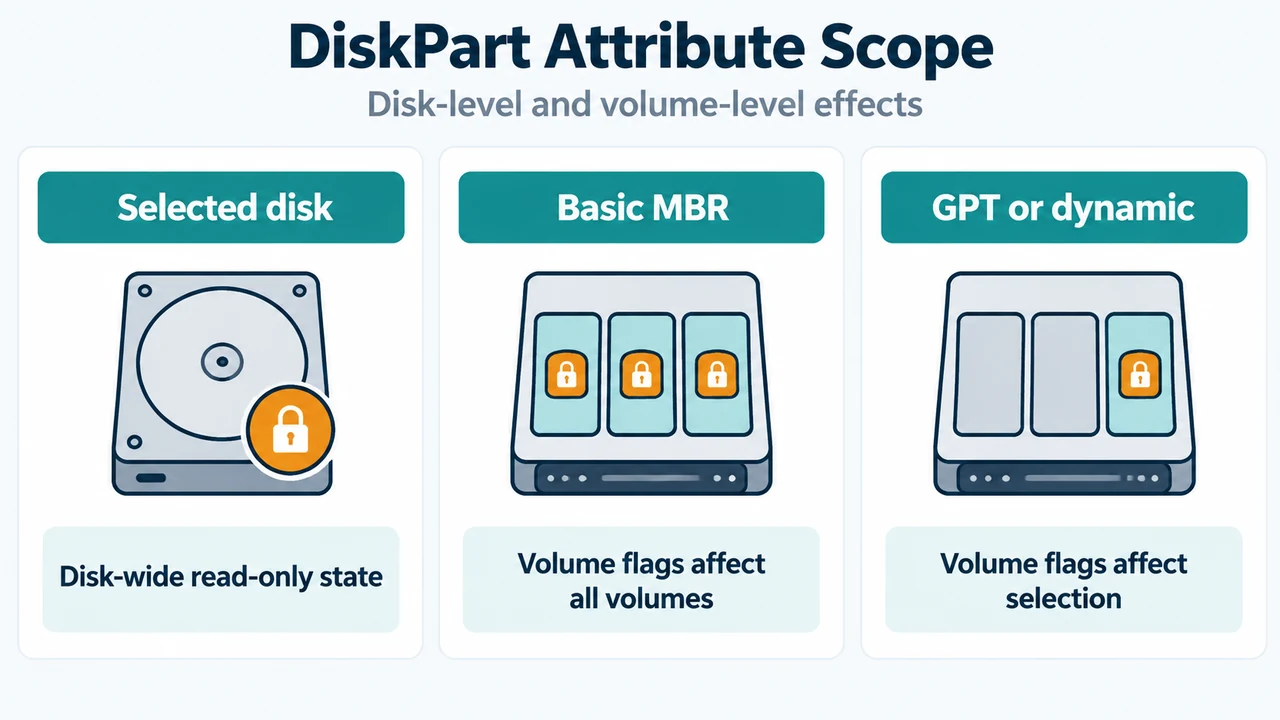
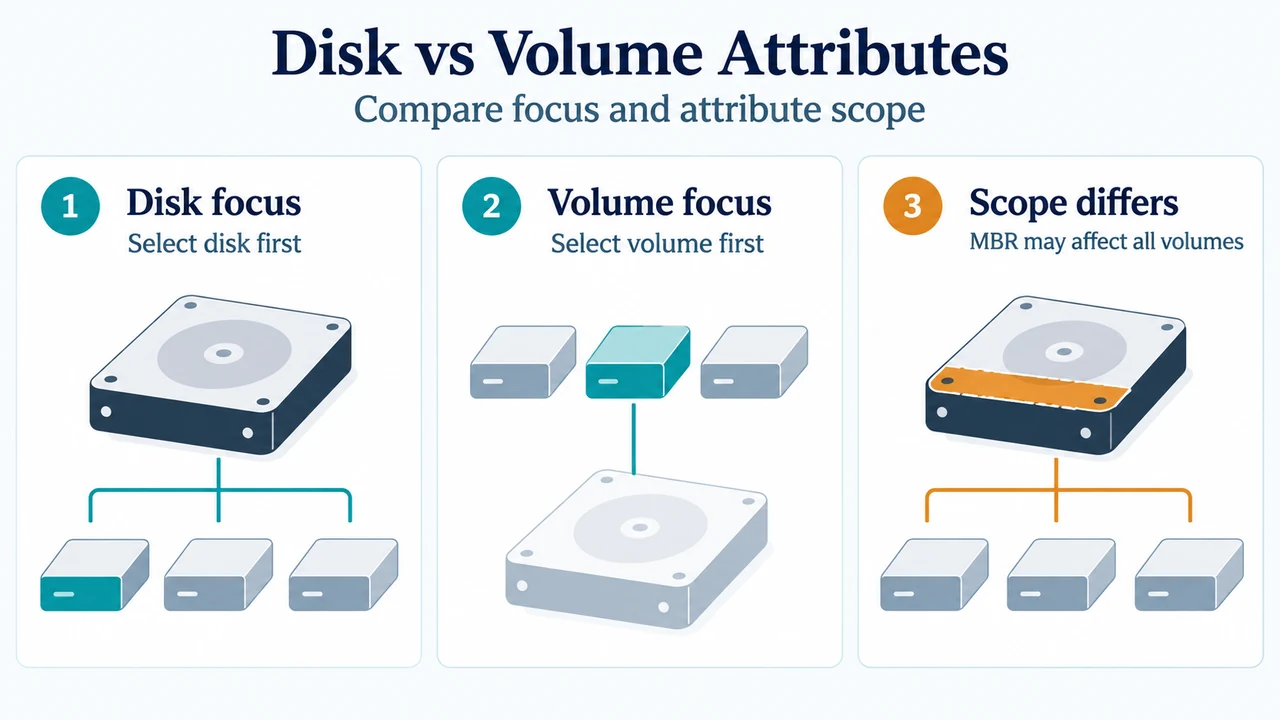
Learn how to inspect and clear DiskPart read-only attributes on focused disks and volumes, and understand scope differences across MBR and GPT disks.
Learn how to inspect and clear DiskPart read-only attributes on focused disks and volumes, and understand scope differences across MBR and GPT disks.
Learn how to inspect and clear disk-level and volume-level read-only attributes using DiskPart in supported Windows and Windows Server versions.
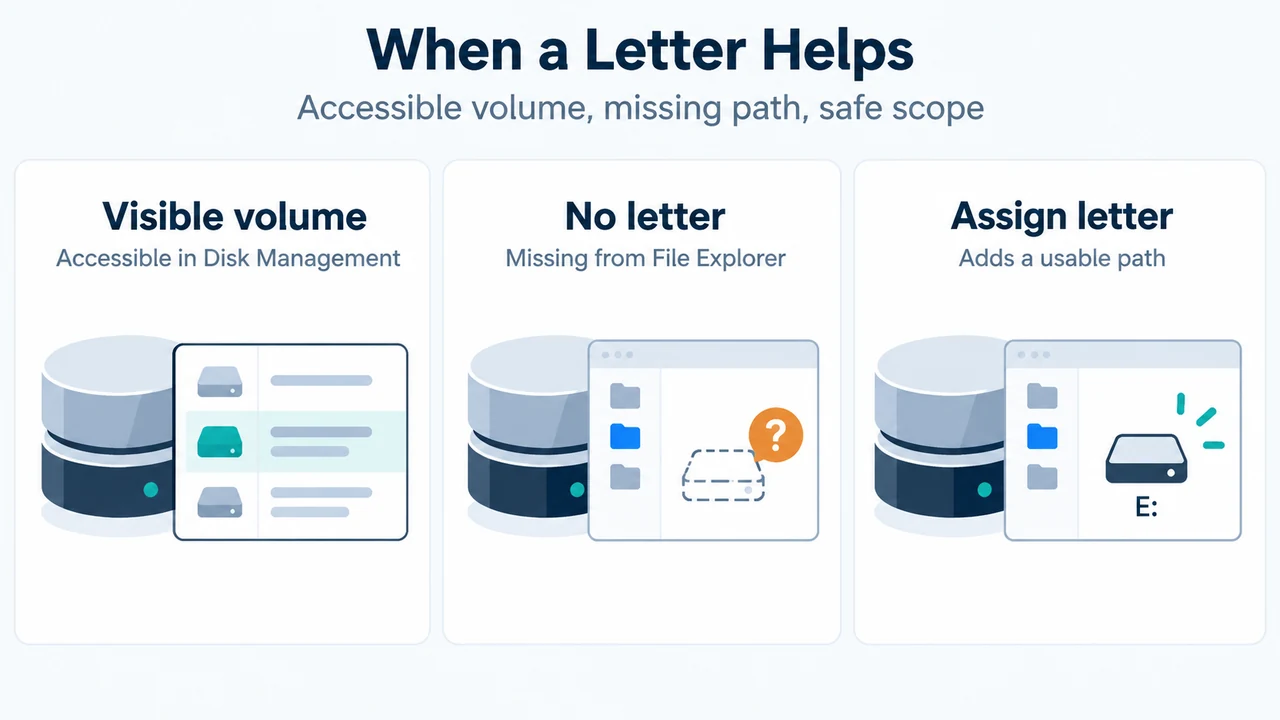
If an accessible USB volume appears in Windows 11 Disk Management but not File Explorer, you may be able to add a drive letter without formatting…
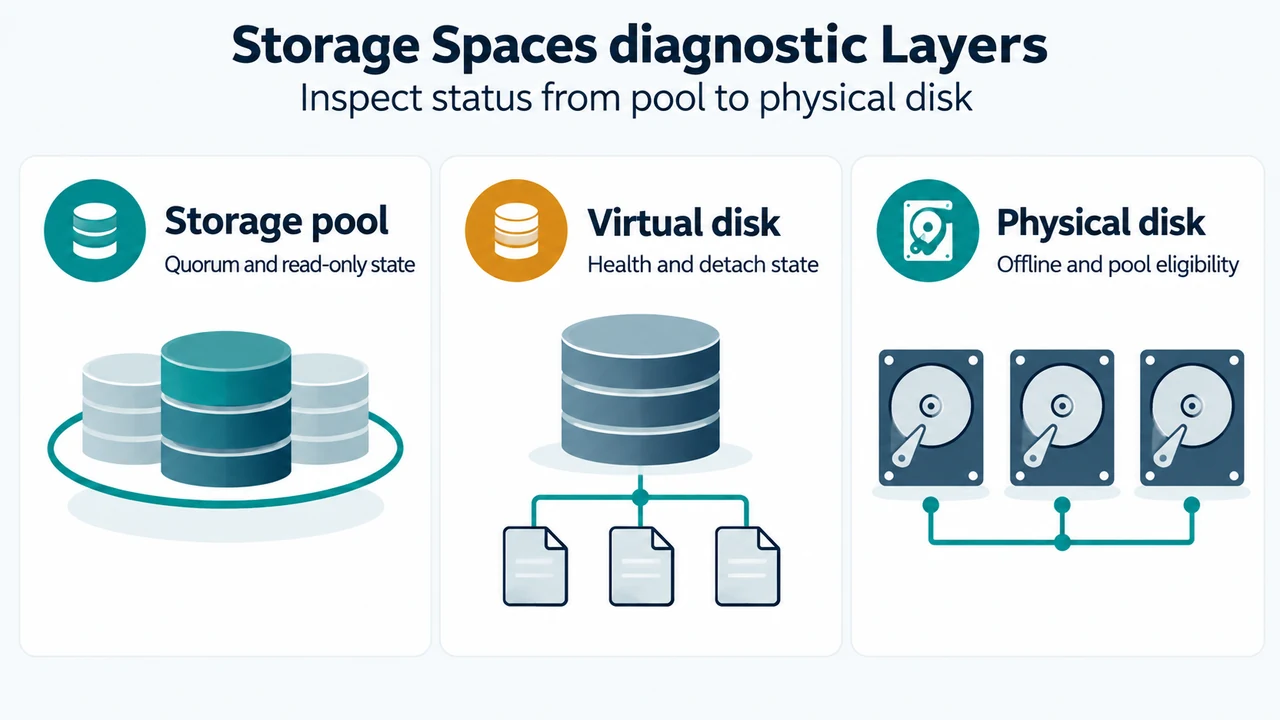
If a Storage Spaces pool becomes read-only or incomplete after drives disconnect, check pool, virtual disk, and physical disk states with PowerShell, reconnect missing drives, and…
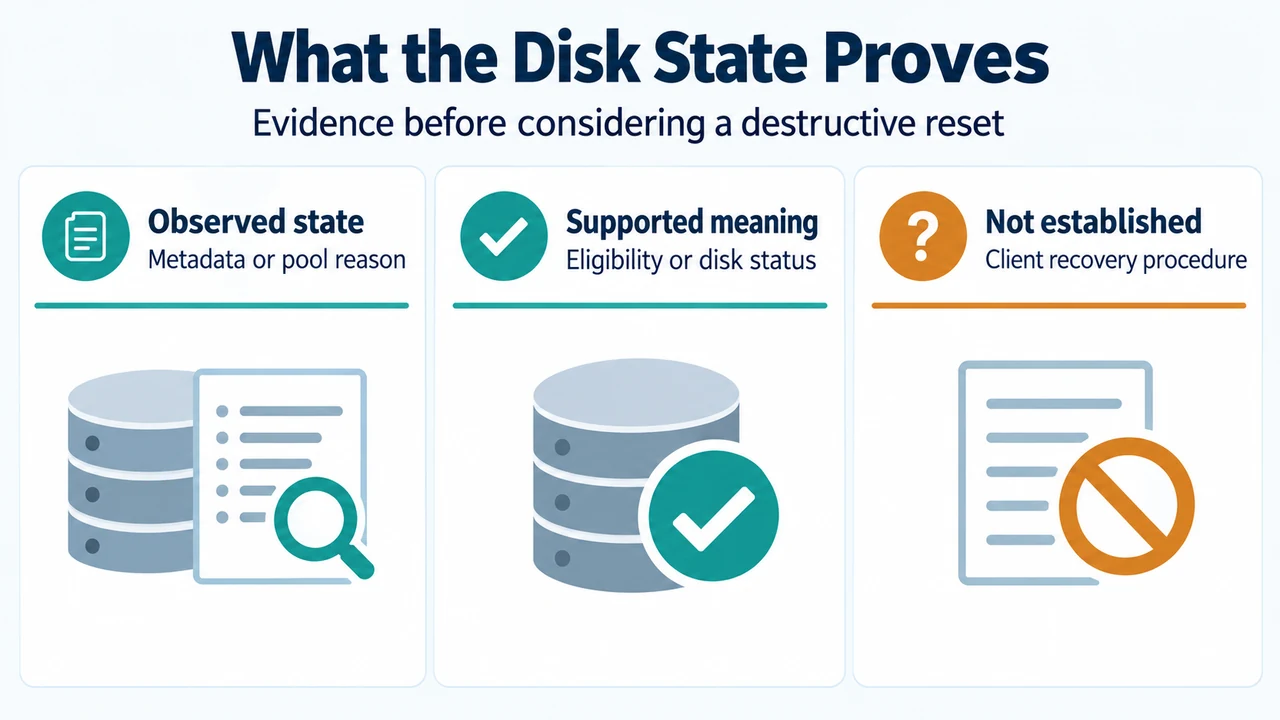
Unrecognized metadata usually means a drive contains metadata from another pool. CannotPoolReason identifies why a physical disk is not eligible for pooling. The supplied reset guidance…
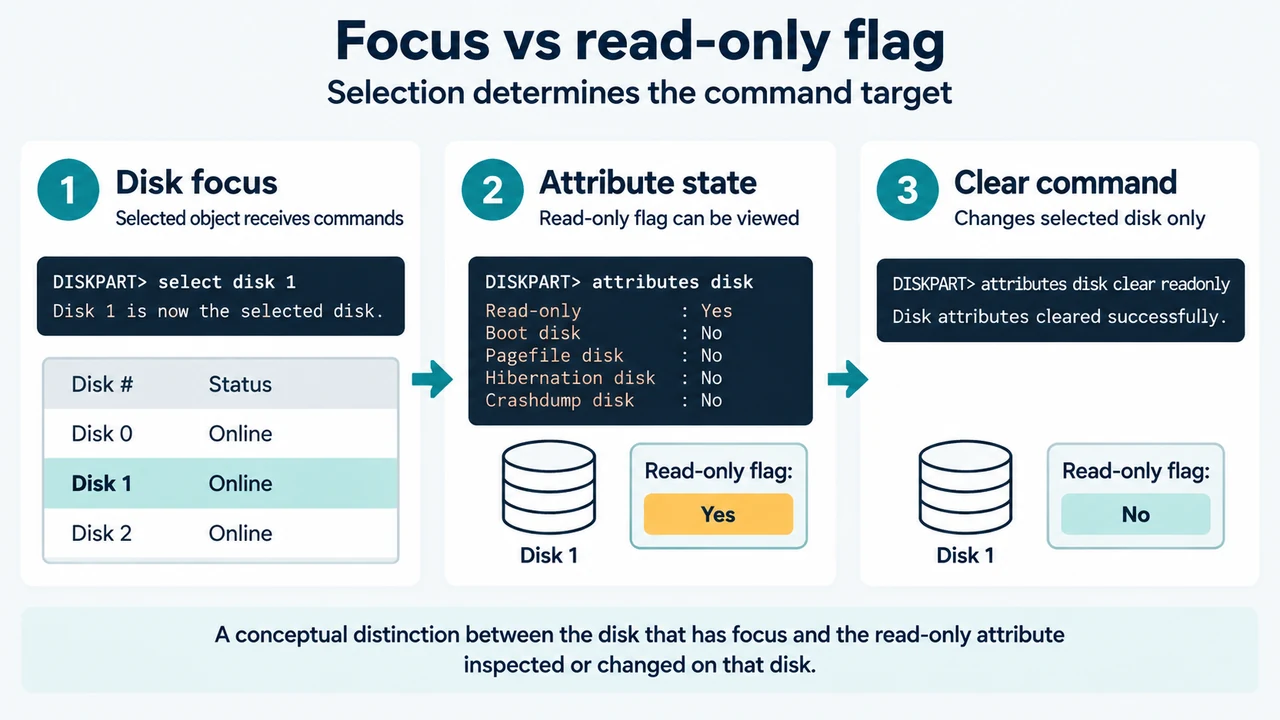
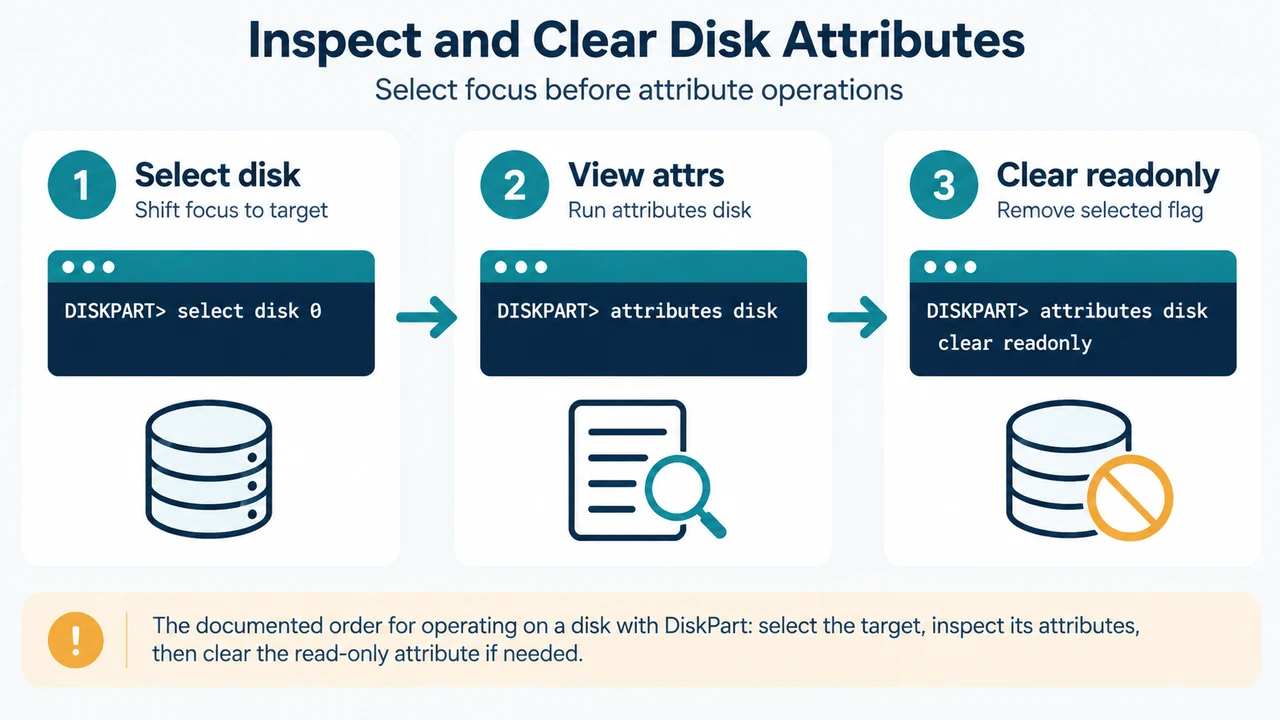
Learn how to inspect and clear software read-only attributes on Windows 10 and 11 using DiskPart's attributes disk command, with step-by-step verification and focus checks.
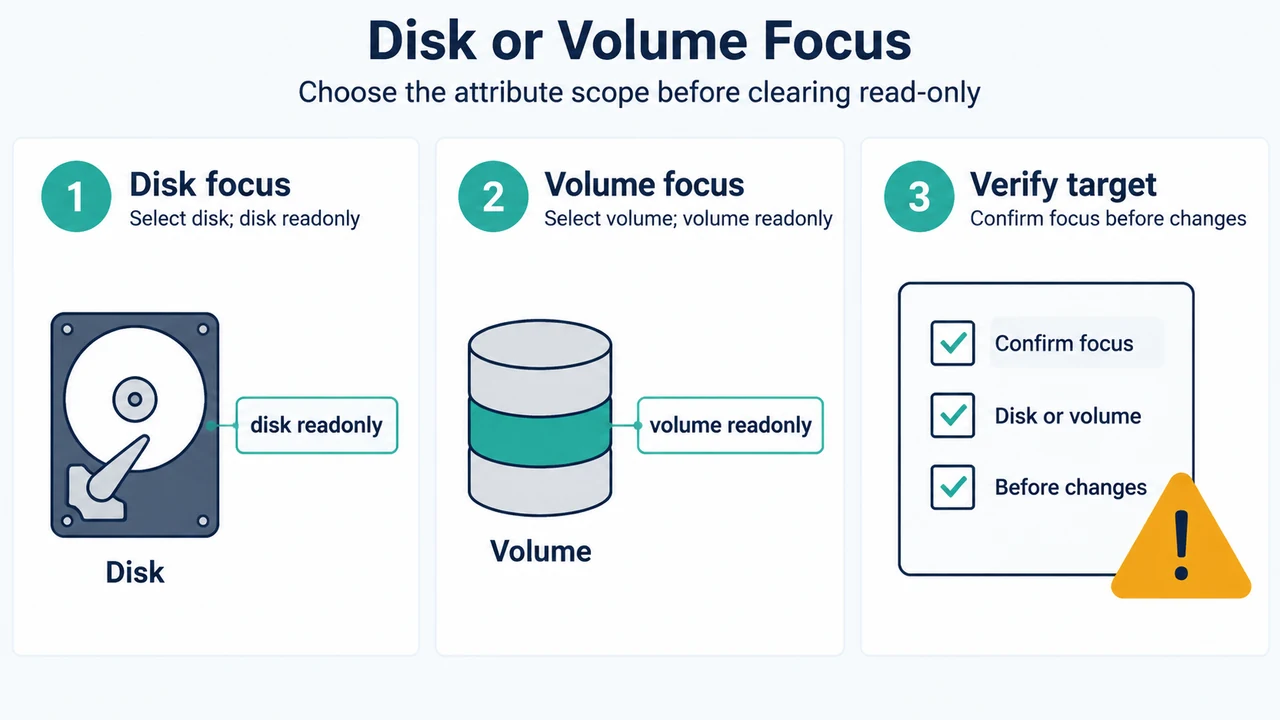
Inspect, set, and clear DiskPart read-only attributes on disks and volumes in Windows 11 using supported command syntax and focus rules.
Learn how to inspect and clear read-only disk and volume attributes using documented DiskPart commands in Windows 11, Windows 10, and Windows Server.
Learn how to inspect and clear disk read-only attributes in Windows and Windows Server using the DiskPart attributes disk command.
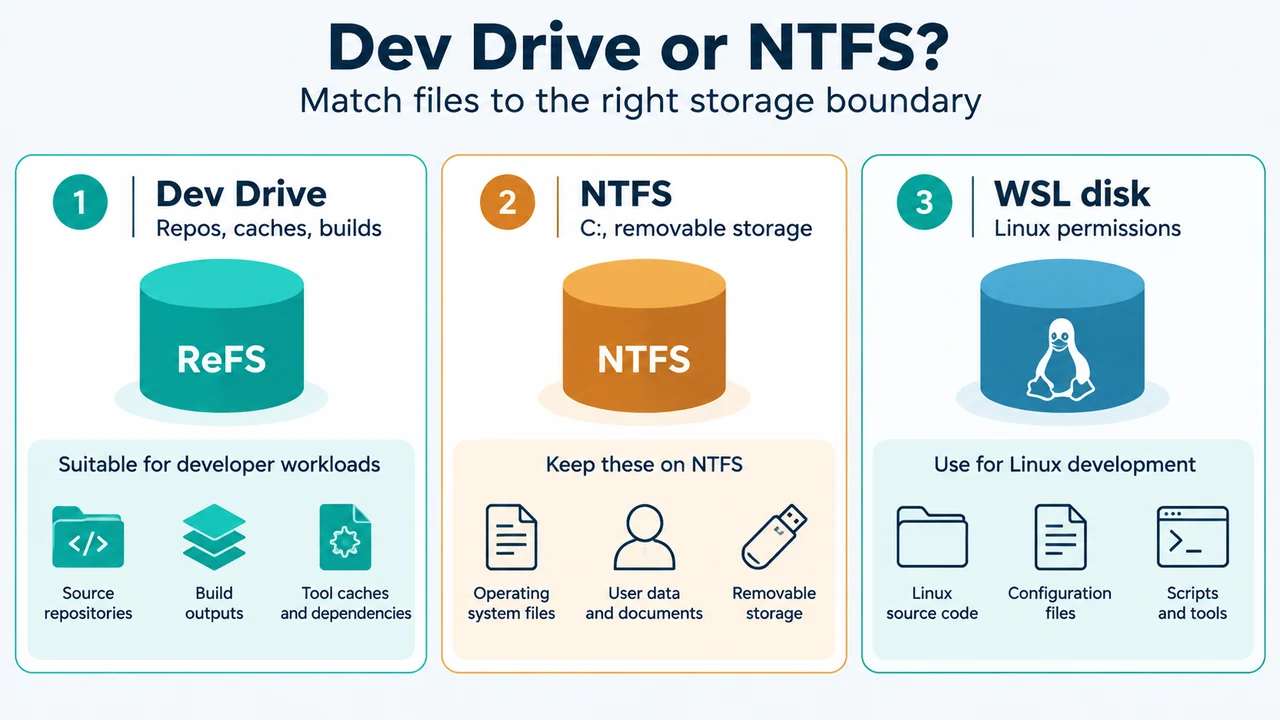
Windows 11 Dev Drive is a ReFS-based volume for selected developer workloads. Microsoft documents Windows 11, memory, capacity, administrator, and fixed-storage requirements. This guide explains suitable…