Configure Camera Privacy Settings and App Permissions in Windows 11 and Windows 10
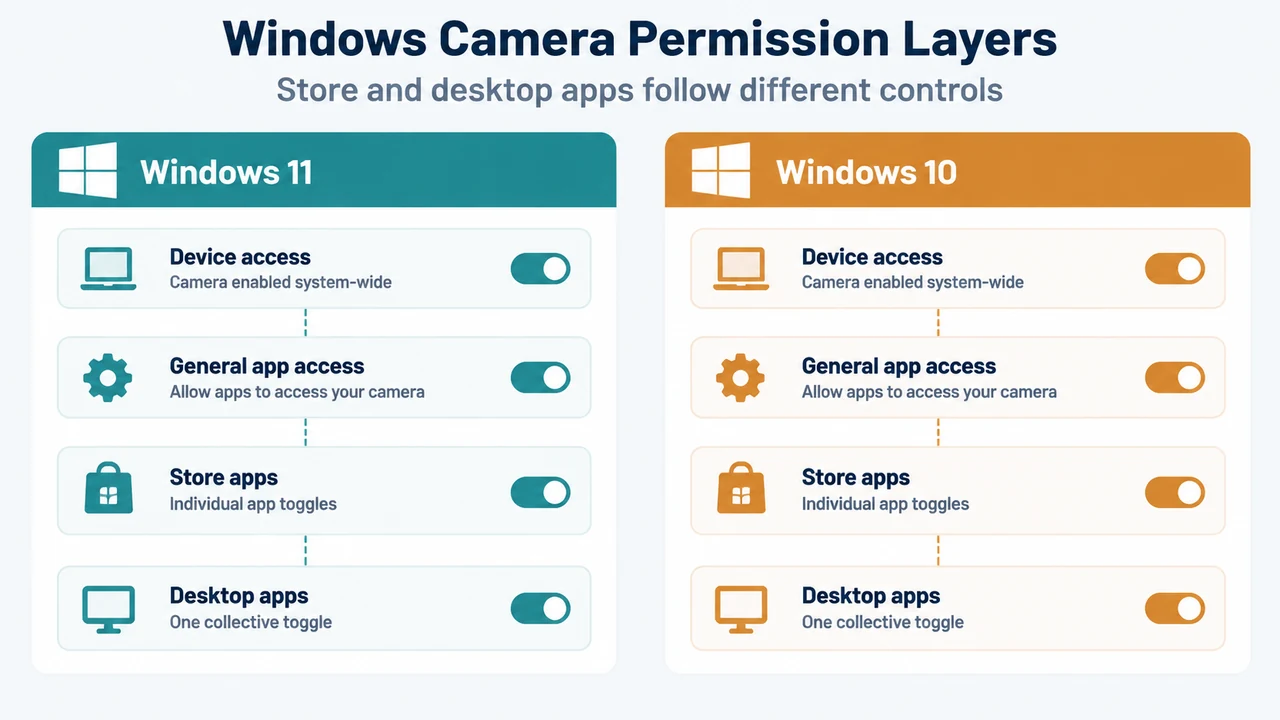
Learn how to configure Windows 11 and Windows 10 camera privacy settings, Microsoft Store toggles, desktop app controls, and Edge site permissions.
Learn how to configure Windows 11 and Windows 10 camera privacy settings, Microsoft Store toggles, desktop app controls, and Edge site permissions.
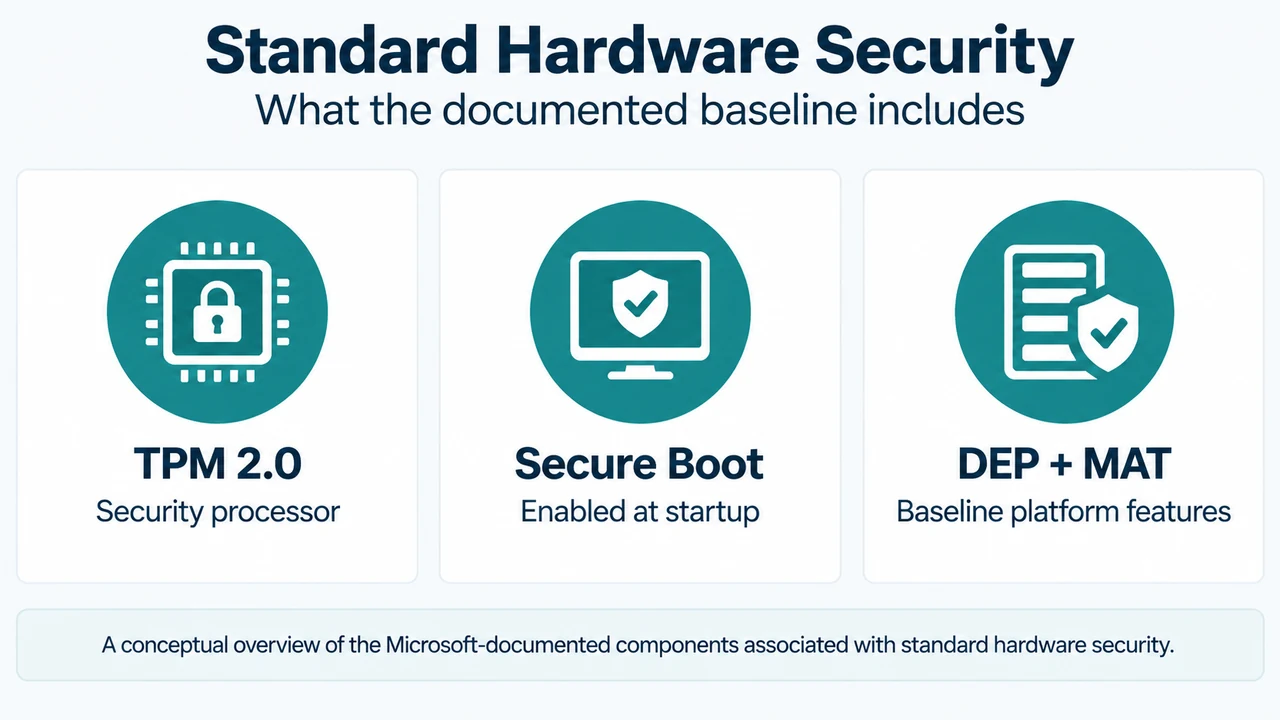
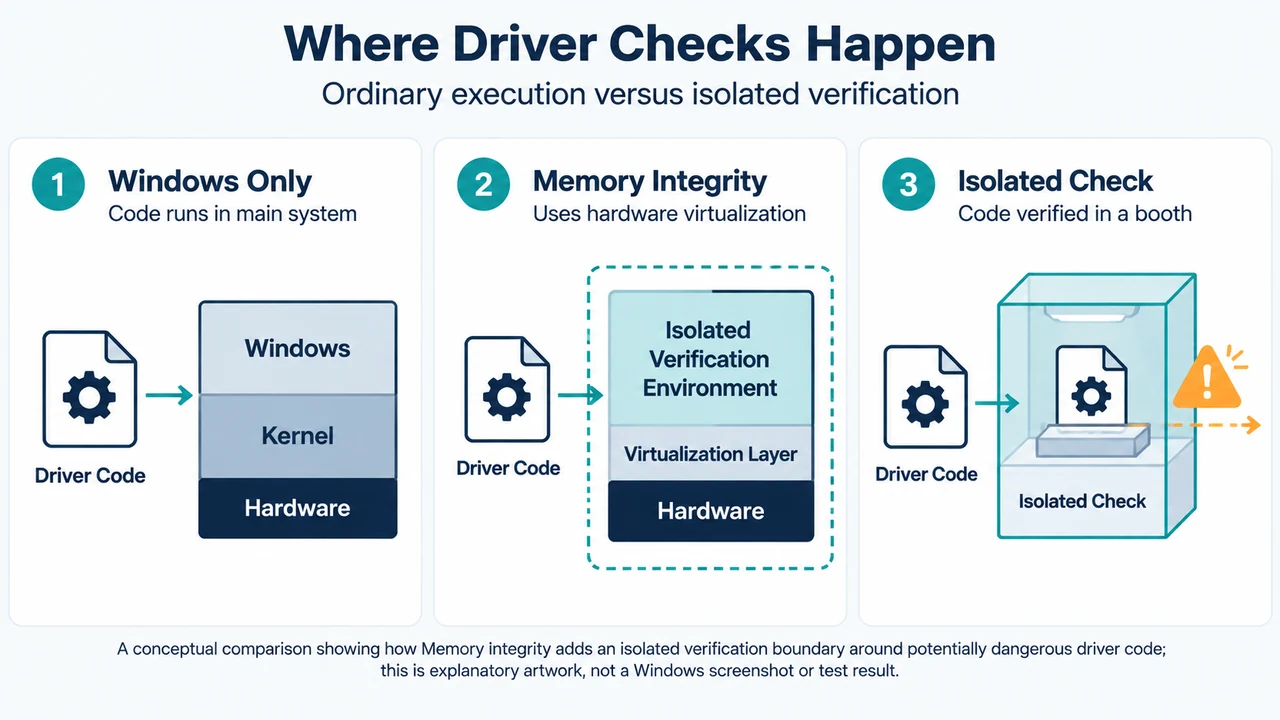
Understand standard hardware security requirements in Windows 10 and Windows 11, including TPM 2.0, Secure Boot, and Memory Integrity virtualization checks.
Learn what causes the Program Compatibility Assistant blocked driver notification in Windows and how to check Windows Update, Device Manager, and hardware manufacturers for updates.
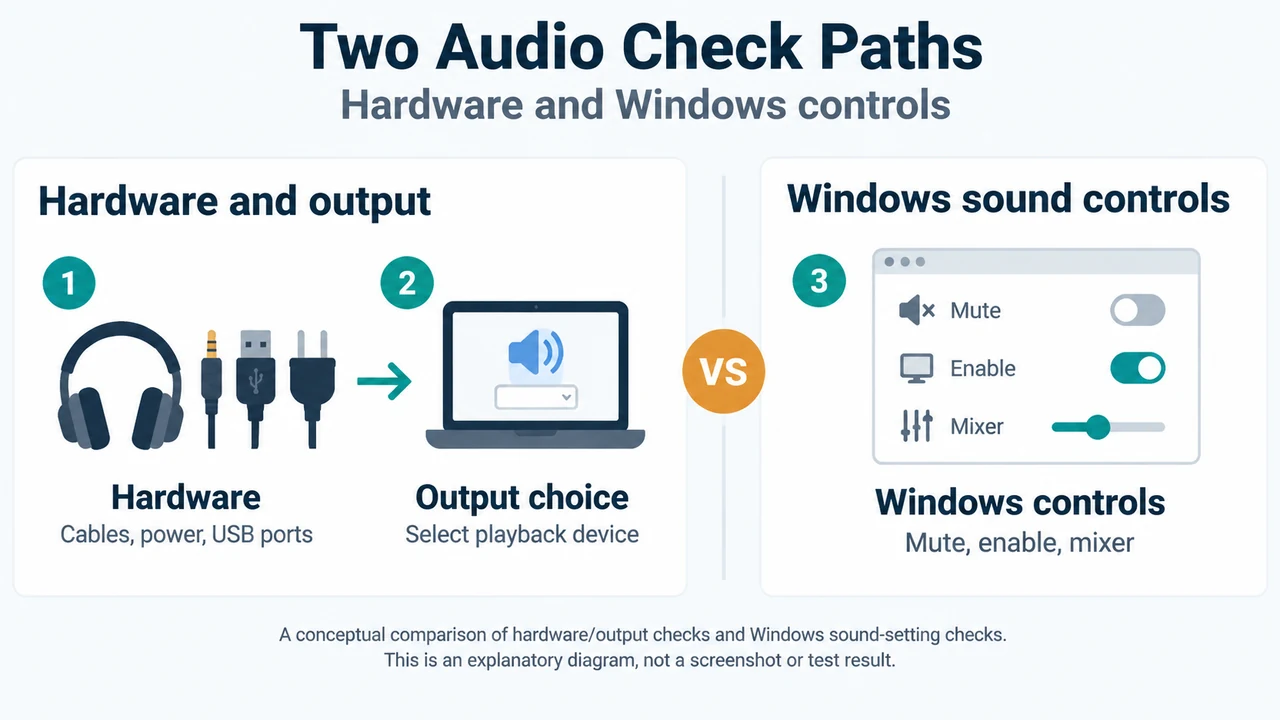
Fix Windows 11 sound and audio issues by checking hardware, adjusting Volume mixer settings, enabling devices in More sound settings, configuring default playback hardware, disabling enhancements,…
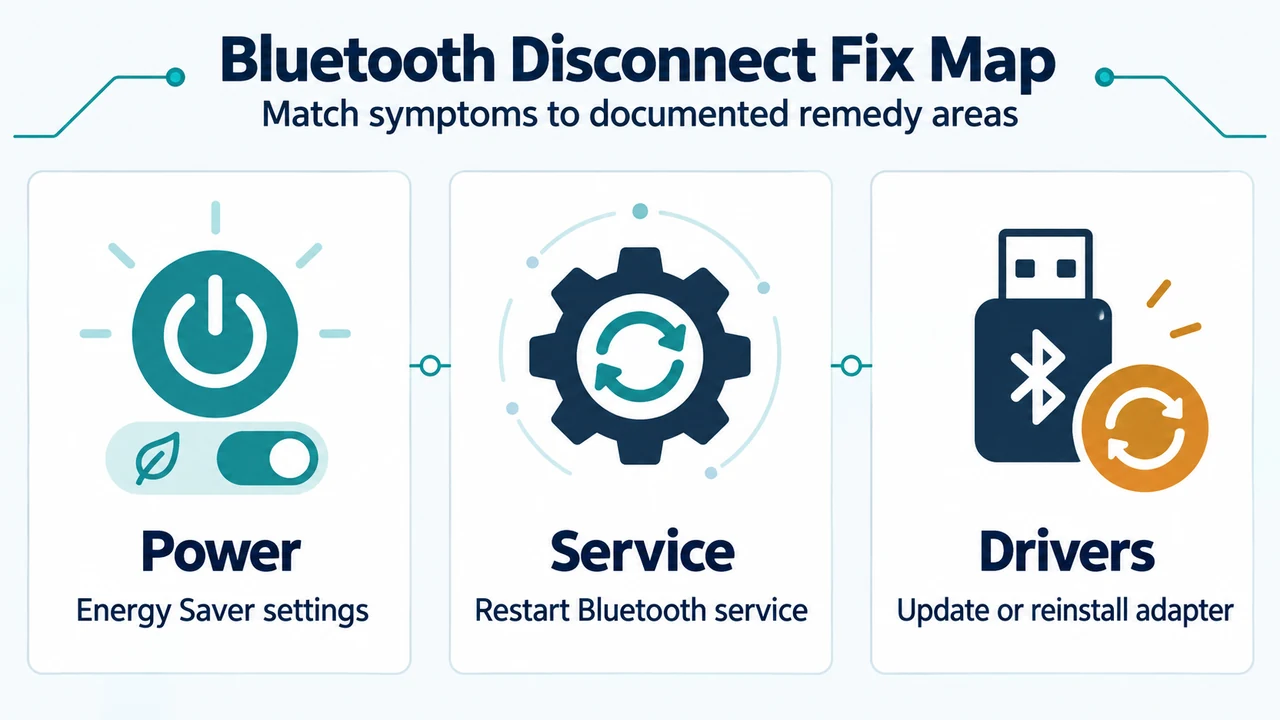
Troubleshoot recurring Bluetooth disconnects in Windows 11 using documented steps for troubleshooter diagnostics, power settings, service restarts, and driver updates.
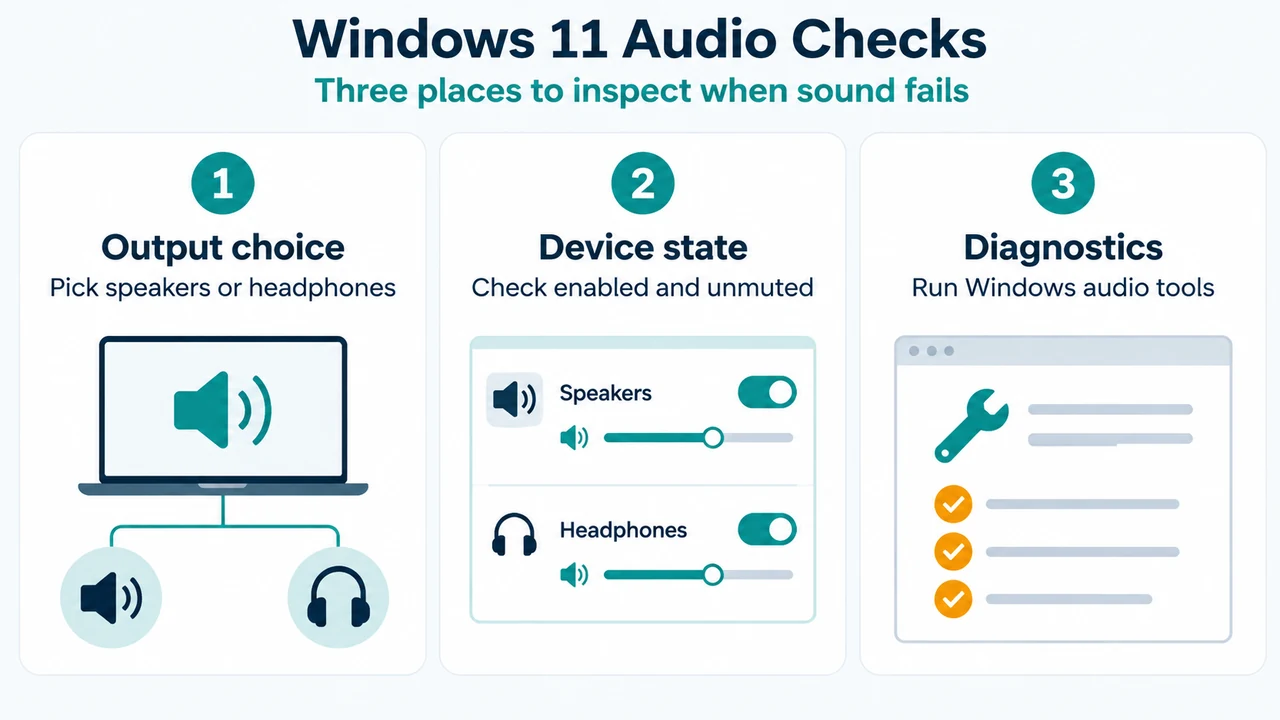
Troubleshoot sound and audio device issues in Windows 11 by checking output device selection, volume and mute controls, device properties, and troubleshooters.
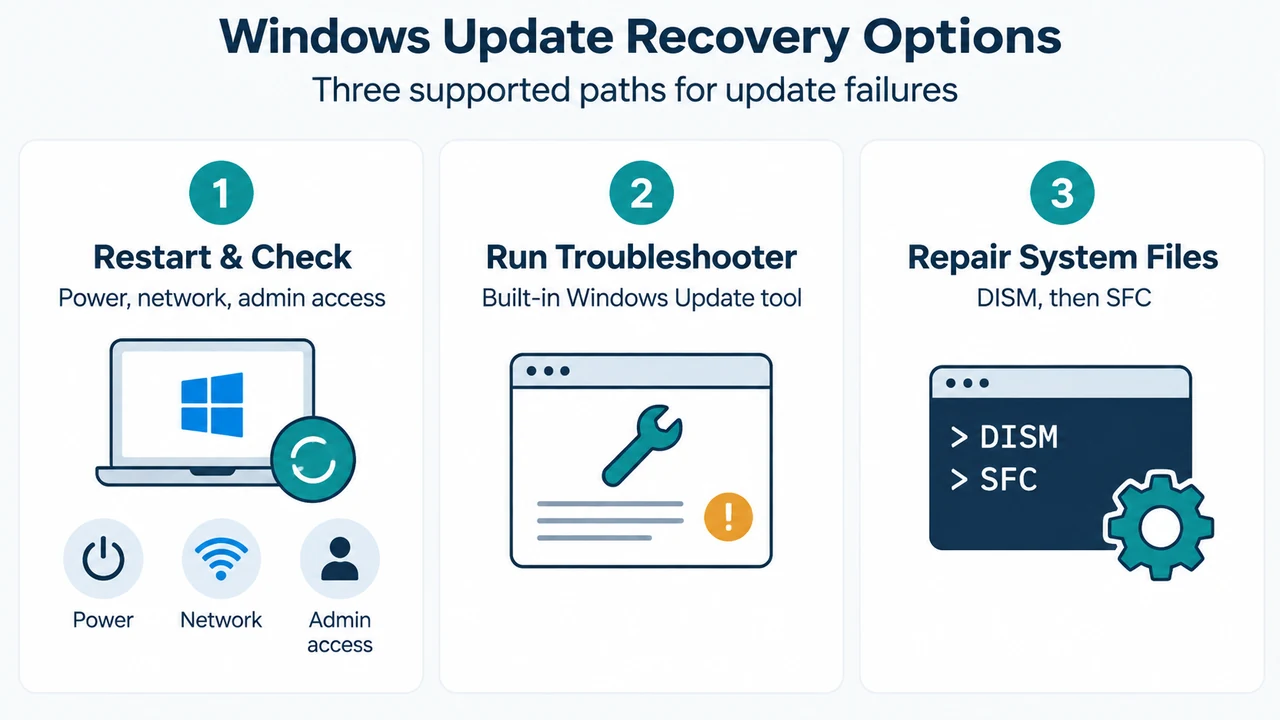
Troubleshoot Windows Update error 0x80070002 on Windows 11 using supported Microsoft documentation procedures, including restarting, running the troubleshooter, and repairing system files with DISM and SFC.
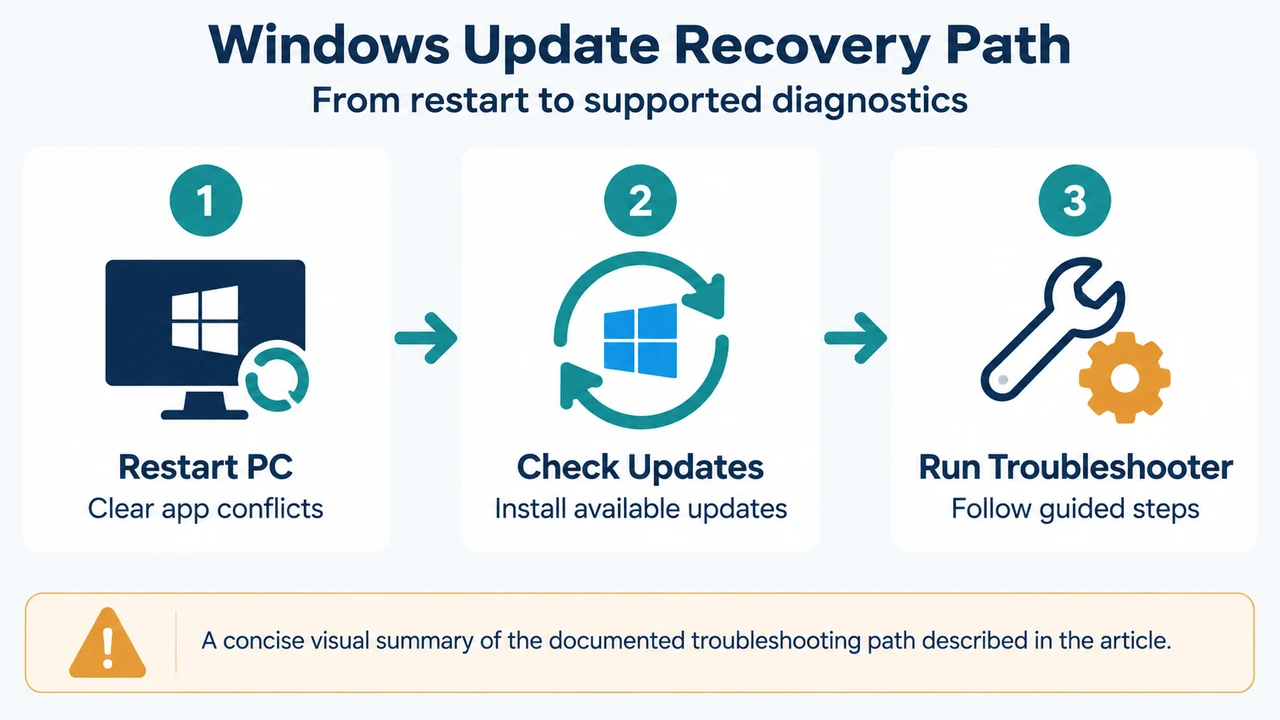
Resolve Windows Update error 0x80070003 on Windows 11 using vendor-documented steps: restart your PC to prevent application conflicts, check for updates, and run the Windows Update…
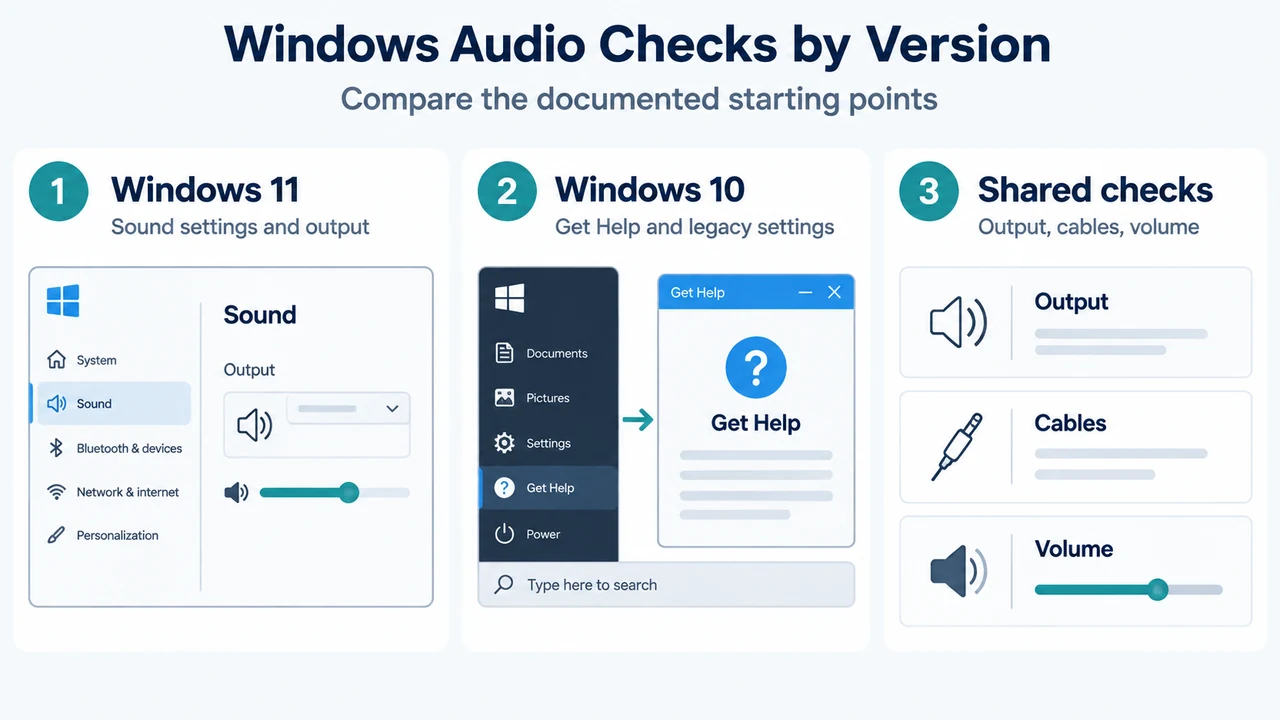
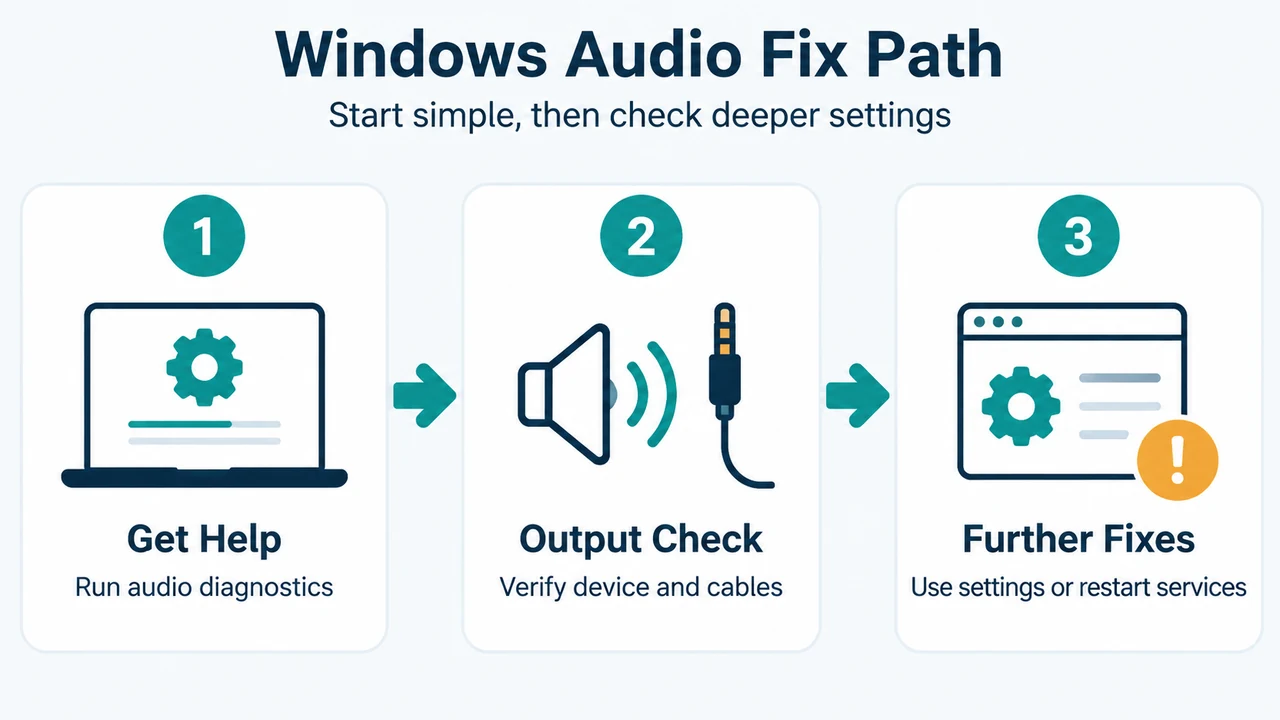
Troubleshoot Windows 11 and Windows 10 audio playback issues using official Microsoft steps, including version-specific sound settings, hardware checks, troubleshooter tools, updates, and Device Manager driver…
Troubleshoot unresponsive audio in Windows 11 by running the Get Help troubleshooter, setting default playback devices in Control Panel, and restarting Windows Audio services.