Understanding Error 0x80248007 (WU_E_DS_NODATA)
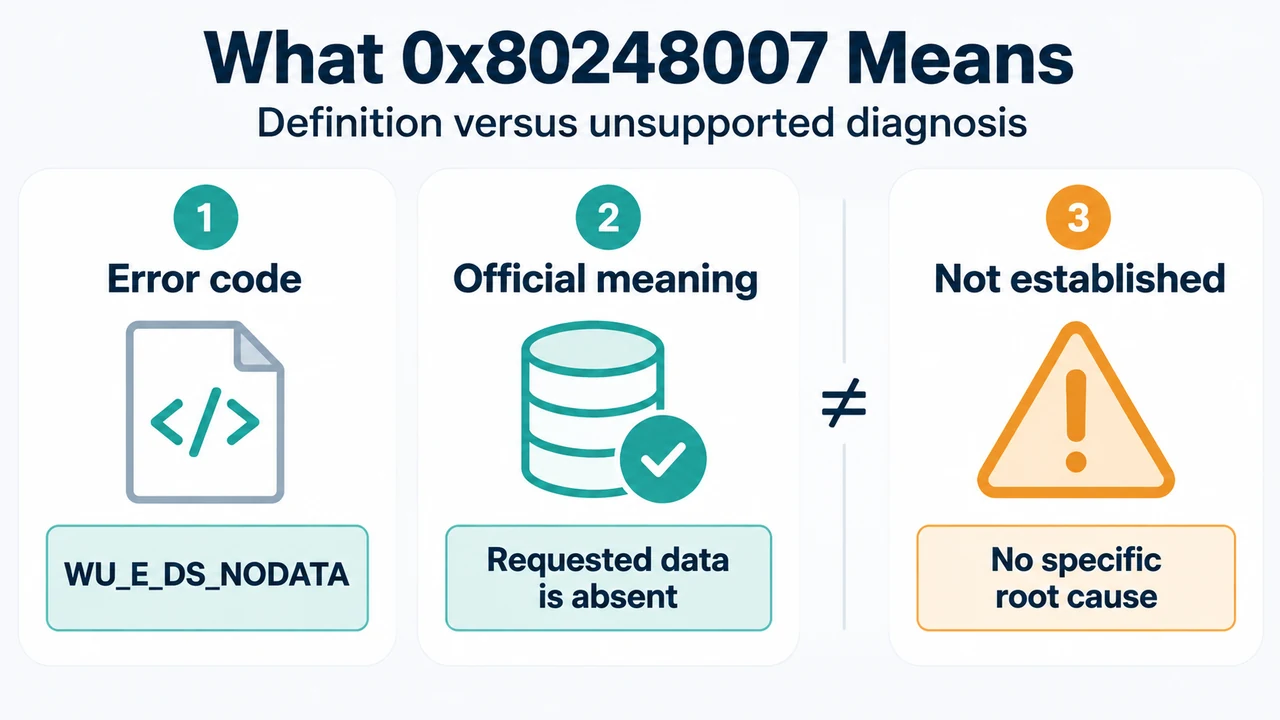
In the official Microsoft Windows Update error reference, error code 0x80248007 corresponds to the symbolic name WU_E_DS_NODATA. It is categorized under Data Store errors with the documented description: “The information requested isn’t in the data store.”
Documented General Troubleshooting in Windows Settings
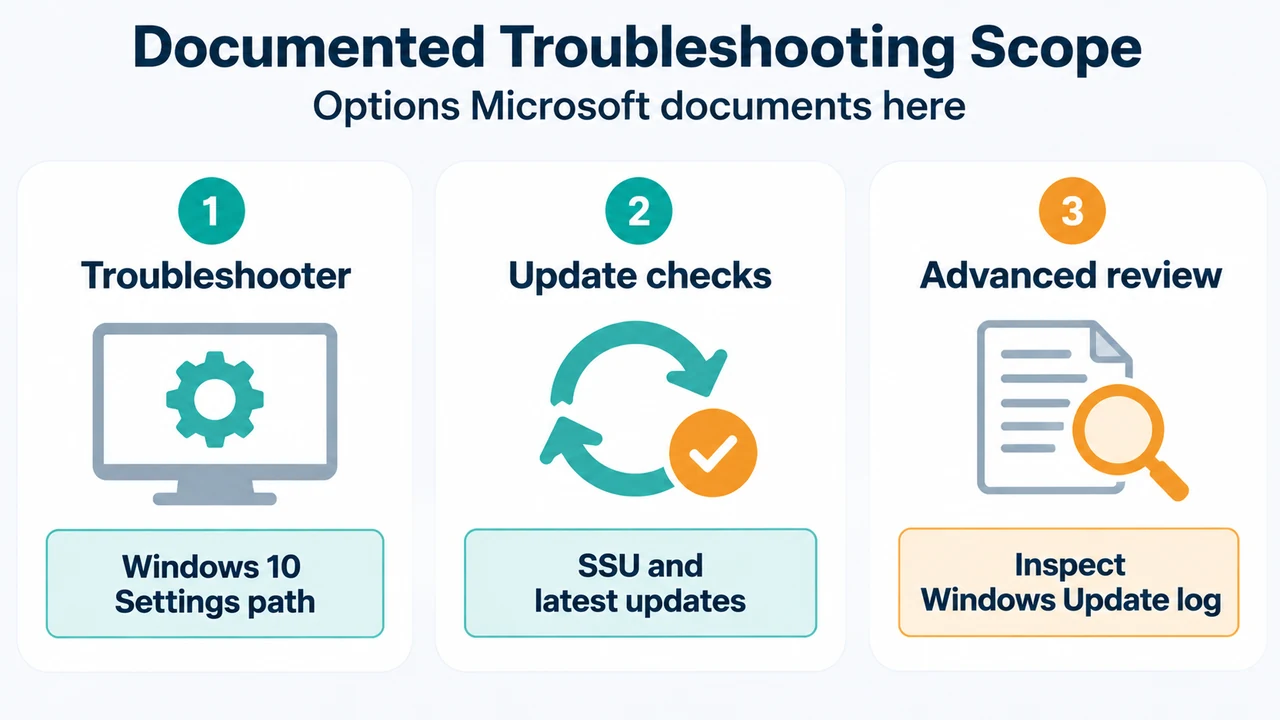
The visible Microsoft documentation for troubleshooting general Windows Update issues includes navigation to the automated troubleshooter under the Settings interface for Windows 10:
- Open Settings.
- Navigate to Update & Security > Troubleshoot > Windows Update.
- Run the troubleshooter.
The documentation also advises installing the most recent Servicing Stack Update (SSU) matching your version of Windows from the Microsoft Update Catalog, and ensuring the latest cumulative or rollup updates are installed. Advanced users can refer to the log generated by Windows Update for further investigation.
Research Method and Limitations
This response was prepared strictly from the visible excerpts of two public Microsoft Learn pages retrieved on 2026-09-18: the Windows Update error reference and Windows Update issues troubleshooting. Competing coverage was not available in the supplied evidence. The supplied excerpts define 0x80248007 only as a data store error meaning requested information is missing from the data store; they do not provide a specific root-cause analysis, internal database schema details, or a dedicated, verified remediation workflow specifically tailored to WU_E_DS_NODATA beyond general update troubleshooting steps. Passages in the source documentation are truncated, and unseen text was not treated as support.
Text version of the diagrams
- What 0x80248007 Means: Error code — WU_E_DS_NODATA; Official meaning — Requested data is absent; Not established — No specific root cause
- Documented Troubleshooting Scope: Troubleshooter — Windows 10 Settings path; Update checks — SSU and latest updates; Advanced review — Inspect Windows Update log