 troubleshooting
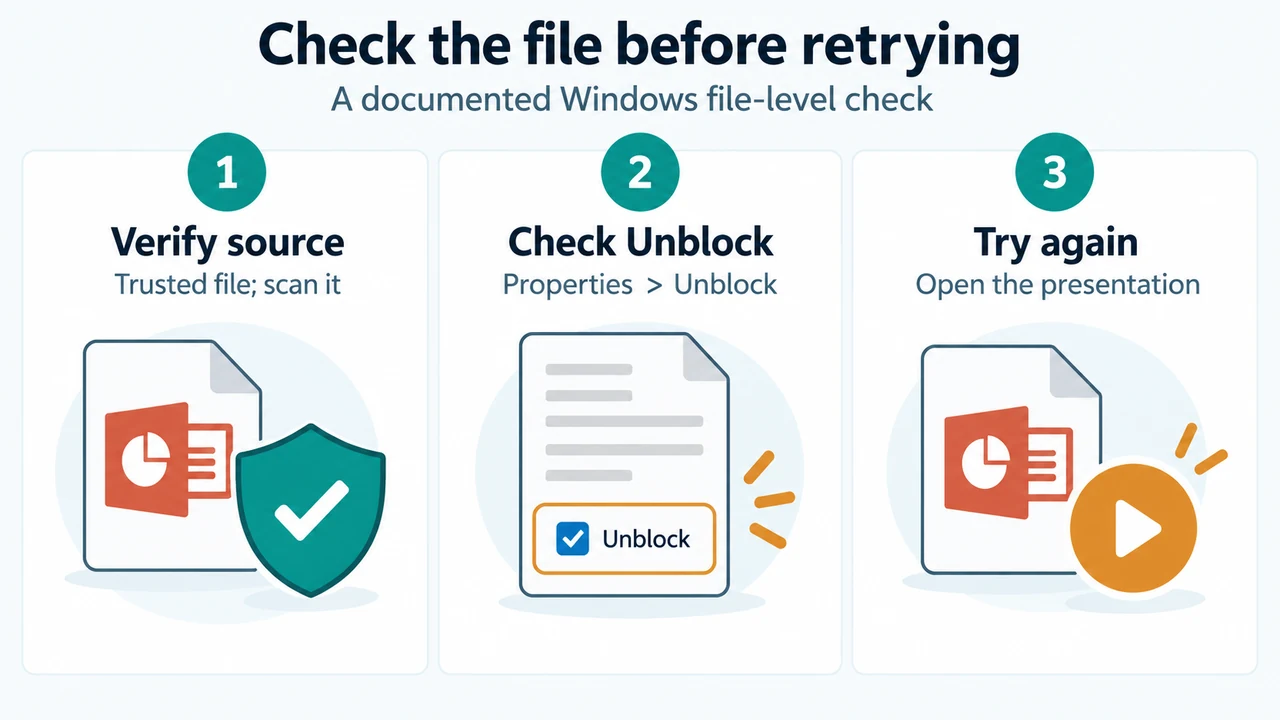
If PowerPoint for Microsoft 365 or supported perpetual versions cannot open a downloaded or emailed presentation, verify the source, scan the file, and check Windows File…
September 29, 2026
 troubleshooting
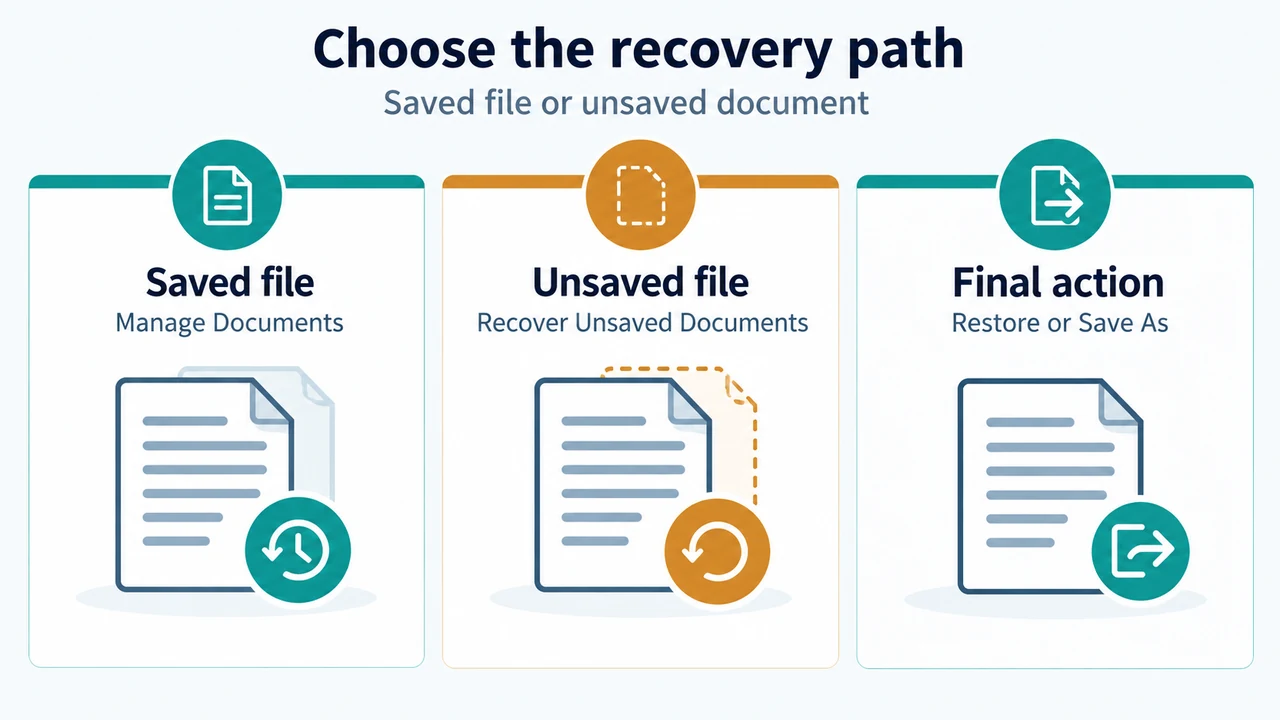
Learn how to recover, restore, or compare earlier versions of a file in Word for Microsoft 365, Word 2024, Word 2021, Word 2019, and Word 2016.
September 29, 2026
 troubleshooting
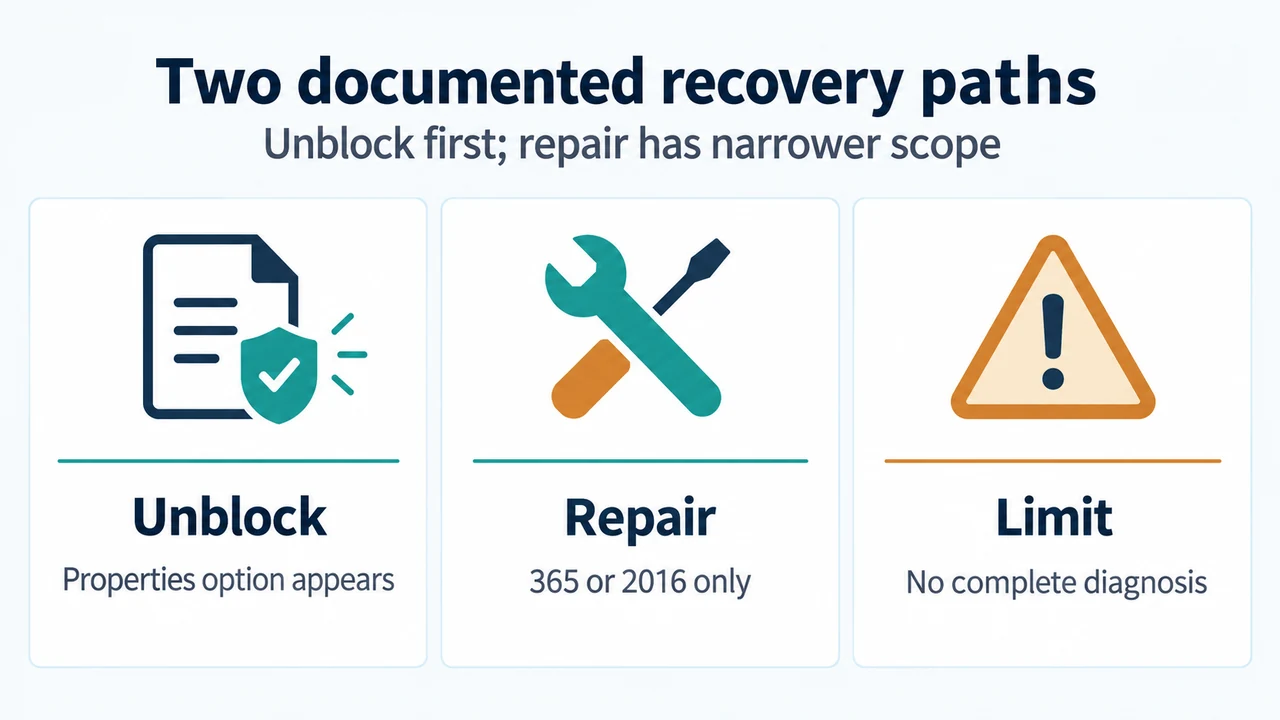
Microsoft says PowerPoint for Microsoft 365, 2024, 2021, 2019 and 2016 may show this message when Microsoft 365 has blocked a file for security reasons. This…
September 29, 2026
 how to
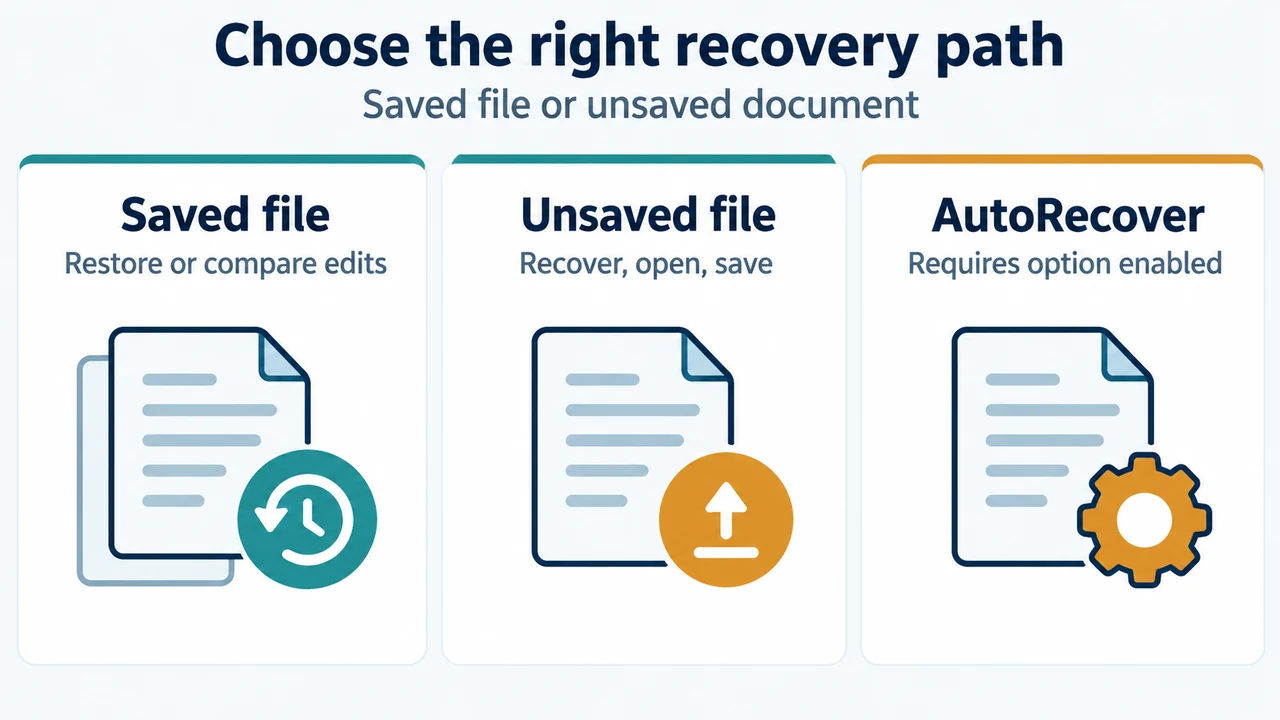
Recover AutoRecover edits labeled (when I closed without saving) or recover an unsaved document using Manage Document options in Microsoft Word.
September 28, 2026
 troubleshooting
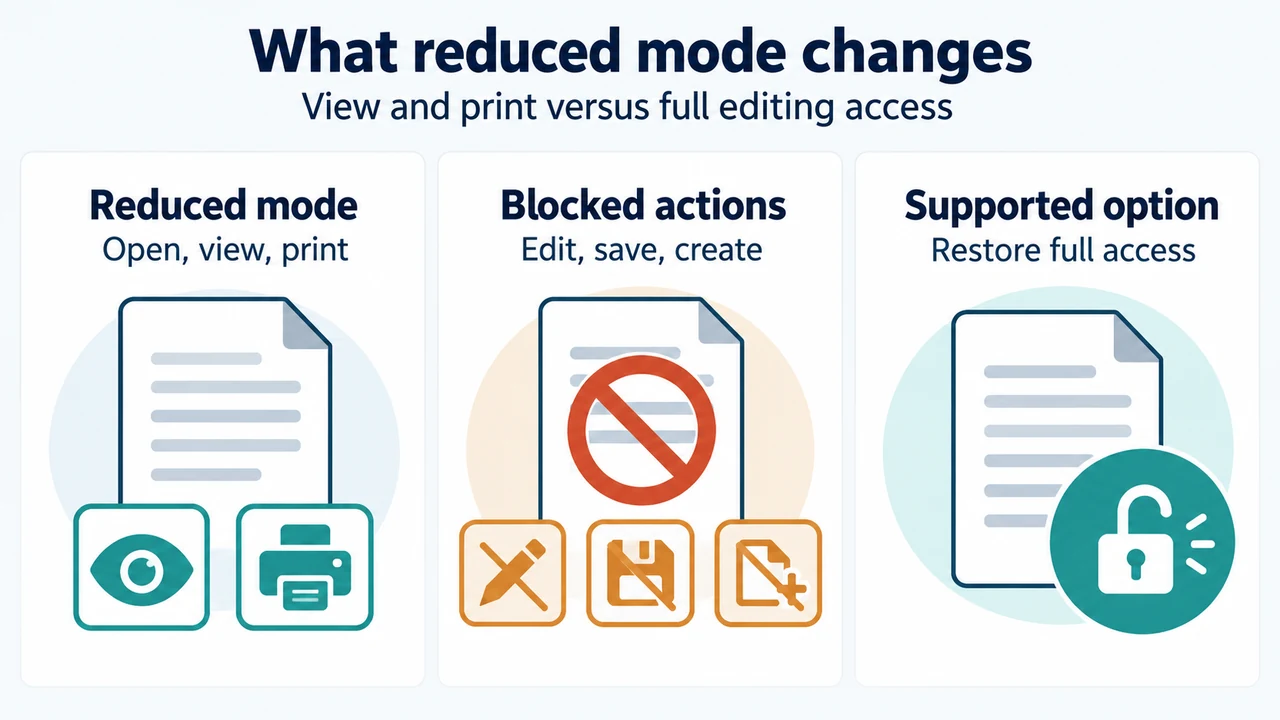
Office 2019 for Mac can still open, view, and print files but cannot edit, save, or create them after July 13, 2026. Confirm the version and…
September 28, 2026
 troubleshooting
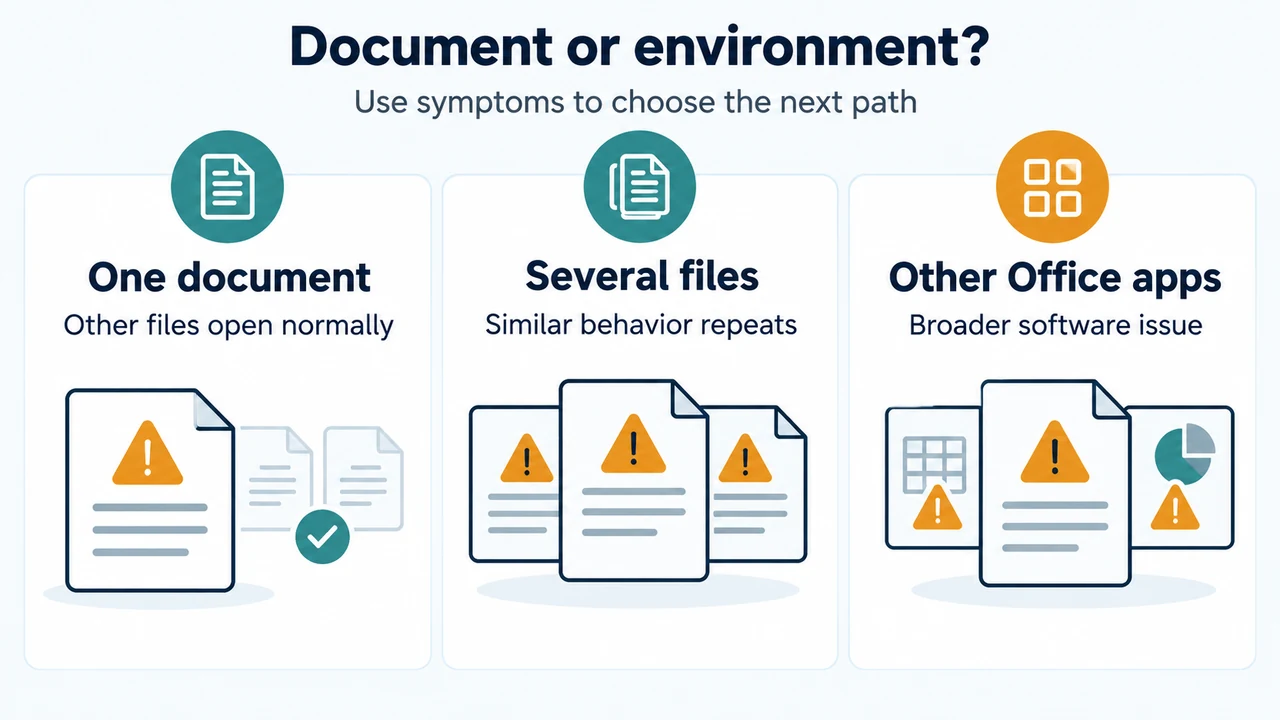
Troubleshoot damaged Word documents using Microsoft's documented procedures: isolate software versus document issues, test templates or start Word with the /a switch, and recover text using…
September 28, 2026
 troubleshooting
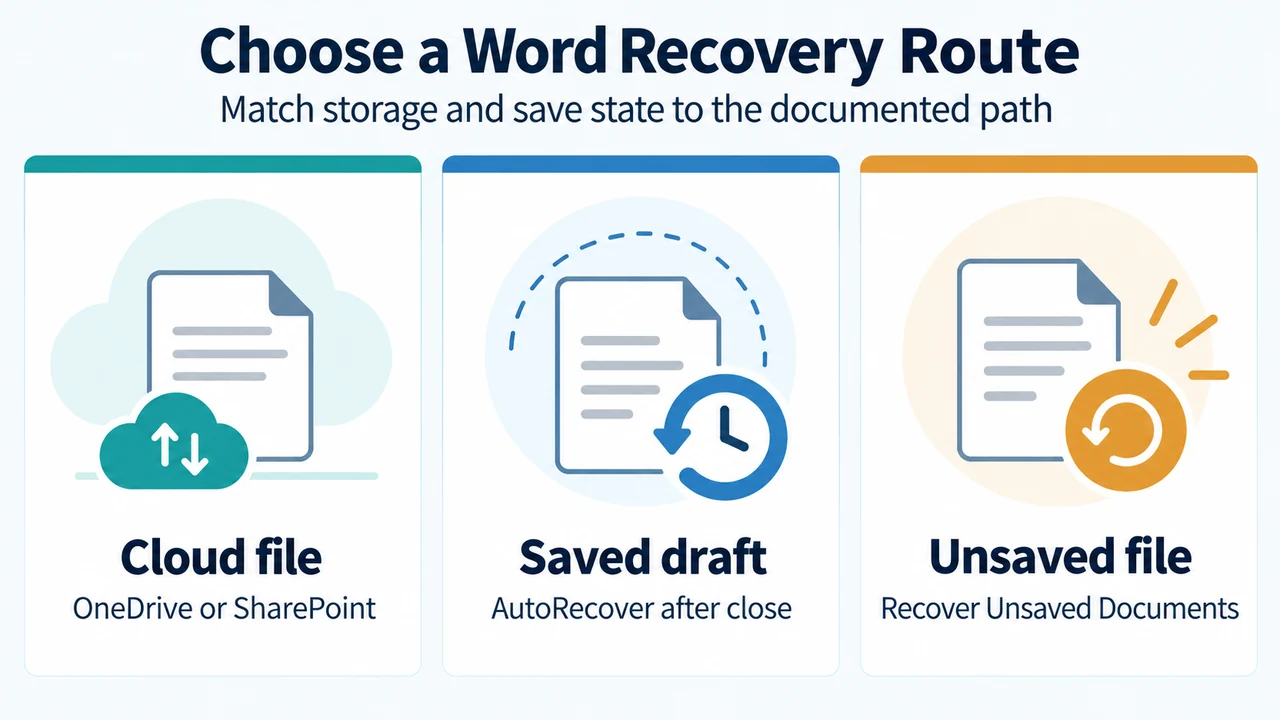
Learn how to recover an earlier version of a Word document using OneDrive or SharePoint Version History, or via AutoRecover under File Info Manage Document.
September 28, 2026
 troubleshooting
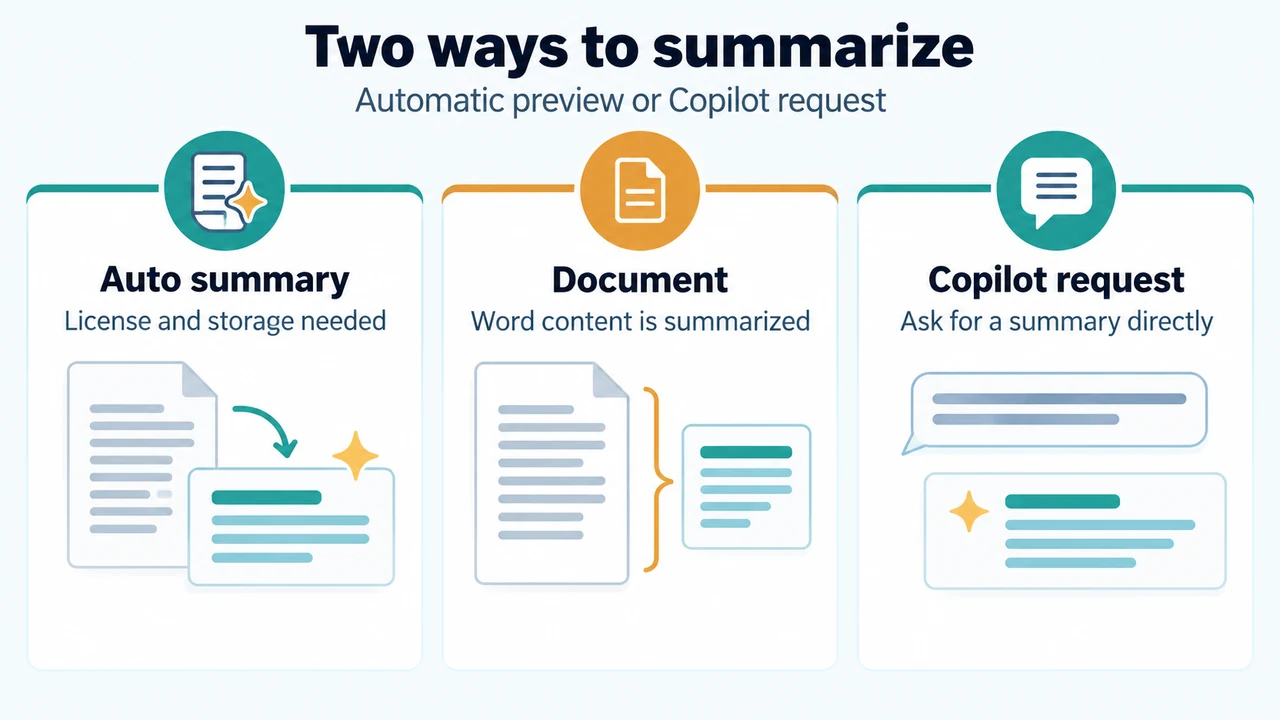
If the automatic summary is missing in Word for Microsoft 365, open Copilot from the document and ask it to summarize the document. Microsoft documents license,…
September 28, 2026
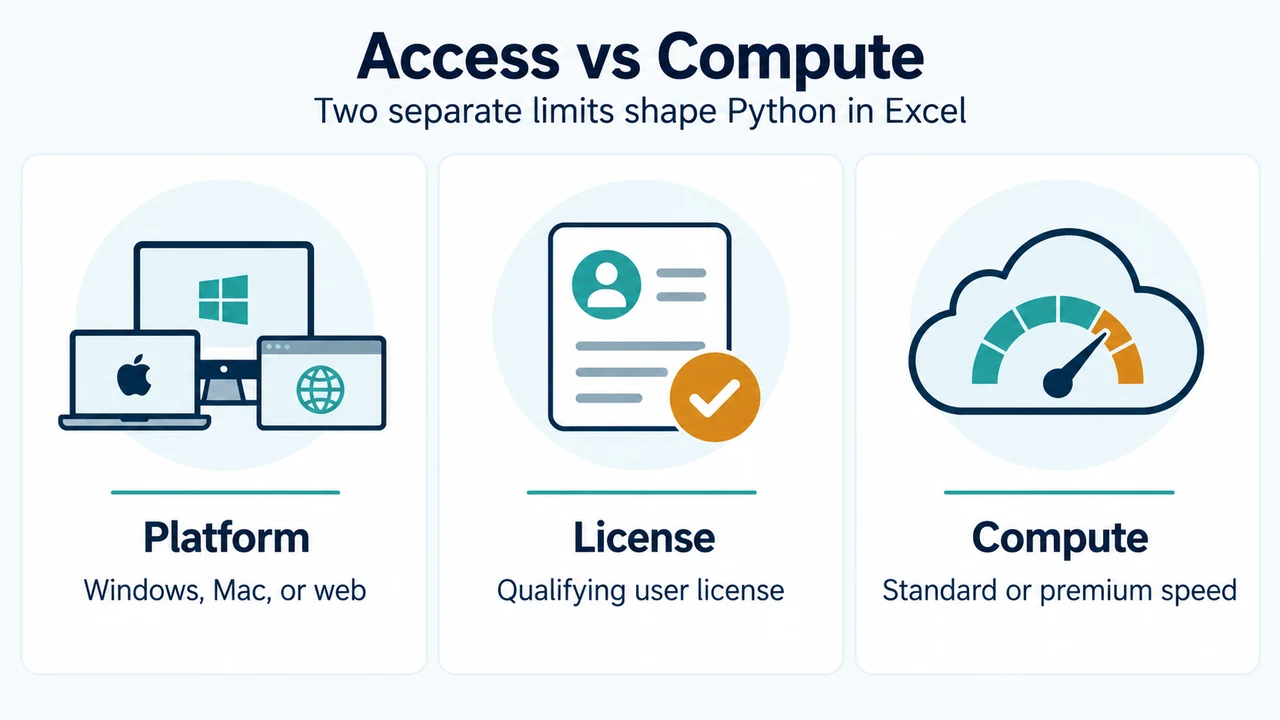 explainer
Check documented platform, channel build requirements, license exclusions, compute limits, and cloud-container security boundaries before adopting Python in Excel.
September 27, 2026
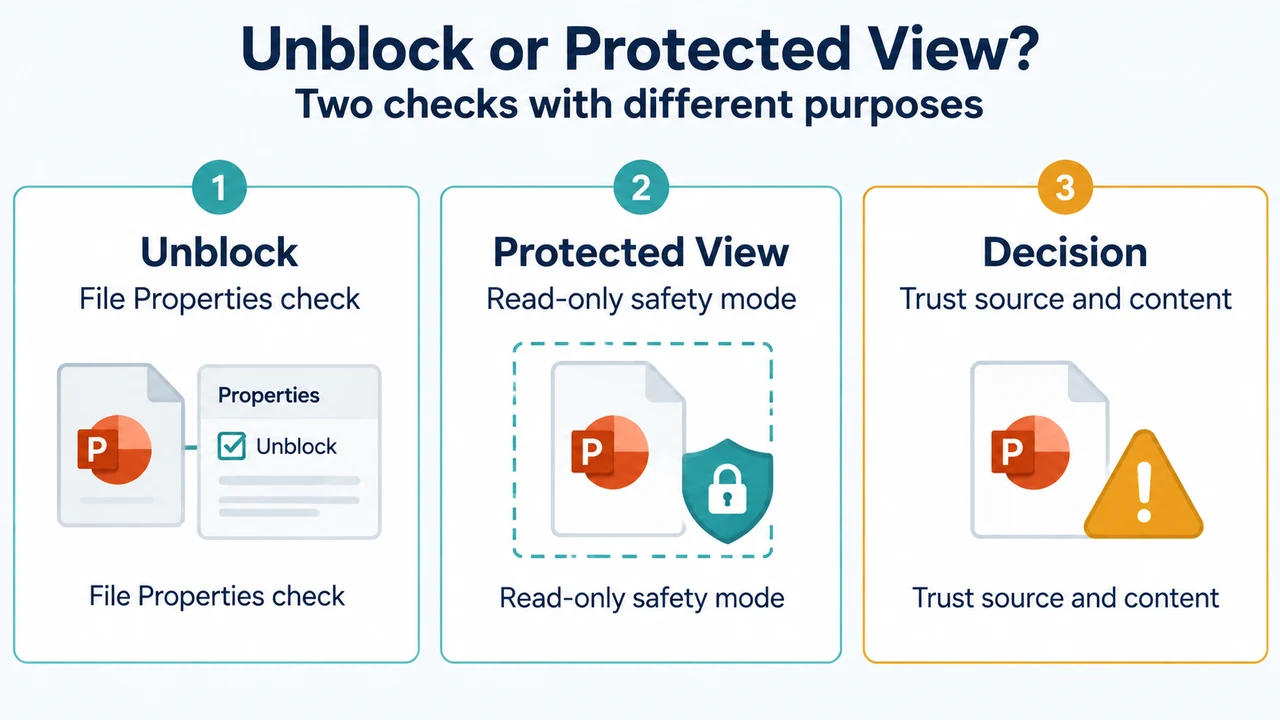 troubleshooting
If PowerPoint for Microsoft 365, 2024, 2021, 2019, or 2016 cannot read or open a presentation, check whether Windows shows an Unblock option in the file’s…
September 26, 2026