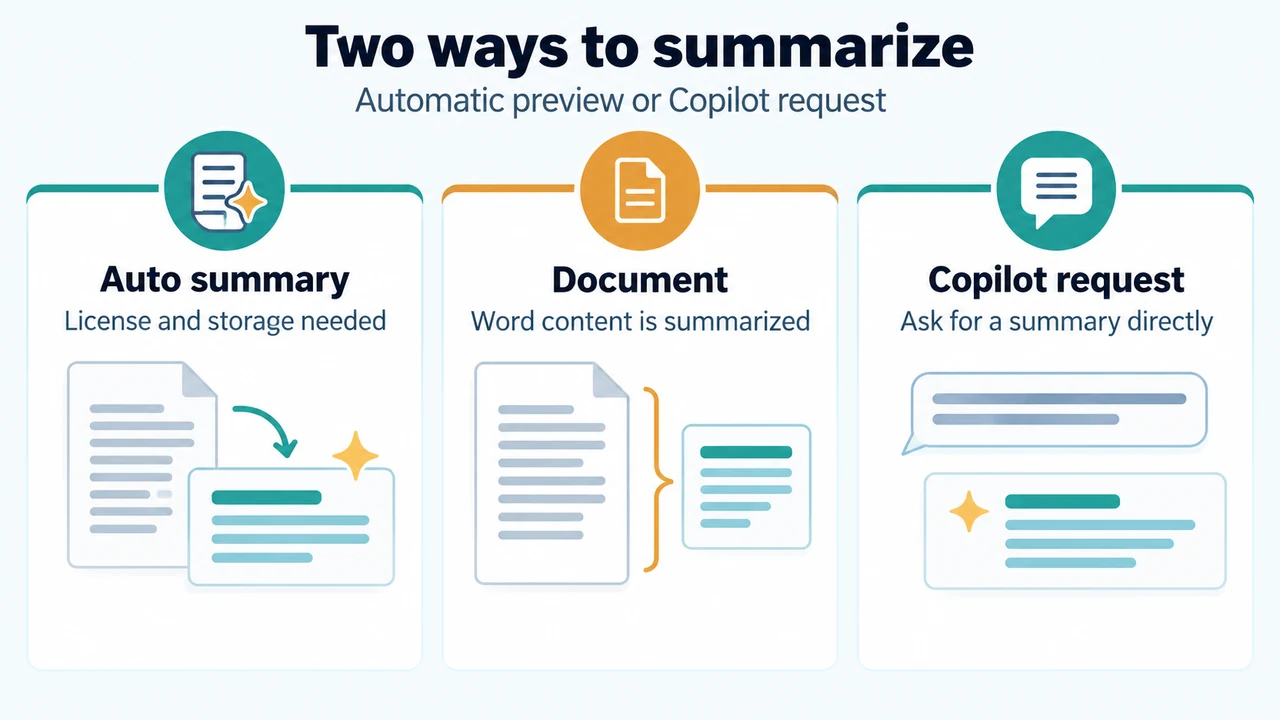
If the automatic summary does not appear at the top of a Word document, open Copilot from the document and ask it to summarize the document. Microsoft says Copilot availability can depend on your subscription and organization settings. Automatic summaries also have documented storage and length conditions.
Open Copilot and request a summary
Open Copilot from the document and describe the task. For example, enter: Summarize this document in five bullet points and add a short conclusion. Review the result against the original document, especially before using it for an important decision. Microsoft notes that Copilot does not always provide citations to later document content.
Conditions for the automatic summary
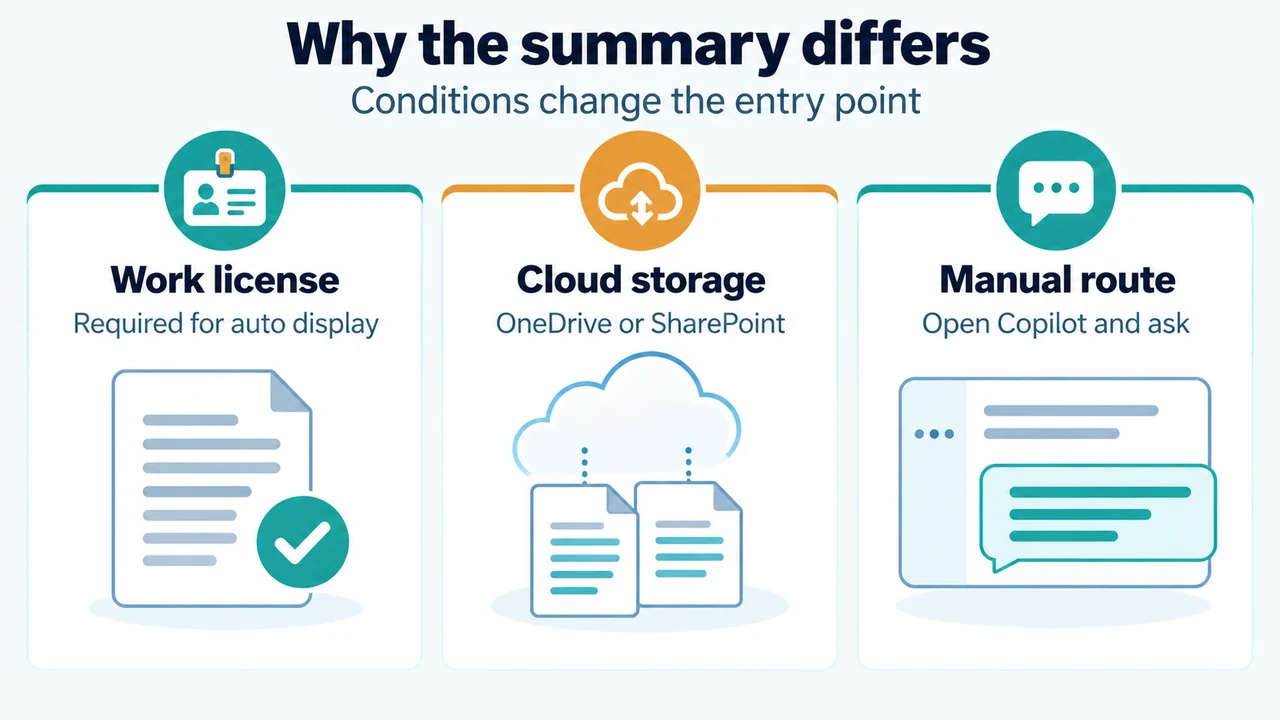
Microsoft says an automatic summary may appear when you open a document, depending on your license and organizational settings. The automatic summary opens only with a Microsoft Copilot work license and when the document is saved in OneDrive or SharePoint.
If the document is saved elsewhere, Word shows an option to open and generate a summary. Automatic generation also requires at least 200 words of reference content. If the document has fewer than 200 words, select Summary at the top of the document to generate one.
Check the situation
| What you see | Supported next step |
|---|---|
| Copilot is available, but no automatic summary appears | Open Copilot from the document and request a summary. |
| The document is not saved in OneDrive or SharePoint | Use the option to open and generate a summary. |
| The document has fewer than 200 words | Select Summary at the top of the document to generate one. |
| Copilot is missing from Word | Check whether the subscription includes Copilot and whether organization settings affect access. |
These are Microsoft’s documented conditions. They do not establish that every Word installation, account, or organization will show the same control.
Check licensing and organization access
Microsoft’s licensing documentation says Copilot is available as an add-on with listed Microsoft 365, Office 365, Teams, Exchange, SharePoint, OneDrive, Planner and Project, Visio, business, government, and education plan prerequisites. The eligible plans vary by offering and environment. Microsoft recommends the Copilot License Details diagnostic to check whether a specific user account meets the requirements for Copilot features.
The supplied licensing excerpt says that access to the licensing page requires authorization. Use Microsoft’s current licensing information or ask your organization’s administrator to verify the account and plan that apply to you.
What the missing summary does not confirm
A missing automatic summary does not, by itself, prove that document summarization is unavailable. The supplied Microsoft guidance documents both the automatic summary and opening Copilot from the document to request a summary, subject to license, organization, storage, and document-length conditions.
The supplied evidence does not establish one universal cause, a specific Word build requirement, or a guaranteed rollout schedule. It also does not establish identical behavior across every Word platform. This guide is limited to Word for Microsoft 365 on Windows and Mac, the platforms named in the supplied Word support material.
Research method and limitations
This answer was prepared from the supplied public Microsoft support and licensing excerpts retrieved on September 23, 2026, plus one supplied secondary excerpt used only to review coverage. The licensing excerpt has an authorization limitation, and no complete plan interpretation was added. No hands-on test, lab test, benchmark, or comprehensive review was performed. No broader competing coverage was supplied, so the answer cannot establish how other sources or environments describe the change.
Sources
- Microsoft Support: Create a summary of your document with Copilot in Word
- Microsoft Support: Edit content and rewrite
- Microsoft Learn: License options for Microsoft Copilot
- Secondary supplied coverage: Microsoft Copilot Word: Document summarization experience moving
Text version of the diagrams
- Two ways to summarize: Auto summary — License and storage needed; Document — Word content is summarized; Copilot request — Ask for a summary directly
- Why the summary differs: Work license — Required for auto display; Cloud storage — OneDrive or SharePoint; Manual route — Open Copilot and ask