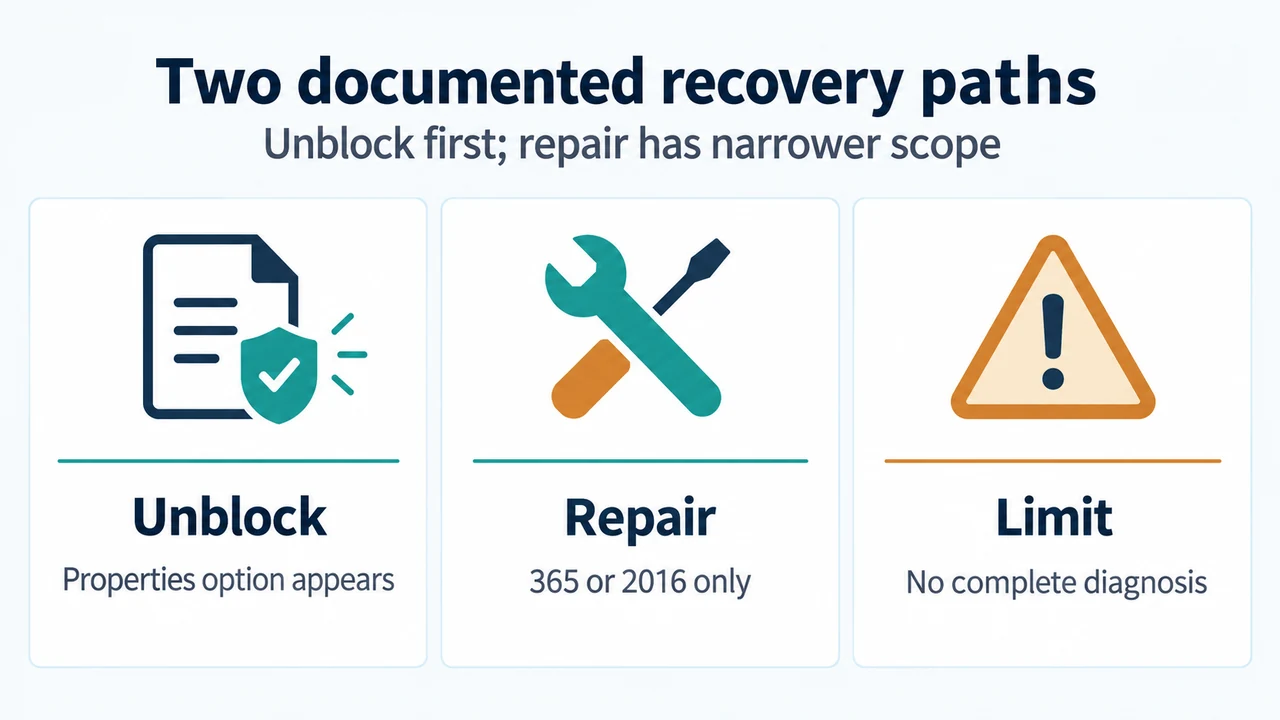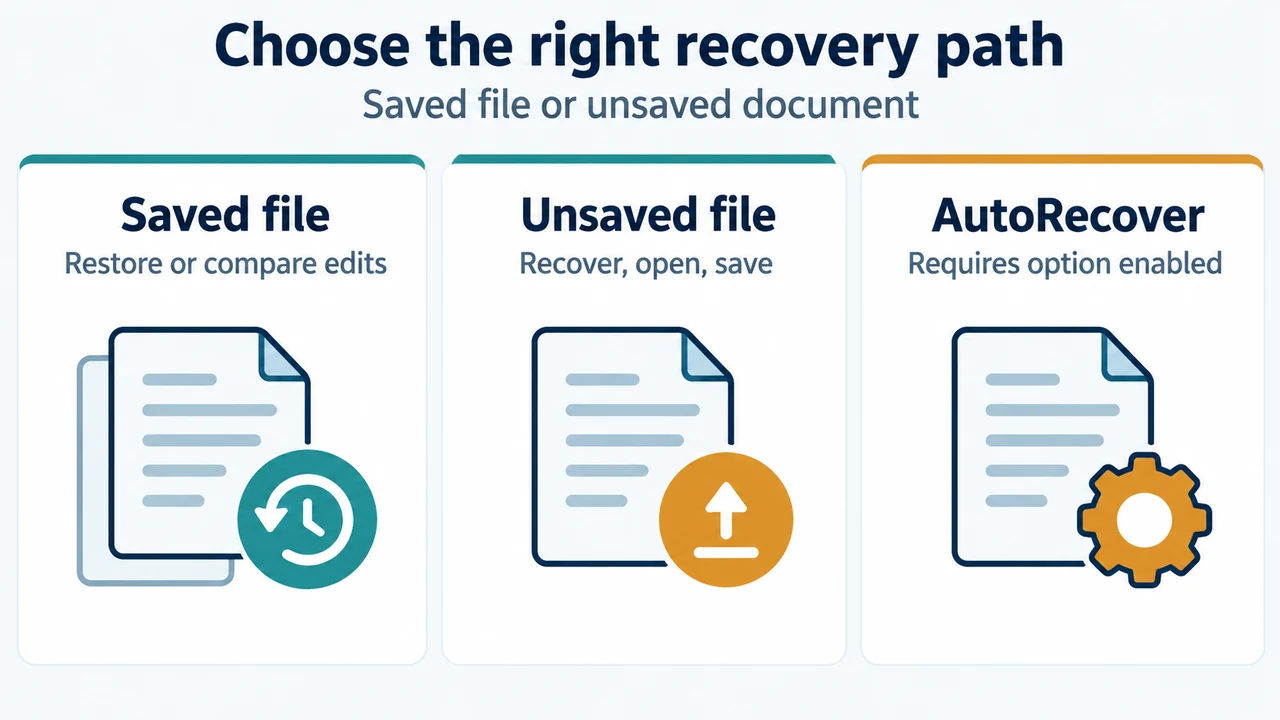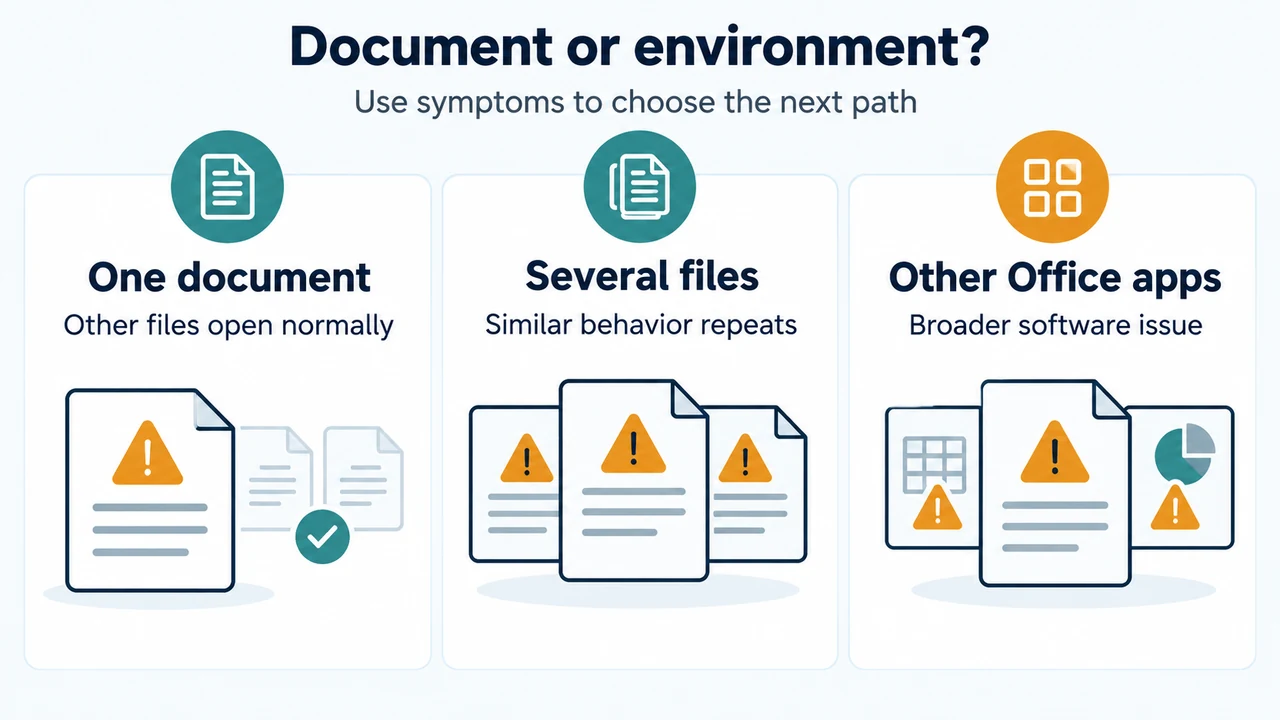
If Office 2019 for Mac can open, view, and print files but cannot edit, save, or create them, Microsoft calls this reduced functionality mode. Office 2019 for Mac reached end of support on October 10, 2023. Microsoft says updating or reinstalling Office 2019 cannot resolve this issue.
The change took effect on July 13, 2026. This article covers Office 2019 for Mac. The supplied Microsoft guidance says Windows and Android are not affected.
What reduced functionality mode allows
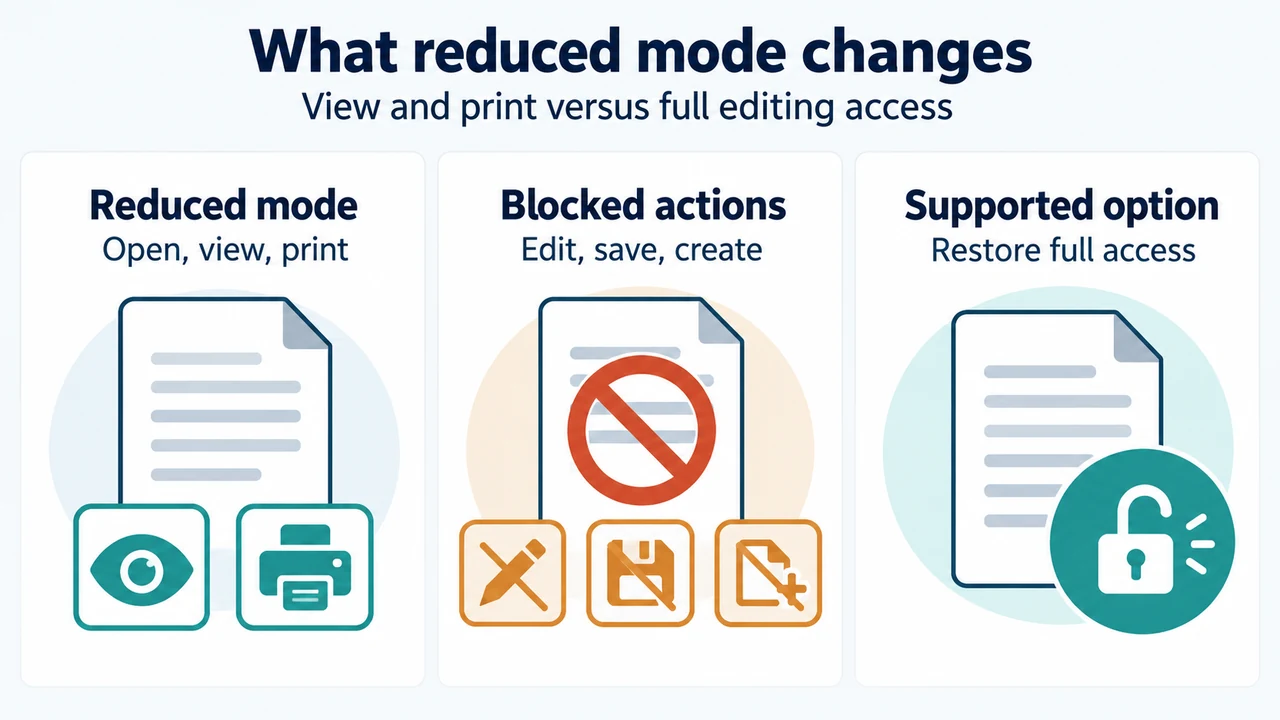
Office apps can open, view, and print existing files. They cannot edit, save, use Save As, or create new files. Microsoft lists Word, Excel, PowerPoint, Outlook, and OneNote among the affected apps.
Microsoft says the issue does not affect the security of your files or your device. This statement does not establish that every possible file or device problem is unrelated to the mode.
Confirm that Office 2019 is installed
- Open Word.
- In the macOS menu bar, select Word, then About Word.
- Check whether the product is identified as Office 2019.
If the About window shows Microsoft 365, you have a subscription. If it shows Office 2021 or Office 2019, you have a perpetual-license version. The Office 2019 recovery choices below apply only when the product is identified as Office 2019.
Why updating or reinstalling Office 2019 will not help
Microsoft says Office 2019 for Mac cannot be updated to the required version. It also says reinstalling Office 2019 will not resolve the issue. The minimum macOS 12 and Office app version 16.83 requirements describe the supported update path for Microsoft 365 or Office 2021, not an Office 2019 update.
Supported recovery paths for Office 2019
Use Microsoft 365 on the web
Microsoft says Word, Excel, PowerPoint, and more are available for free from a browser at microsoft365.com. Files stored in OneDrive are easier to access there. The supplied guidance does not establish complete feature parity between the web apps and desktop Office 2019.
Subscribe to Microsoft 365
Microsoft recommends a Microsoft 365 subscription for the latest Office apps with ongoing updates and support. It says existing files and documents will continue to work. The supplied excerpts do not establish plan pricing, regional availability, or a detailed feature comparison.
Do not use the supported update steps for Office 2019
For Microsoft 365 or Office 2021 on macOS, Microsoft documents updating macOS first and then using an Office app’s Help > Check for Updates. Those steps do not turn Office 2019 into an updatable product. For Office 2019, the supplied Microsoft guidance supports Microsoft 365 on the web or subscribing to Microsoft 365.
If the problem remains after moving to a supported version
Microsoft gives a further sign-in step for Office 2021 on Mac after updating: quit the app completely, reopen it, then sign out and sign back in from the app’s Account settings. The supplied guidance does not present this as a fix for Office 2019.
Research method and limitations
This answer was prepared from the supplied public source excerpts retrieved on September 22, 2026. The primary Microsoft support excerpt directly covers the date, reduced functionality behavior, Office 2019 for Mac support status, version check, and Office 2019 recovery choices. A Microsoft Learn excerpt was used only to distinguish Microsoft 365 subscription-app guidance from Office 2019 guidance. A MacRumors excerpt was used only for coverage comparison. No hands-on testing, lab work, benchmark, or comprehensive product review was performed. The excerpts do not establish pricing, individual Mac-model compatibility, or detailed web-app feature coverage.
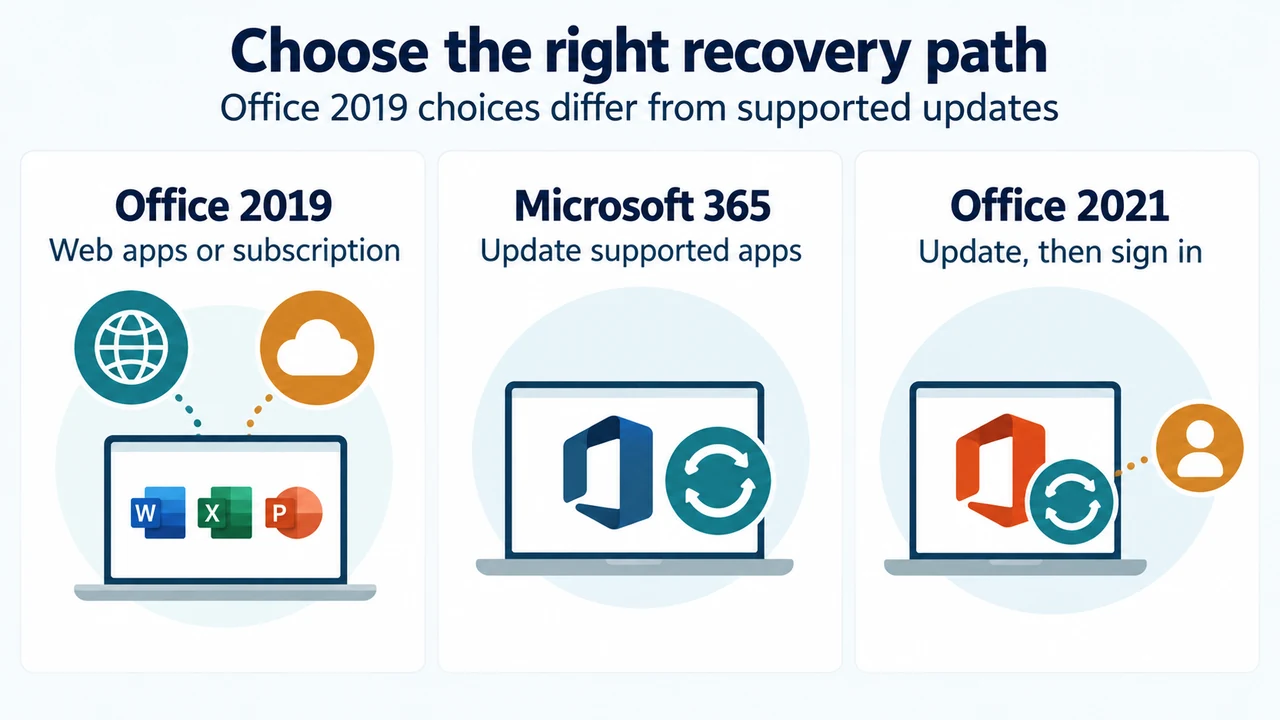
Text version of the diagrams
- What reduced mode changes: Reduced mode — Open, view, print; Blocked actions — Edit, save, create; Supported option — Restore full access
- Choose the right recovery path: Office 2019 — Web apps or subscription; Microsoft 365 — Update supported apps; Office 2021 — Update, then sign in