Wait for the Current APT Operation
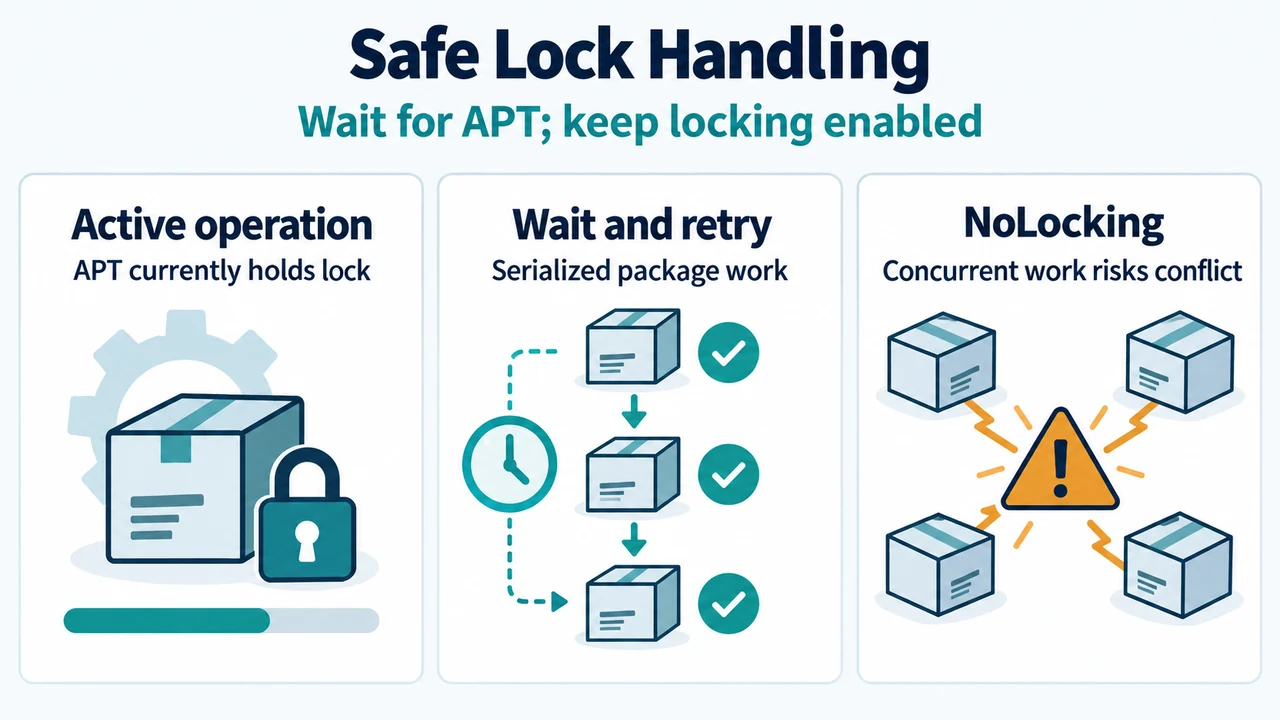
An APT operation may be unable to acquire a required lock while another package operation is running. The supplied APT documentation identifies periodic update work configured through APT::Periodic and APT::Archives and performed by /usr/lib/apt/apt.systemd.daily. If that process is using APT, wait for it to finish before starting another package operation.
Retry the APT Operation
After the current operation ends, retry the APT operation. For an update operation, the supported concrete example is:
apt-get updateDo not disable APT locking to run concurrent operations. The supplied documentation says that Debug::NoLocking disables file locking, including for simultaneous apt-get update operations.
Pending Configuration After an Interruption
If an earlier operation was interrupted, APT’s DPkg::ConfigurePending option is active by default. APT then calls dpkg --configure --pending, allowing dpkg to handle required package configuration and triggers. The supported boundary is that APT invokes dpkg; the supplied excerpts do not establish a broader recovery procedure.
Limits
The supplied excerpts do not establish an exact Ubuntu or Debian release scope. They also do not support finding the lock holder, a complete list of lock paths, deleting lock files, terminating processes, or promising rollback. Those actions are outside this answer.
Research Method and Limitations
This answer was prepared from the supplied public excerpts of the Debian dpkg(1) and apt.conf(5) manuals. A secondary excerpt was used only to identify the reported Ubuntu error context. The excerpts are truncated, so unseen text was not treated as support. No Ubuntu-specific primary documentation, comprehensive competing coverage, or hands-on testing was available.
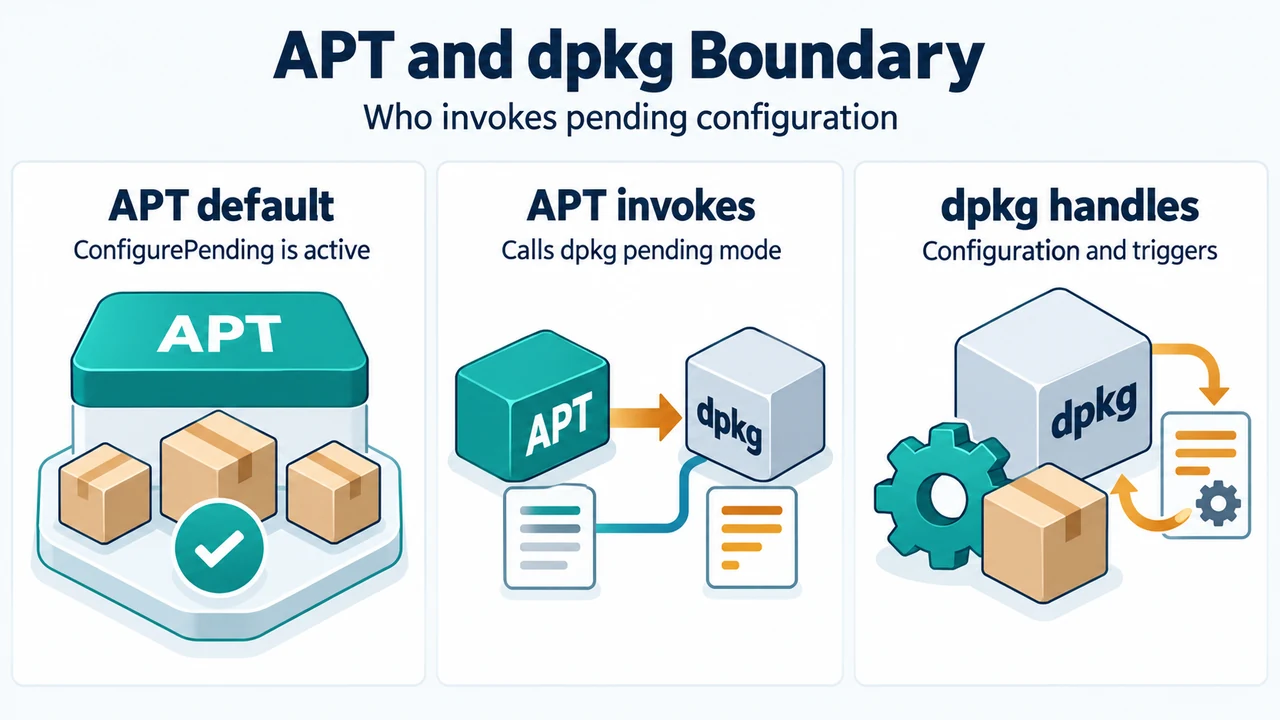
Text version of the diagrams
- Safe Lock Handling: Active operation — APT currently holds lock; Wait and retry — Serialized package work; NoLocking — Concurrent work risks conflict
- APT and dpkg Boundary: APT default — ConfigurePending is active; APT invokes — Calls dpkg pending mode; dpkg handles — Configuration and triggers