If your PC has 4GB of system memory, it is below the 6GB requirement Canonical lists for Ubuntu Desktop 26.04.1 LTS. The same page lists a 2GHz dual-core processor or better, 25GB of free hard-drive space, and either a USB port or DVD drive for the installer media.
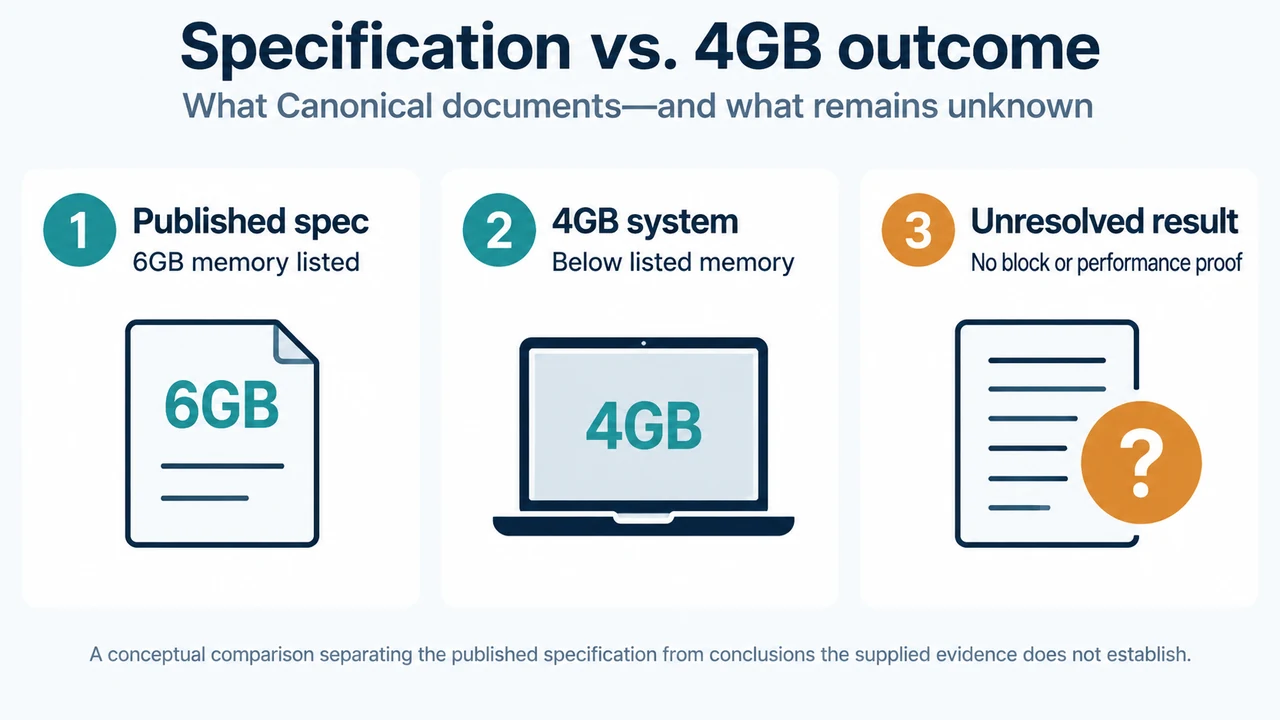
This means a 4GB computer does not match Canonical’s documented desktop specification. The supplied evidence does not establish whether the installer blocks every system below 6GB or how Ubuntu will perform on a particular 4GB computer. Treat 6GB as the published specification, not as proof of a universal installation block or a guaranteed performance result.
What Canonical documents for Ubuntu 26.04.1 LTS
Canonical identifies Ubuntu 26.04.1 LTS as its latest LTS version for desktop PCs and laptops on the supplied download page. LTS means long-term support. The page says this release receives five years of free security and maintenance updates, extended to 15 years with Ubuntu Pro.
For desktop PCs and laptops, Canonical lists these requirements:
| Component | Documented requirement |
|---|---|
| Processor | 2GHz dual-core or better |
| System memory | 6GB |
| Storage | 25GB of free hard-drive space |
| Installer media | USB port or DVD drive |
The page also says internet access is helpful. These figures describe Canonical’s published Ubuntu Desktop scope. They do not establish requirements for every Ubuntu flavour or desktop configuration.
What the 6GB figure means for a 4GB PC
A 4GB PC is below the memory amount Canonical lists for Ubuntu Desktop 26.04.1 LTS. Based on the supplied evidence, the supported conclusion is that the computer is outside the published desktop specification.
The Canonical excerpts do not state that 6GB is a mandatory installer-enforced minimum. They also do not provide a performance result for a specific 4GB computer. Do not treat the listed requirement as either a guarantee that installation will fail or a guarantee that installation will be comfortable.
Try Ubuntu from USB before installing
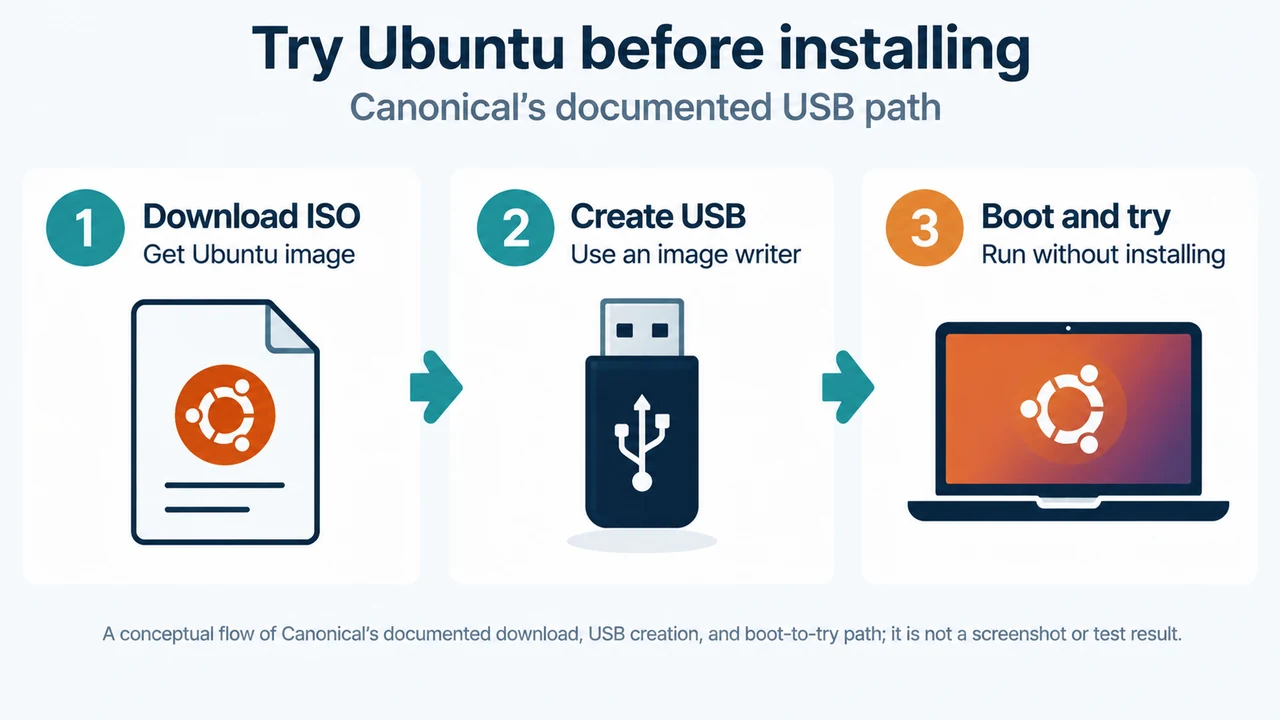
Canonical gives this path to install or try Ubuntu Desktop: download the ISO image, create a bootable USB flash drive with an image writer, and boot the PC from that USB drive. Canonical also says Ubuntu can be run from a USB to try it without installing.
For a 4GB PC, this is the supported next check described in the supplied material. It lets you see whether the system reaches a usable desktop before installation. The excerpts do not define a test checklist, performance threshold, or rollback procedure, so this article cannot predict what the trial will show on a particular machine.
Decision guide
- You have 4GB of memory: the PC is below Canonical’s listed 6GB Ubuntu Desktop requirement. You can use the documented USB trial before installing.
- You have at least 6GB: the PC matches the listed memory figure, but the processor, storage, installer-media, and other listed conditions still matter.
- You do not match the listed specification: the supplied evidence does not support recommending a particular alternative Ubuntu flavour or predicting the result on your hardware.
What this evidence does not answer
The supplied excerpts do not establish whether Ubuntu Desktop 26.04.1 LTS installs successfully on every 4GB system, how much memory it uses in a given workload, whether a particular computer can be upgraded, or which alternative Ubuntu flavour is appropriate. They also do not provide a Canonical compatibility result for a specific processor, graphics device, storage device, or firmware configuration.
Research method and limitations
This answer was prepared from the supplied public source excerpts retrieved on September 22, 2026. The Canonical download-page excerpt supplied the release identity, published requirements, support wording, and USB trial path. The supplied Ubuntu release-notes excerpt is truncated and does not establish a 4GB installation or performance result. A truncated Tom’s Hardware excerpt was used only to compare coverage; it is secondary evidence and does not support the technical guidance here. No hands-on test, benchmark, or hardware review was performed.
Text version of the diagrams
- Specification vs. 4GB outcome: Published spec — 6GB memory listed; 4GB system — Below listed memory; Unresolved result — No block or performance proof
- Try Ubuntu before installing: Download ISO — Get Ubuntu image; Create USB — Use an image writer; Boot and try — Run without installing
Sources
- Canonical: Download Ubuntu Desktop — release identity, desktop requirements, support wording, and the option to try Ubuntu from USB.
- Canonical: Ubuntu 26.04 LTS summary for LTS users — release-specific changes; the supplied passage is partial and does not establish a 4GB installation result.