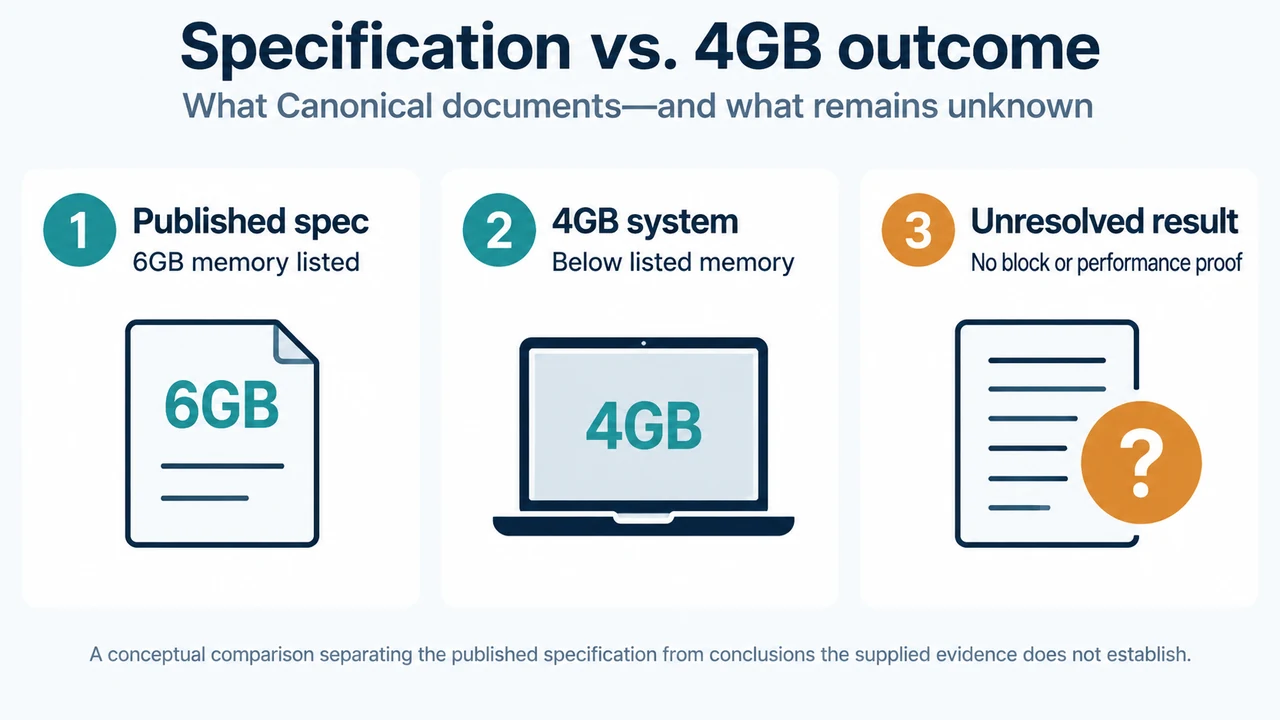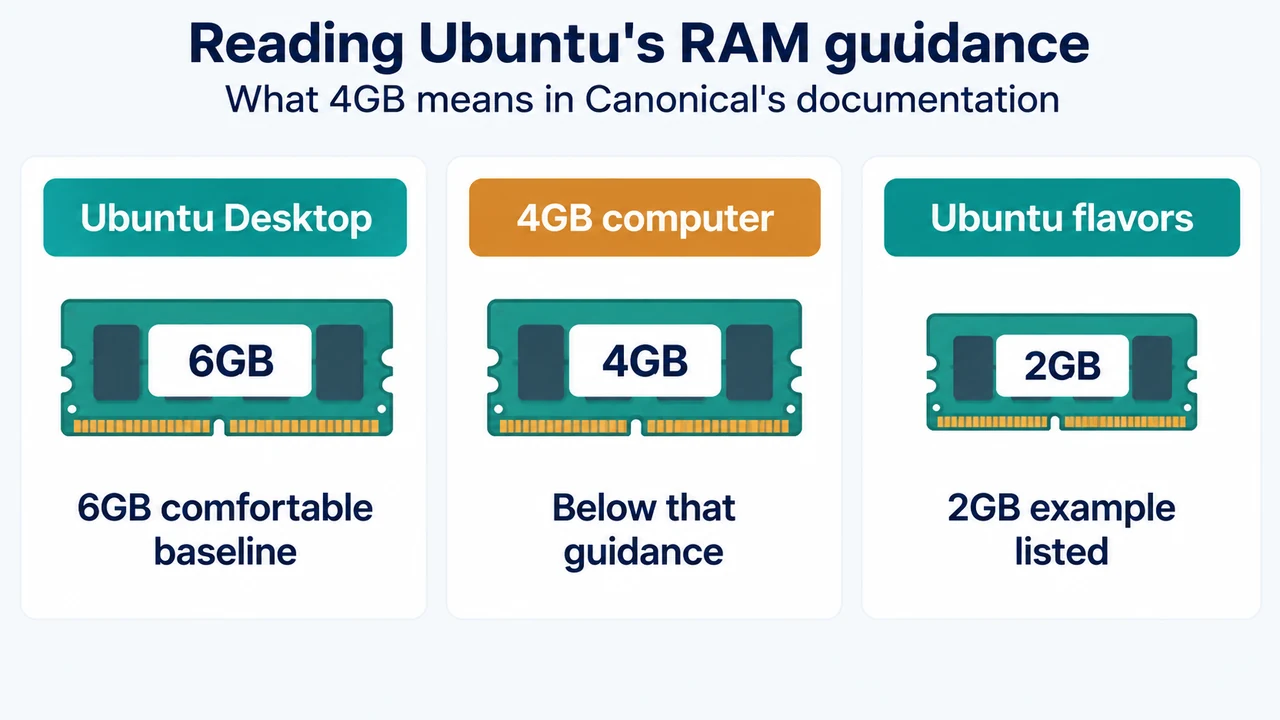
Short answer: A PC with 4GB of RAM is below Canonical’s documented 6GB system-memory baseline for a comfortable Ubuntu Desktop 26.04 LTS experience. Canonical also says Ubuntu Desktop can be installed on systems with lower specifications, but recommends an Ubuntu flavor instead. That means 4GB is not described as an automatic installation block, but it is below the stated desktop baseline.
What Ubuntu Desktop 26.04.1 LTS documents
Canonical’s Ubuntu Desktop download page identifies Ubuntu 26.04.1 LTS as the latest LTS version for desktop PCs and laptops. Its listed requirements are:
| Component | Documented requirement | What a 4GB PC means |
|---|---|---|
| Processor | 2 GHz dual-core processor or better | Check the CPU separately; 4GB RAM does not establish whether the processor qualifies. |
| Memory | 6GB system memory | 4GB is below the documented baseline for a comfortable experience. |
| Storage | 25GB of free hard-drive space | Confirm that at least 25GB is free; RAM capacity does not establish available storage. |
| Installer media | A USB port or DVD drive | The PC needs one of these options for the installer media. |
The same requirements appear in Ubuntu 26.04 LTS’s release notes. The notes describe 6GB as the minimum for a comfortable experience, then state that installation on lower-spec systems is possible. The documented recommendation for those systems is to use an Ubuntu flavor instead.
So, can a 4GB PC run the Desktop edition?
Based on the supplied Canonical documentation, a 4GB PC falls into the lower-spec case. The documentation does not say that Ubuntu Desktop must refuse installation below 6GB. It does say that 6GB is the recommended baseline for a comfortable experience.
That distinction matters. The evidence supports this conclusion:
- 4GB is below the documented comfortable baseline.
- Lower specifications are not described as an automatic installation block.
- Canonical recommends an Ubuntu flavor instead when the system is below the stated specifications.
The supplied sources do not establish how Ubuntu Desktop 26.04.1 LTS will perform on every specific 4GB computer. They also do not provide a performance test, a guarantee of acceptable responsiveness, or a rule that applies identically to every workload.
When to consider Xubuntu or Lubuntu
Ubuntu’s 26.04 release notes give Xubuntu and Lubuntu as examples of Ubuntu flavors that can be installed on systems with 2GB of RAM or more. A 4GB PC meets that stated memory example, although the excerpt does not provide a complete hardware requirement table or performance guarantee for either flavor.
This makes Xubuntu or Lubuntu the documented alternative to consider when the computer is below Ubuntu Desktop’s 6GB baseline. The recommendation is about choosing an Ubuntu flavor for a lower-spec system; it is not evidence that either flavor will deliver a particular speed or support every device.
A safe decision check
Use the following narrow check against the published requirements:
- Confirm that the processor is a 2 GHz dual-core processor or better.
- Check the installed system memory. If it is 4GB, it is below the 6GB comfortable baseline.
- Confirm that at least 25GB of storage is free.
- Confirm that the computer has a USB port or DVD drive for installer media.
- If the computer is below the stated desktop baseline, consider Xubuntu or Lubuntu, which Canonical lists as examples for systems with 2GB of RAM or more.
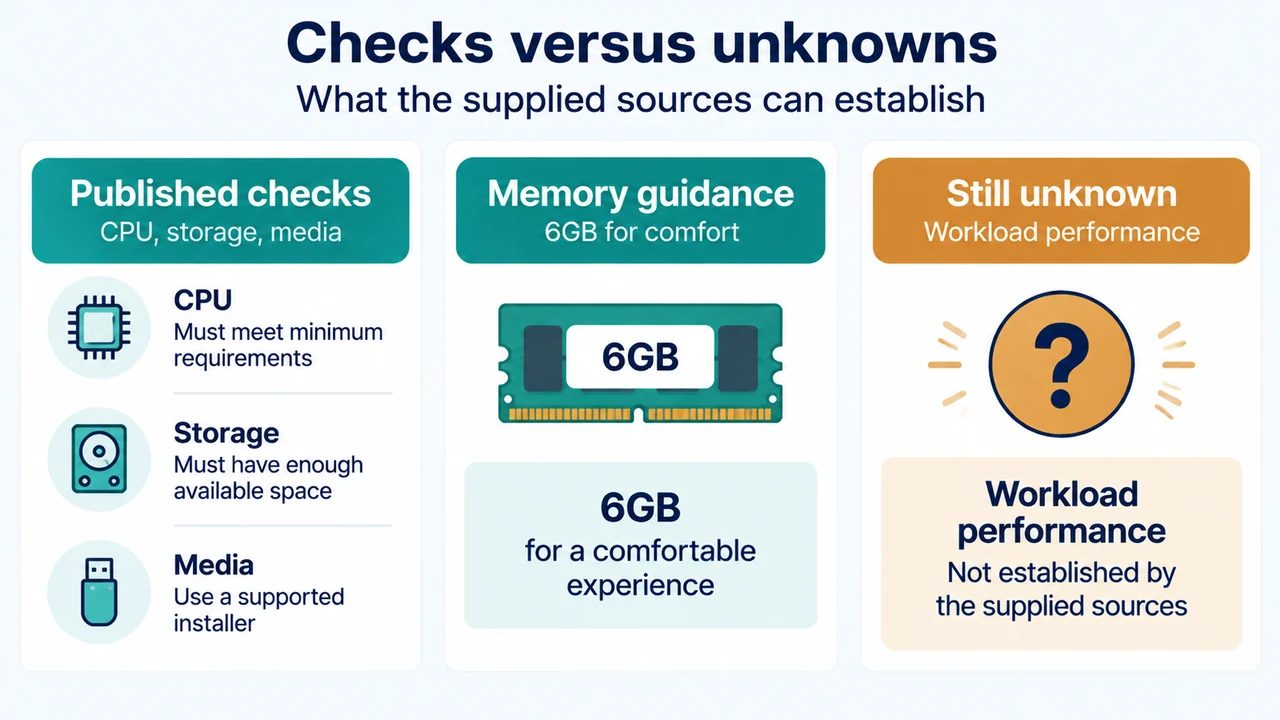
These checks identify whether the published requirements appear to match the computer. They do not predict performance for a particular application or workload.
What this guidance does not prove
Canonical’s documentation does not establish that every 4GB computer will have the same result. It does not provide a universal performance threshold, a guaranteed installation outcome, or a comparison of the day-to-day experience across Ubuntu Desktop, Xubuntu, and Lubuntu. The 2GB example for Xubuntu and Lubuntu also does not replace checking the rest of the computer’s compatibility.
Ubuntu 26.04 LTS is supported until April 2031 according to the release notes. That support statement describes the release lifespan; it does not change the hardware guidance for a 4GB PC.
Research method and limitations
This article was prepared from the supplied public excerpts from Canonical’s Ubuntu 26.04 release notes and Ubuntu Desktop download page, retrieved on 23 September 2026. The excerpts were complete for the cited requirements, but no competing page could be fetched. This is a research-based explanation, not a hands-on review, lab test, benchmark, or comprehensive review of Ubuntu flavors or computer compatibility.
Text version of the diagrams
- Reading Ubuntu’s RAM guidance: Ubuntu Desktop — 6GB comfortable baseline; 4GB computer — Below that guidance; Ubuntu flavors — 2GB example listed
- Checks versus unknowns: Published checks — CPU, storage, media; Memory guidance — 6GB for comfort; Still unknown — Workload performance
Sources
- Ubuntu 26.04 LTS release notes — hardware guidance, lower-spec installation statement, flavor examples, and support lifespan.
- Ubuntu Desktop download page — Ubuntu 26.04.1 LTS scope and published desktop requirements.