In Storage Spaces, Unrecognized metadata means that Storage Spaces found metadata on a drive that usually belongs to a different pool. The message identifies the disk state; it does not, from the supplied evidence, establish a supported Windows 10 or Windows 11 recovery procedure.
What CannotPoolReason tells you
CannotPoolReason identifies why a physical disk is not eligible for pooling. Microsoft’s documented inspection example is:
Get-PhysicalDisk | Format-Table FriendlyName,MediaType,Size,CanPool,CannotPoolReasonThe supplied Microsoft states excerpt documents these reasons:
- In a pool: the drive already belongs to one storage pool. A drive can belong to only one pool at a time.
- Removable media: Windows classifies the drive as removable, which Storage Spaces does not support.
- Not healthy: the drive is not healthy and might need replacement.
- Offline: the drive is offline.
- In use by cluster: a Failover Cluster is currently using the drive.
The separate Windows 10 and Windows 11 support excerpt explains that Storage Spaces works with eligible physical disks, not merely volumes that can open in File Explorer. It also notes that some USB enclosures or hubs can present disks as removable or hide individual disks.
What the reset guidance does and does not establish
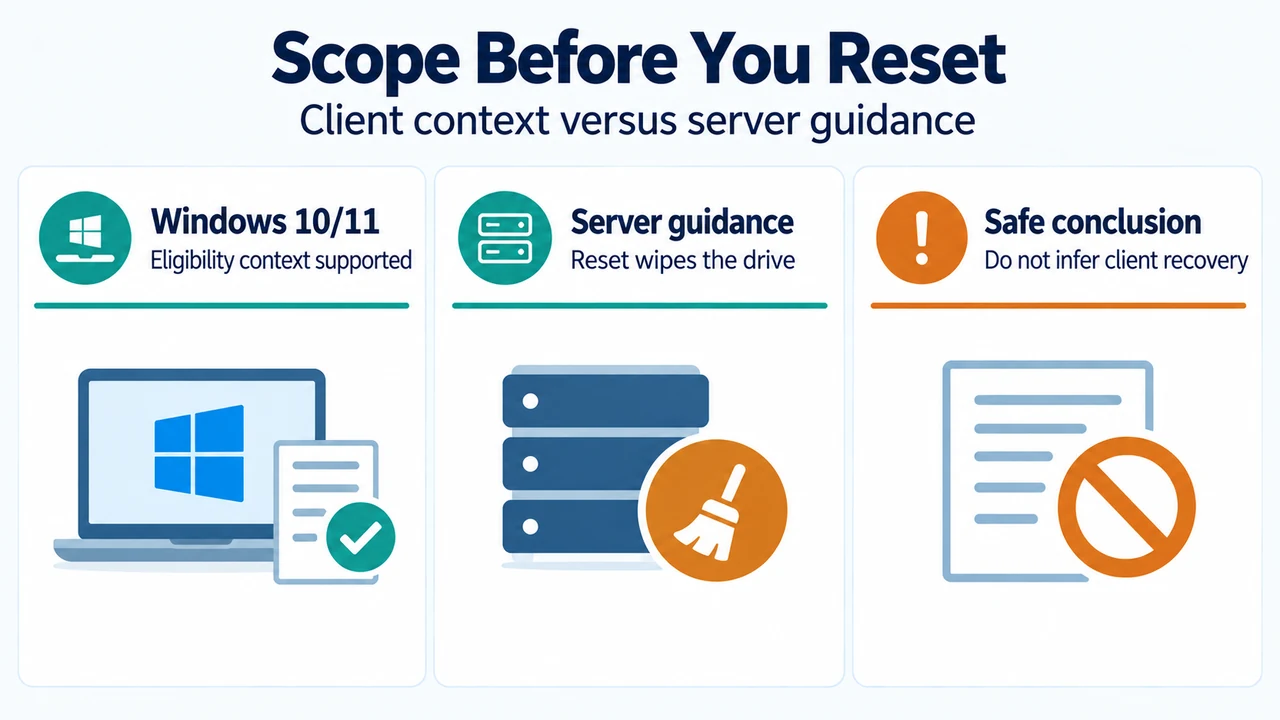
The supplied Storage Spaces states excerpt says that, for unrecognized metadata, an administrator can reset the drive to wipe it and add it to the current pool, followed by a virtual-disk repair. That excerpt is from Microsoft documentation whose visible material describes server and Storage Spaces Direct contexts. The supplied evidence does not establish that this reset-and-repair procedure applies as a Windows 10 or Windows 11 client procedure, so this answer does not present it as client guidance.
Resetting is destructive because the documented action wipes all data on the drive. The supplied excerpts do not provide a supported procedure for recovering files from unrecognized metadata or reconnecting an earlier pool without data loss.
Related state: stale metadata
The supplied Microsoft excerpt describes stale metadata as old metadata on the drive and says it should be temporary. Once complete, the drive should transition to a different operational state. If it does not, the excerpt documents repair guidance and, in its server-focused context, a reset that wipes the drive.
Research method and limitations
This answer was prepared from the supplied public source excerpts. The material limits include a truncated Microsoft Storage Spaces states excerpt, visible authorization boundaries in Microsoft material, and incomplete competing coverage. The excerpts do not establish a Windows 10 or Windows 11 reset procedure or a data-recovery procedure. No live-pool tests, benchmarks, hands-on tests, or independent research were performed.
Text version of the diagrams
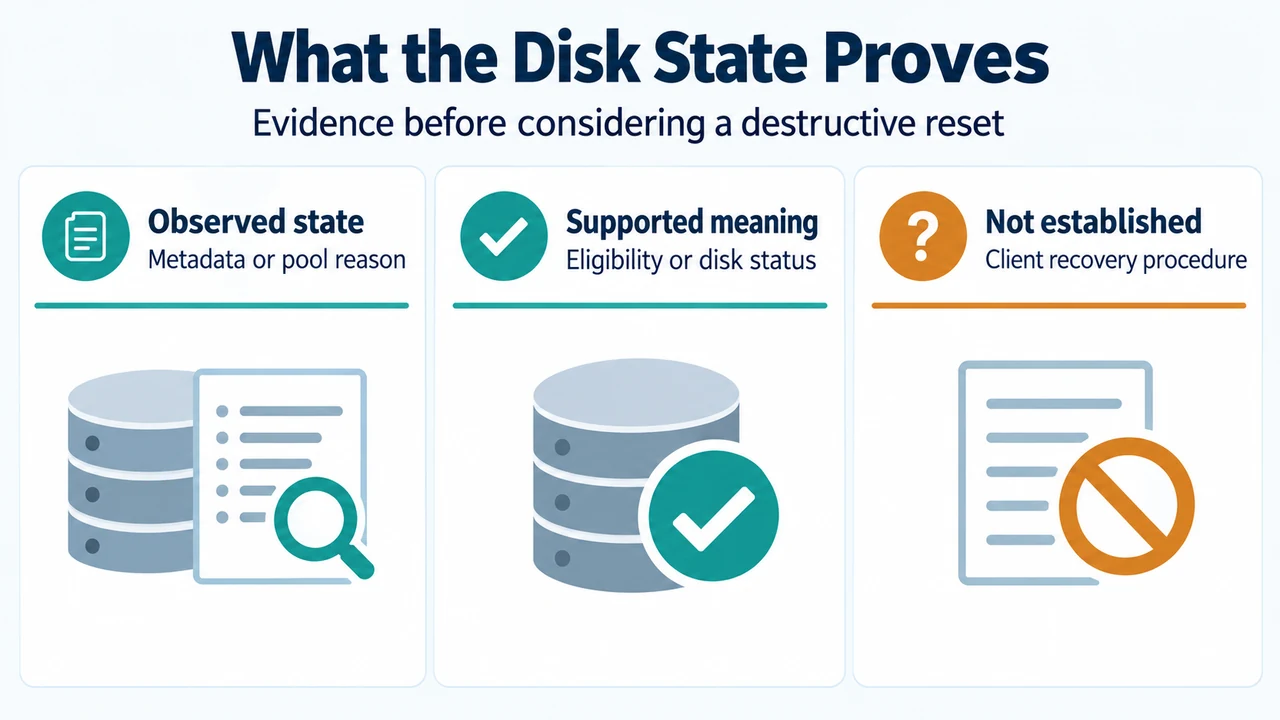
- What the Disk State Proves: Observed state — Metadata or pool reason; Supported meaning — Eligibility or disk status; Not established — Client recovery procedure
- Scope Before You Reset: Windows 10/11 — Eligibility context supported; Server guidance — Reset wipes the drive; Safe conclusion — Do not infer client recovery