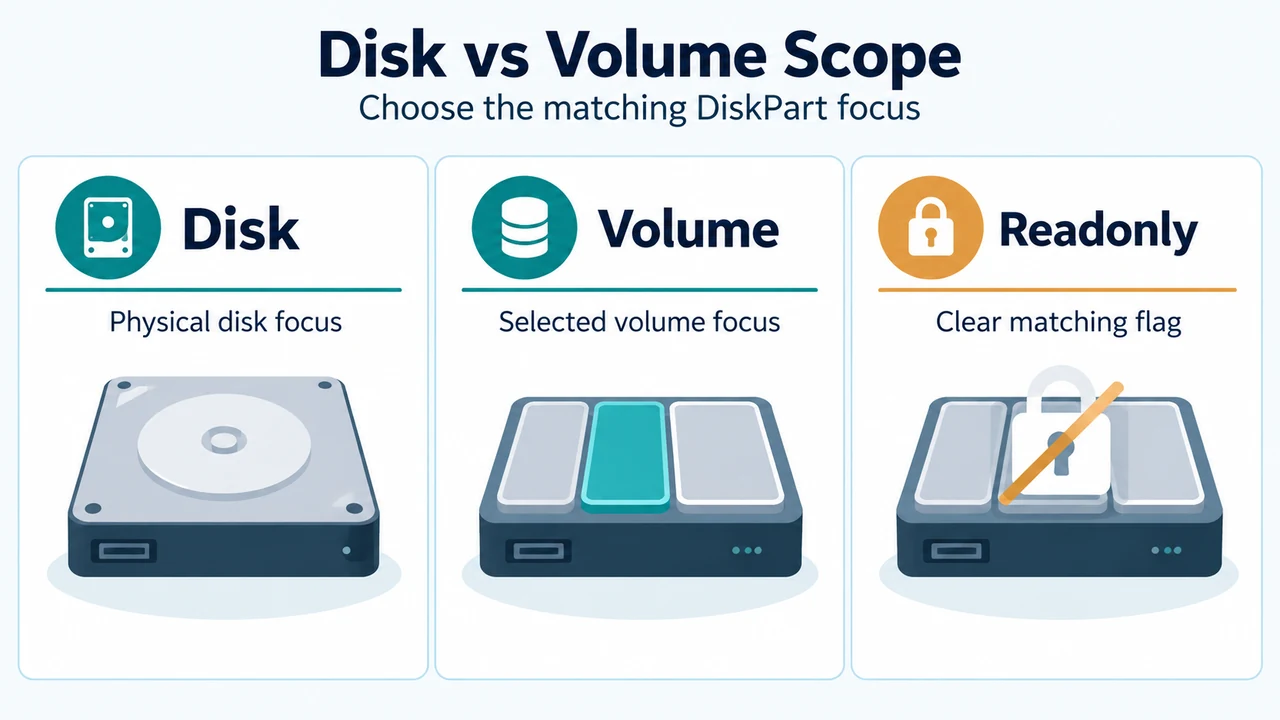
In DiskPart, you can view and clear read-only attributes on a focused disk or volume using the attributes disk and attributes volume commands.
Checking and Clearing Disk Read-Only Attributes
A disk must be selected for disk attribute commands to succeed. Run select disk to shift focus to the target disk before viewing or modifying its attributes:
select disk <disknumber>
attributes disk
Running attributes disk displays the current attributes of the disk with focus. The startup disk attribute denotes the disk used to start the computer. For dynamic mirrors, it displays the disk that contains the boot plex of the boot volume.
To clear the read-only attribute on the disk with focus, run:
attributes disk clear readonlyThe optional noerr parameter is intended for scripting only. When DiskPart encounters an error, noerr instructs it to continue processing commands rather than exiting with an error code.
Checking and Clearing Volume Read-Only Attributes
A volume must be selected for volume attribute commands to succeed. Run select volume to shift focus to the target volume before running attribute commands:
select volume <volumenumber>
attributes volume
To clear the read-only attribute on the volume with focus, run:
attributes volume clear readonlyLike the disk command, attributes volume supports the scripting parameter noerr to continue processing commands if an error occurs.
Attribute Scope Across Partition Tables
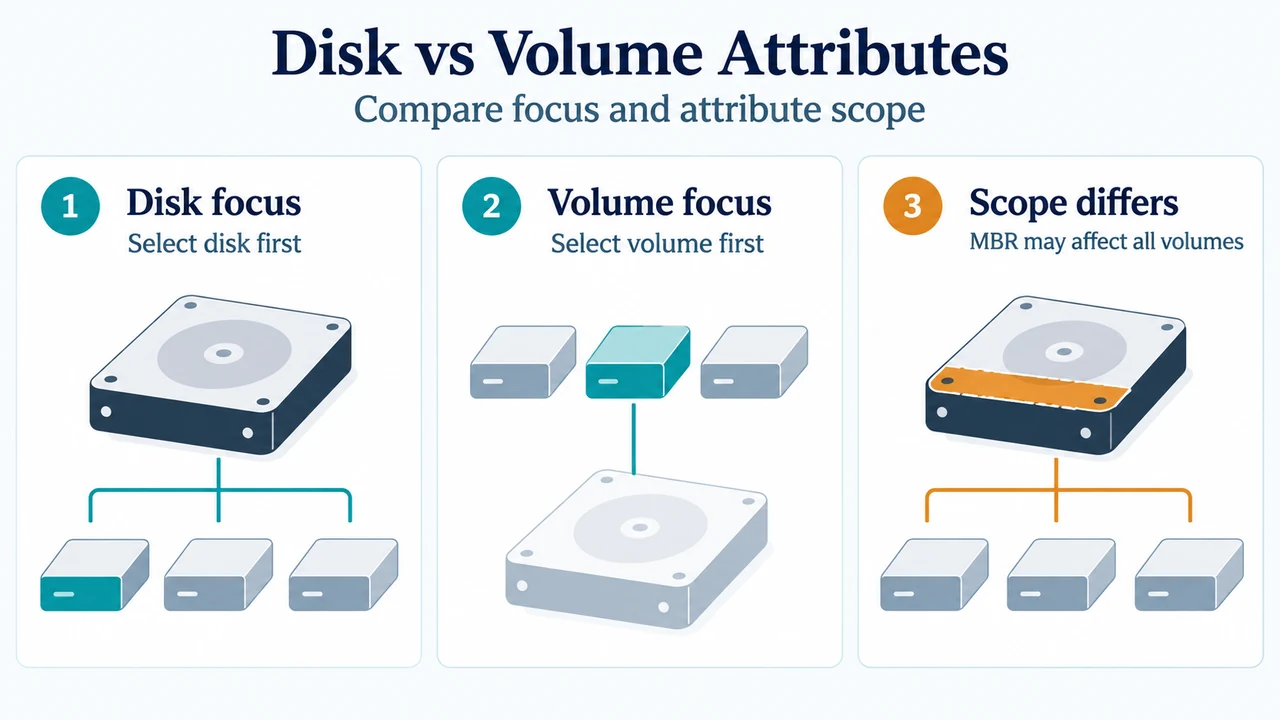
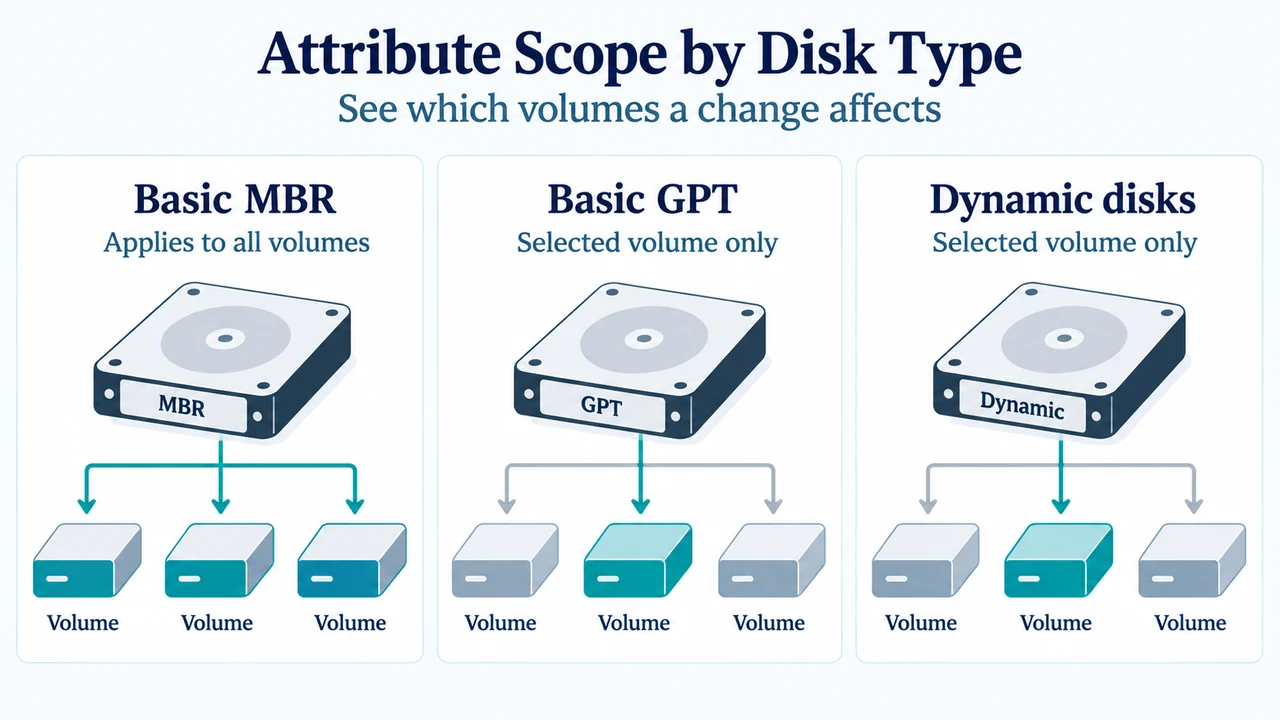
When modifying volume attributes, the scope of the change depends on the disk type and partition table format:
- Basic MBR Disks: The
hidden,readonly, andnodefaultdriveletterparameters apply to all volumes on the disk. - Basic GPT and Dynamic Disks: On basic GPT disks and dynamic MBR or GPT disks, the
hidden,readonly, andnodefaultdriveletterparameters apply only to the selected volume.
Research Method and Limitations
This reference was prepared directly from public Microsoft Learn technical command documentation excerpts for attributes disk and attributes volume. It covers Windows 10, Windows 11, Windows Server (2016, 2019, 2022, 2025), and Azure Local (2311.2 and later). The supplied evidence documents only DiskPart attribute syntax, parameter definitions, focus prerequisites via select disk and select volume, and partition-table scope behaviors. The excerpts do not provide information on other DiskPart commands, operating system tools, or competing coverage.
Text version of the diagrams
- Disk vs Volume Attributes: Disk focus — Select disk first; Volume focus — Select volume first; Scope differs — MBR may affect all volumes
- Attribute Scope by Disk Type: Basic MBR — Applies to all volumes; Basic GPT — Selected volume only; Dynamic disks — Selected volume only