If you upgraded to Ubuntu 26.04 LTS and Google Drive no longer appears as a mounted location in the Files app, the change is documented rather than a local configuration error. Ubuntu 26.04 LTS uses GNOME 50, and Ubuntu’s release notes say that Google Drive storage can no longer be mounted in Files.
What changed in Ubuntu 26.04 LTS
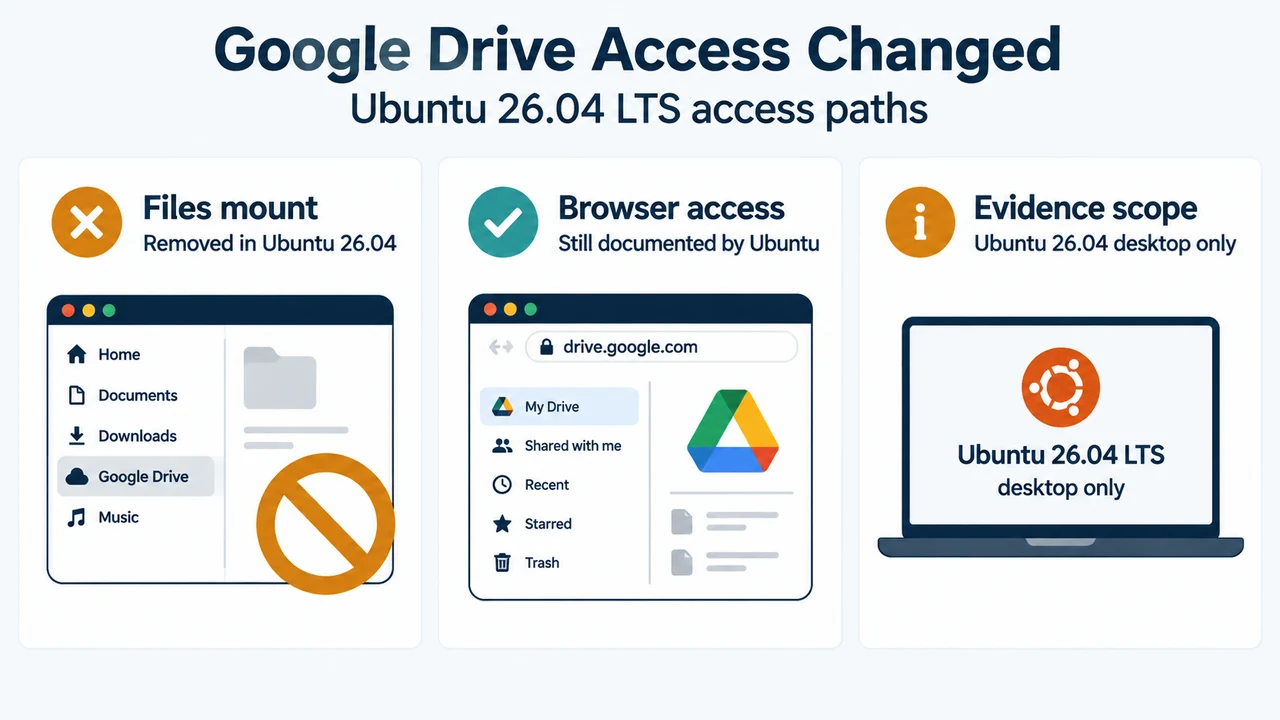
Ubuntu’s 26.04 LTS release notes state that the Files integration was removed because the libgdata library that enabled it was unmaintained and posed a security risk. The documented result is specific: Google Drive storage can no longer be mounted in the Files app.
This is a change to the Ubuntu 26.04 LTS desktop configuration. It should not be read as a claim that every Google account feature, every file manager, or every Ubuntu release has the same limitation.
Why GNOME 50 matters
Ubuntu identifies GNOME 50 as part of its Ubuntu 26.04 LTS desktop changes. The GNOME project dates the GNOME 50 release to March 18, 2026. These sources establish the release context, while Ubuntu’s release notes establish the specific Google Drive limitation in Ubuntu 26.04.
What you can still do
Ubuntu’s release notes explicitly say that Google Drive can still be accessed through a web browser. That is the supported option established by the supplied primary evidence. Open your browser, sign in to Google Drive, and use the web interface for files that you need to view or manage there.
This does not restore a Google Drive mount inside Files. The supplied evidence also does not establish a supported Ubuntu 26.04 rclone configuration, its prerequisites, its reliability, or a rollback procedure, so those details are outside this narrowly sourced explanation.
Should you remain on Ubuntu 24.04?
The supplied evidence confirms that Ubuntu 24.04 LTS is the release from which users may upgrade to Ubuntu 26.04 LTS, but it does not provide a complete, primary-supported decision guide for remaining on 24.04 specifically to preserve Google Drive mounting. A decision about delaying an upgrade would require current documentation covering 24.04 support status, the feature’s exact behavior there, and the user’s other upgrade requirements.
What this means when diagnosing the symptom
If the symptom is limited to the missing Google Drive mount in Files after moving to Ubuntu 26.04 LTS, reinstalling or repeatedly reconnecting the account should not be presented as a confirmed fix from these sources. The official explanation is removal of the integration. Browser access is the documented remaining route in the supplied Ubuntu evidence.
Research method and limitations
This article was prepared only from the supplied public excerpts retrieved on September 21, 2026. The Ubuntu release-note excerpts are truncated, and the GNOME excerpt provides release context but does not document an Ubuntu-specific Google Drive workaround. A supplied competitor page discusses older Ubuntu behavior and rclone, but it is used only to compare coverage, not as technical authority. No hands-on test, lab test, benchmark, reliability assessment, or comprehensive review was performed.
Text version of the diagrams
- Google Drive Access Changed: Files mount — Removed in Ubuntu 26.04; Browser access — Still documented by Ubuntu; Evidence scope — Ubuntu 26.04 desktop only
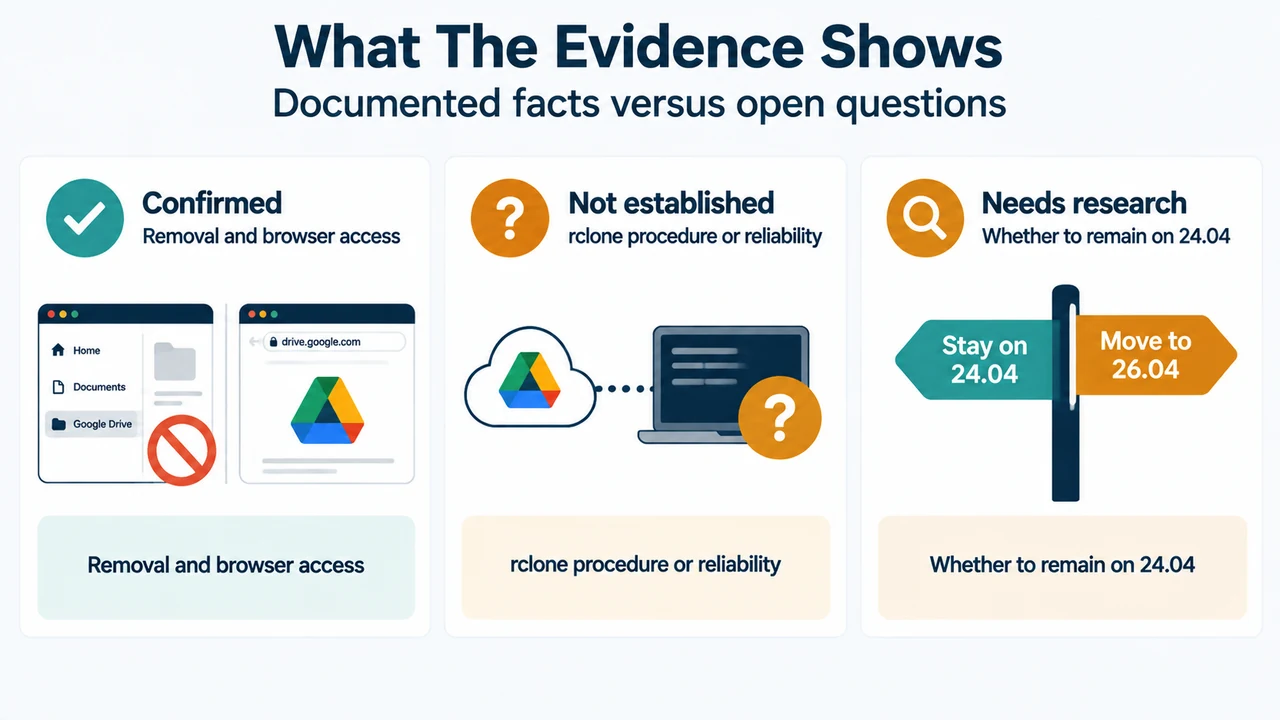
- What The Evidence Shows: Confirmed — Removal and browser access; Not established — rclone procedure or reliability; Needs research — Whether to remain on 24.04
Sources
- Ubuntu 26.04 LTS changes since Ubuntu 25.10 — documents GNOME 50, removal of Google Drive mounting in Files, the stated security rationale, and browser access.
- Ubuntu 26.04 LTS summary for LTS users — provides the Ubuntu 24.04-to-26.04 release context.
- GNOME 50 release announcement — dates the GNOME 50 release and describes the GNOME 50 Files context.