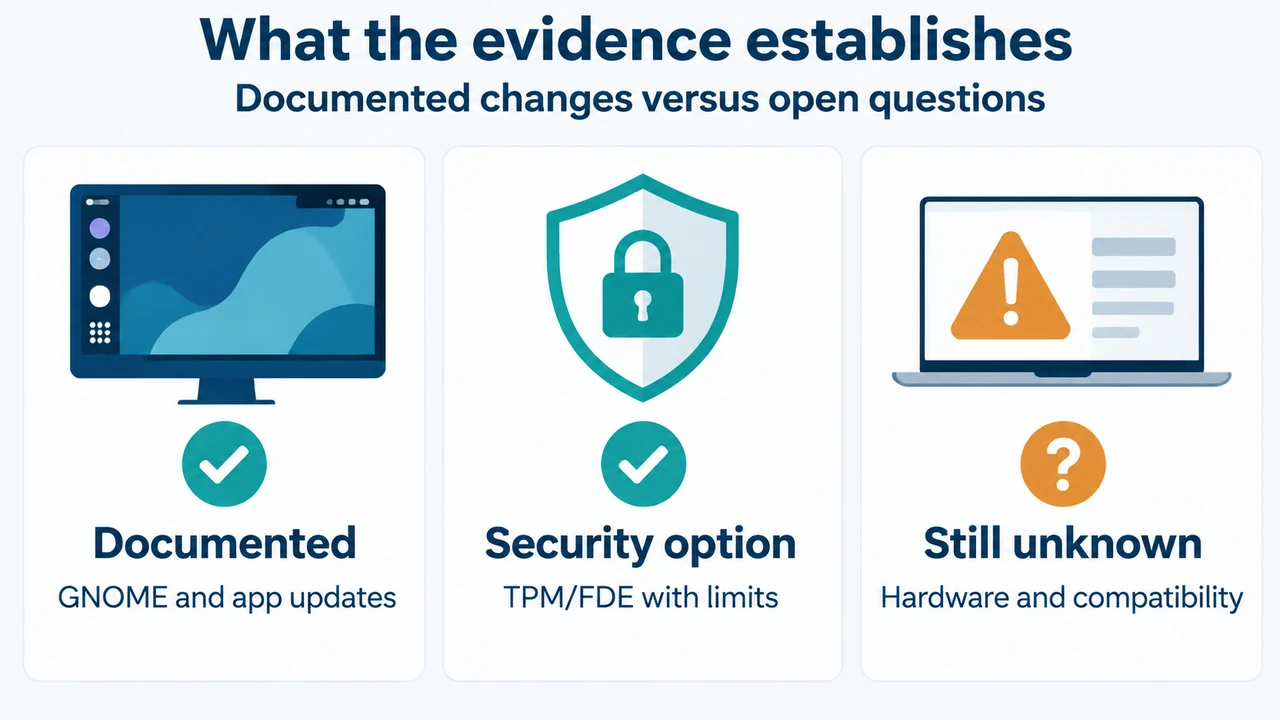
Short answer: Ubuntu Desktop users on 24.04 LTS have a documented reason to evaluate Ubuntu 26.04.1 if they want the newer GNOME desktop, updated applications or TPM-backed full-disk encryption. Ubuntu 26.04.1 also includes fixes for some installation and upgrade issues. The supplied evidence does not establish universal hardware compatibility, performance gains or a risk-free upgrade, so this is a decision guide rather than a blanket recommendation.
What changes when moving from Ubuntu 24.04 LTS?
Canonical says that users upgrading from Ubuntu 24.04 LTS receive changes from the interim releases between 24.04 and 26.04, together with later changes described in the Ubuntu 26.04 release notes. The visible documentation identifies these desktop changes:
| Area | Documented change |
|---|---|
| Desktop | GNOME is updated to version 50. The documented changes include improved support for small screens, more responsive application rendering on slower devices, persistent remote login sessions after disconnects, improved Files navigation and grouped notifications. |
| Applications | LibreOffice moves from 24.2 to 25.8, Thunderbird moves to version 140 “Eclipse,” and GIMP moves from 2.10 through 3.0 to 3.2. |
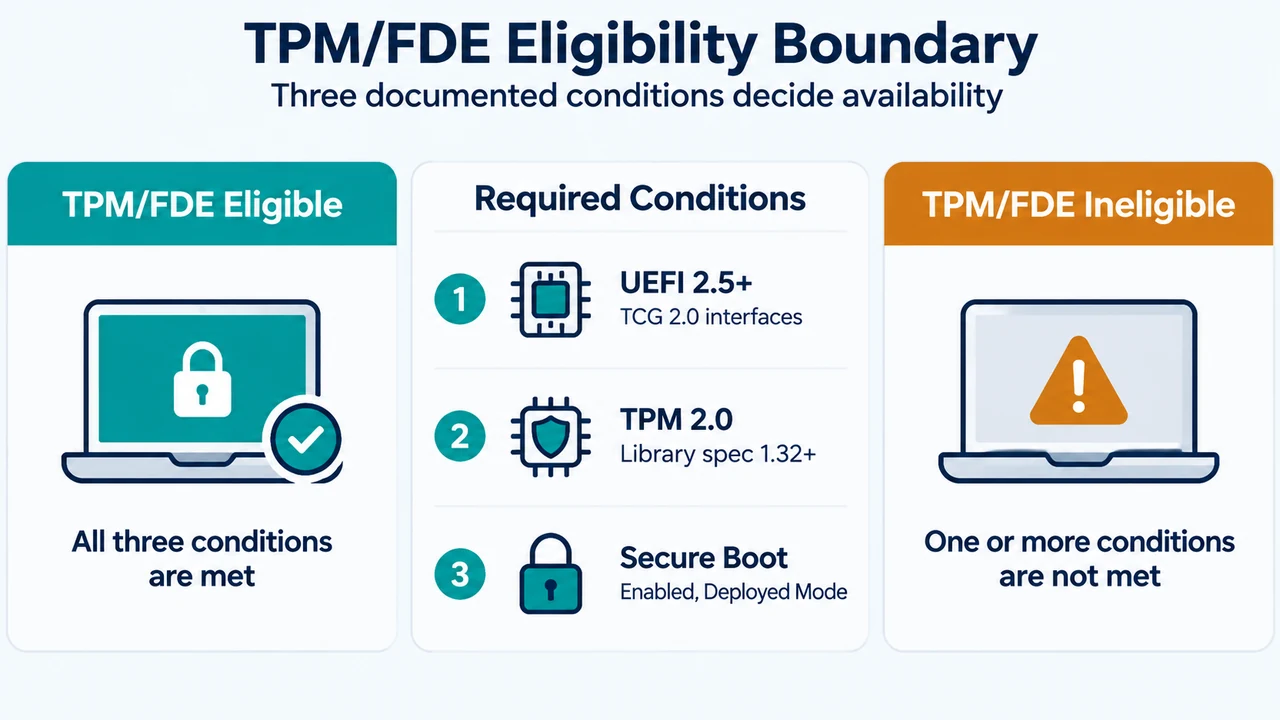
| Disk encryption | Ubuntu Desktop adds TPM-backed full-disk encryption, with optional PIN or passphrase support. Canonical lists limitations in separate documentation. |
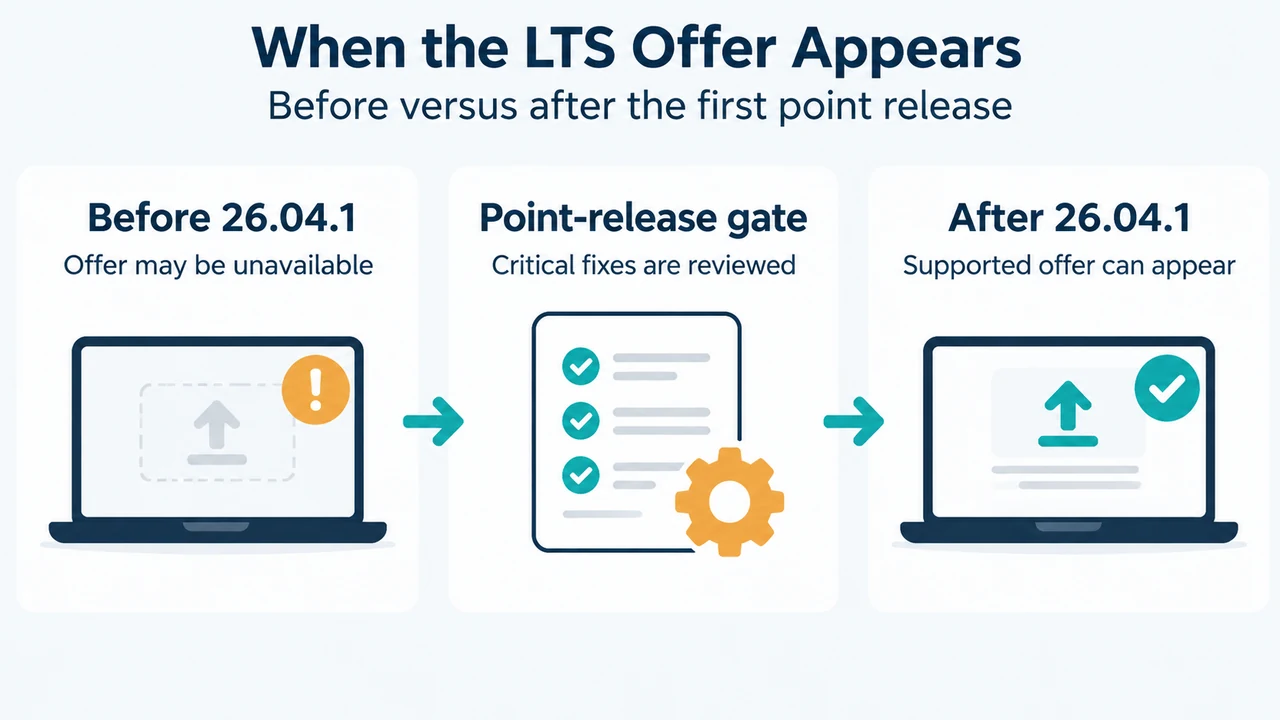
| 26.04.1 maintenance | The point release includes fixes for some installation bugs and upgrade issues. Its summary covers packages in main and restricted, which Canonical says account for all packages in the officially supported images. |
These are documented product changes. They are not evidence that every computer will be faster, that every application will behave identically, or that TPM-backed encryption is available in every configuration.
Who has a clear reason to consider 26.04.1?
Consider evaluating 26.04.1 if one of these documented changes matches your goal:
- You want the GNOME 50 desktop and its listed usability, Files, notification, accessibility or power-management changes.
- You want the newer versions of LibreOffice, Thunderbird or GIMP included in the 26.04 release documentation.
- You are planning a supported Ubuntu Desktop installation and want to investigate TPM-backed full-disk encryption. Canonical explicitly says that limitations remain.
- You are choosing between the original 26.04 release and its point release. The 26.04.1 notes list installation and upgrade fixes that may make the point release the more relevant evaluation target.
Who should pause before deciding?
Pause if your decision depends on facts not established by the supplied excerpts. They do not provide a hardware compatibility list, benchmark results, application-by-application compatibility testing, rollback instructions or a complete upgrade procedure. They also do not prove that TPM-backed full-disk encryption will be available on a particular computer.
Canonical’s 26.04 documentation says that TPM-backed full-disk encryption has limitations and links to separate limitation guidance. Therefore, treat it as a documented feature with configuration boundaries, not as a universal guarantee. The excerpts supplied here do not show those limitations in detail.
A practical decision flow
Use this evidence-based sequence:
- Start with your goal: GNOME 50 changes, newer listed applications, TPM-backed encryption, or installation and upgrade fixes.
- Check whether that goal appears in the documented 26.04 or 26.04.1 changes above.
- If your decision depends on hardware, a specific application, encryption limitations or rollback, stop and consult the relevant complete Canonical documentation because those details are not established by the supplied excerpts.
- If the documented change matters and no unresolved requirement is decisive, evaluate Ubuntu 26.04.1 rather than treating this article as proof that an upgrade is safe for every system.
What 26.04.1 adds to the decision
Ubuntu 26.04.1 is described as a summary of bugs fixed between Ubuntu 26.04 and 26.04.1. The visible notes list updated CD images with fixes for some installation bugs. They also list fixes to the release-upgrader data and behavior, including setting the LTS upgrade prompt, handling some upgrade quirks, and refreshing the mirror list.
Those entries support saying that 26.04.1 contains installation and upgrade maintenance fixes. They do not support a guarantee that an individual upgrade will succeed or that all installation problems are resolved. Canonical notes that many installation problems are hardware-specific.
Bottom line
For a 24.04 LTS Ubuntu Desktop user, 26.04.1 is worth evaluating when its documented desktop, application, encryption or maintenance changes address a specific need. Wait for more evidence when your decision depends on hardware support, application compatibility, rollback, or the detailed limitations of TPM-backed full-disk encryption. The supplied material supports a targeted evaluation, not a universal “upgrade now” instruction.
Research method and limitations
This article was prepared from the supplied public Ubuntu release-note excerpts retrieved on September 23, 2026. The excerpts are truncated and do not expose every linked limitation, compatibility detail or upgrade step. The competitor pages were reviewed only for coverage comparison, not as technical authority. This article makes no hands-on, lab, benchmark or comprehensive-review claim.
Text version of the diagrams
- What the evidence establishes: Documented — GNOME and app updates; Security option — TPM/FDE with limits; Still unknown — Hardware and compatibility
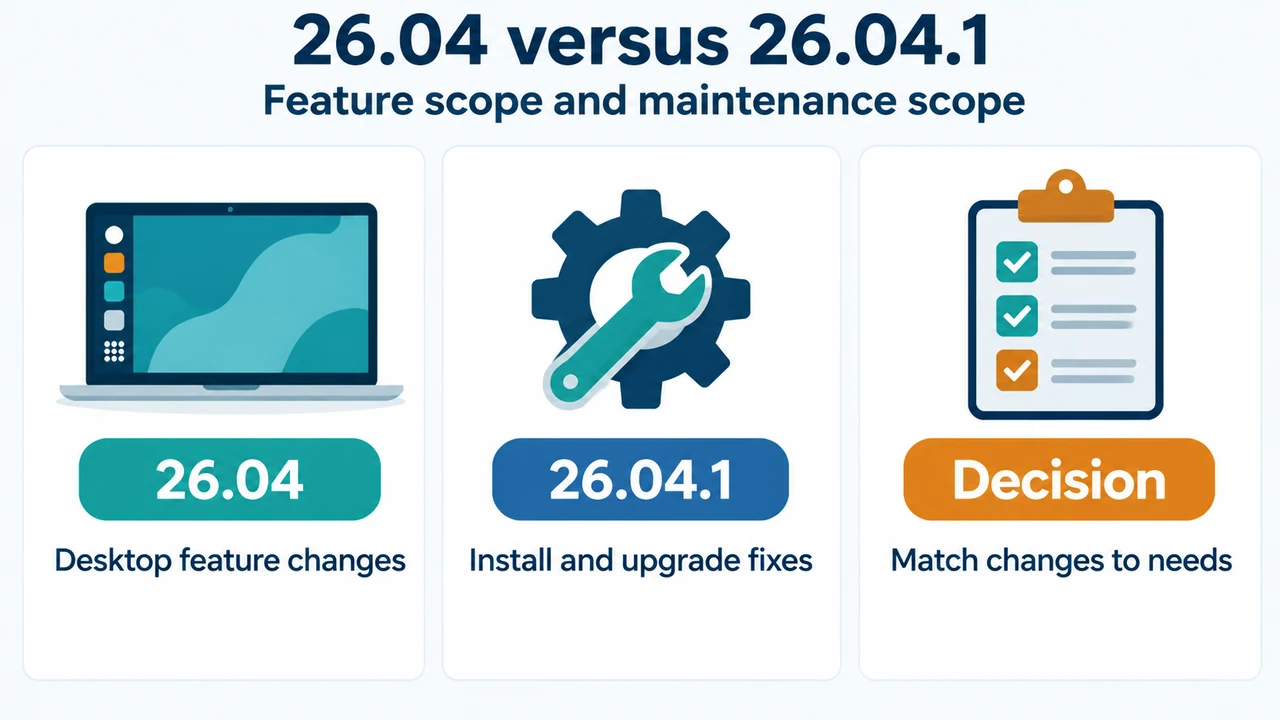
- 26.04 versus 26.04.1: 26.04 — Desktop feature changes; 26.04.1 — Install and upgrade fixes; Decision — Match changes to needs