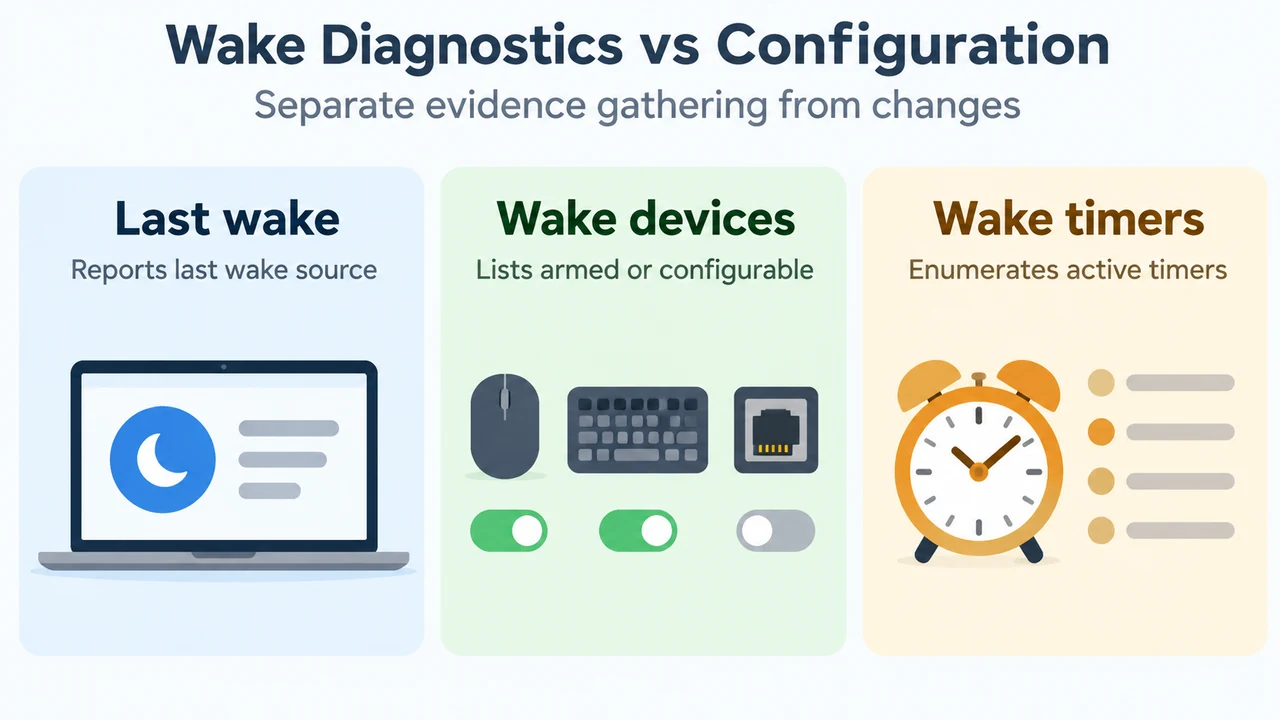
When a Windows computer wakes unexpectedly from sleep, the built-in powercfg command-line utility provides commands to inspect what triggered the last transition, query devices permitted to wake the machine, and inspect active wake timers.
Inspect the Last Wake Transition Using powercfg /lastwake
To view information recorded about the most recent wake event, run:
powercfg /lastwakeAccording to Microsoft documentation, powercfg /lastwake reports information about what woke the system from the last sleep transition.
Query and Audit Wake Devices Using powercfg /devicequery
Hardware devices can be queried using powercfg /devicequery with specific flags:
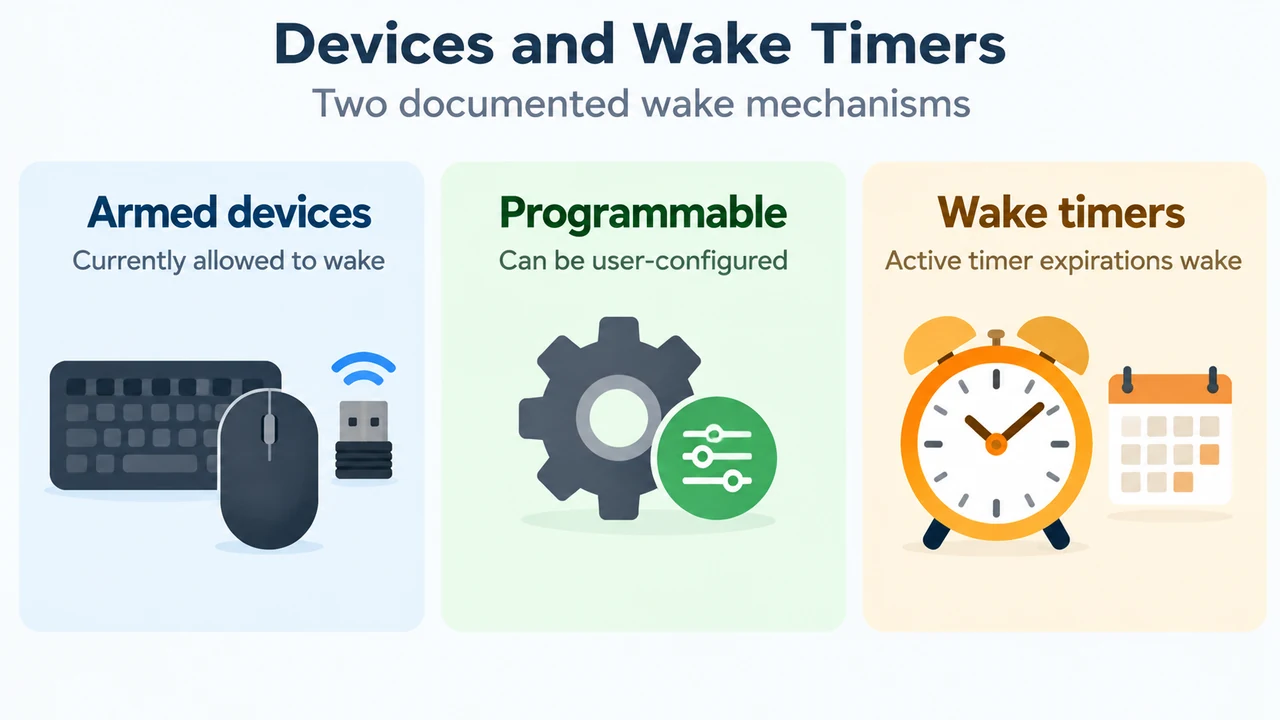
wake_armed: Lists devices that are currently configured to wake the system from any sleep state.wake_programmable: Lists devices that are user-configurable to wake the system from a sleep state.
To list devices currently configured to wake the machine from any sleep state, enter:
powercfg /devicequery wake_armedTo list all devices that support user configuration for waking from a sleep state, enter:
powercfg /devicequery wake_programmableDisable or Re-enable Device Wake Permissions
If a device listed under wake_armed should not wake the computer from sleep, disable its wake capability using /devicedisablewake:
powercfg /devicedisablewake "device_name"Microsoft’s documentation illustrates this command using the following example:
powercfg /devicedisablewake "Microsoft USB IntelliMouse Optical"The device name argument can be retrieved using powercfg /devicequery wake_armed.
To reverse this configuration and enable the device to wake the system again from a sleep state, use /deviceenableawake:
powercfg /deviceenableawake "device_name"Microsoft notes that the device name for /deviceenableawake may be retrieved using powercfg /devicequery wake_programmable.
Inspect Active Wake Timers Using powercfg /waketimers
Wake transitions can also occur from wake timers. To check for active timers, run:
powercfg /waketimersAccording to Microsoft documentation, powercfg /waketimers enumerates the active wake timers. If wake timers are enabled, the expiration of a wake timer wakes the system from sleep and hibernate states.
Diagnostic and Remediation Reference
| Command | Documented Function |
|---|---|
powercfg /lastwake |
Reports information about what woke the system from the last sleep transition. |
powercfg /devicequery wake_armed |
Lists devices that are currently configured to wake the system from any sleep state. |
powercfg /devicequery wake_programmable |
Lists devices that are user-configurable to wake the system from a sleep state. |
powercfg /devicedisablewake "device_name" |
Disables the specified device from waking the system from a sleep state. |
powercfg /deviceenableawake "device_name" |
Enables the specified device to wake the system from a sleep state. |
powercfg /waketimers |
Enumerates the active wake timers; if enabled, timer expiration wakes the system from sleep and hibernate states. |
Text version of the diagrams
- Wake Diagnostics vs Configuration: Last wake — Reports last wake source; Wake devices — Lists armed or configurable; Wake timers — Enumerates active timers
- Devices and Wake Timers: Armed devices — Currently allowed to wake; Programmable — Can be user-configured; Wake timers — Active timer expirations wake
Research Method and Limitations
This reference was prepared exclusively from the supplied public documentation excerpt for Microsoft Learn’s Powercfg command-line options. The supplied source excerpt is truncated and defines command syntax and listed behaviors only. The excerpt does not document output parsing rules, non-specific or empty /lastwake output states, underlying software triggers, Device Manager steps, or BIOS/UEFI settings, and no competing coverage was available for comparison.