On Windows 11 version 24H2 or 25H2, the April 14, 2026 security update KB5083769 can affect third-party backup applications that depend on the kernel driver psmounterex.sys. The documented symptoms are failures when mounting or managing disk images, including the message “The backup has failed because Microsoft VSS has timed out during the snapshot creation” and the error VSS_E_BAD_STATE.
Microsoft’s supported remedy is to update the affected backup application to a newer version that includes protected, newer drivers. Do not treat this as proof that every backup application is affected, and do not disable Windows security protections based on this article.
What KB5083769 changed
KB5083769 applies to all editions of Windows 11 version 24H2 and version 25H2. Microsoft says the update adds known vulnerable kernel drivers to the Microsoft vulnerable driver blocklist. When the blocklist is enabled, Windows Code Integrity enforcement blocks vulnerable versions of psmounterex.sys from loading.
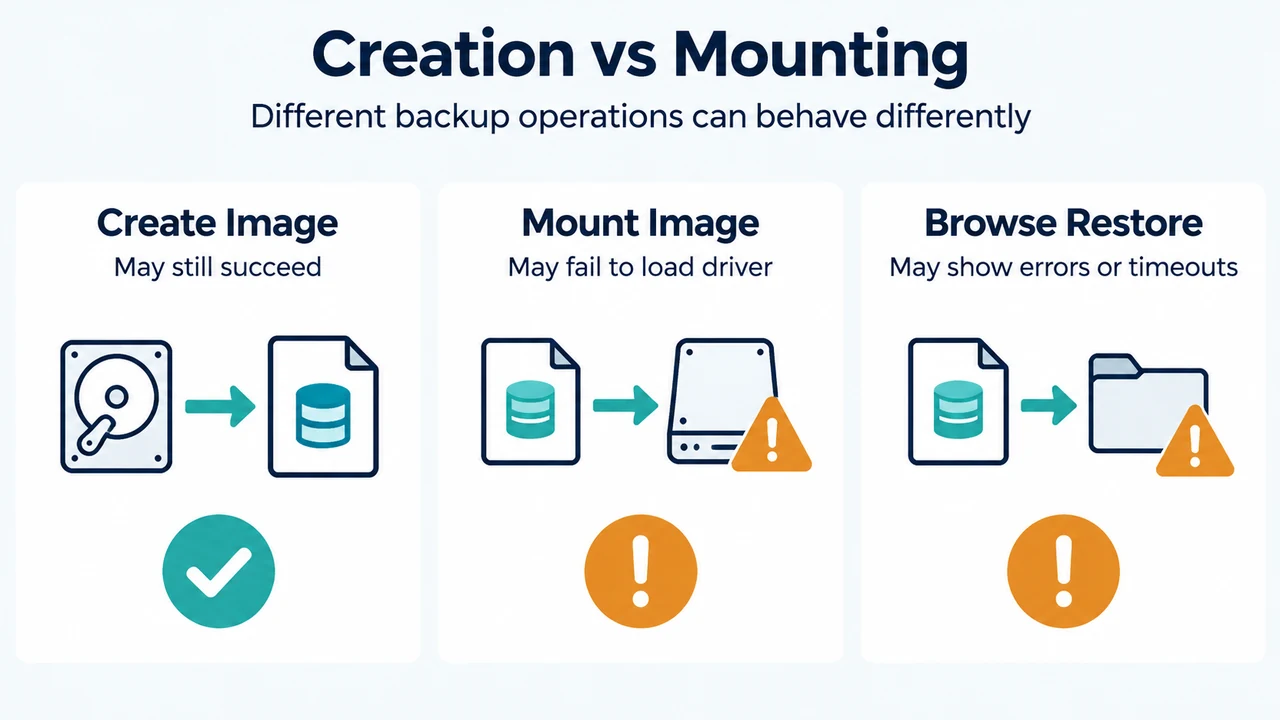
Microsoft documents a specific boundary: backup creation, including full image backups, may still succeed while operations that mount an image as a virtual drive fail. Browsing or restoring from an image may also produce errors or timeouts. The supplied evidence does not establish that every backup feature, product, or driver version behaves this way.
Check whether Windows blocked psmounterex.sys
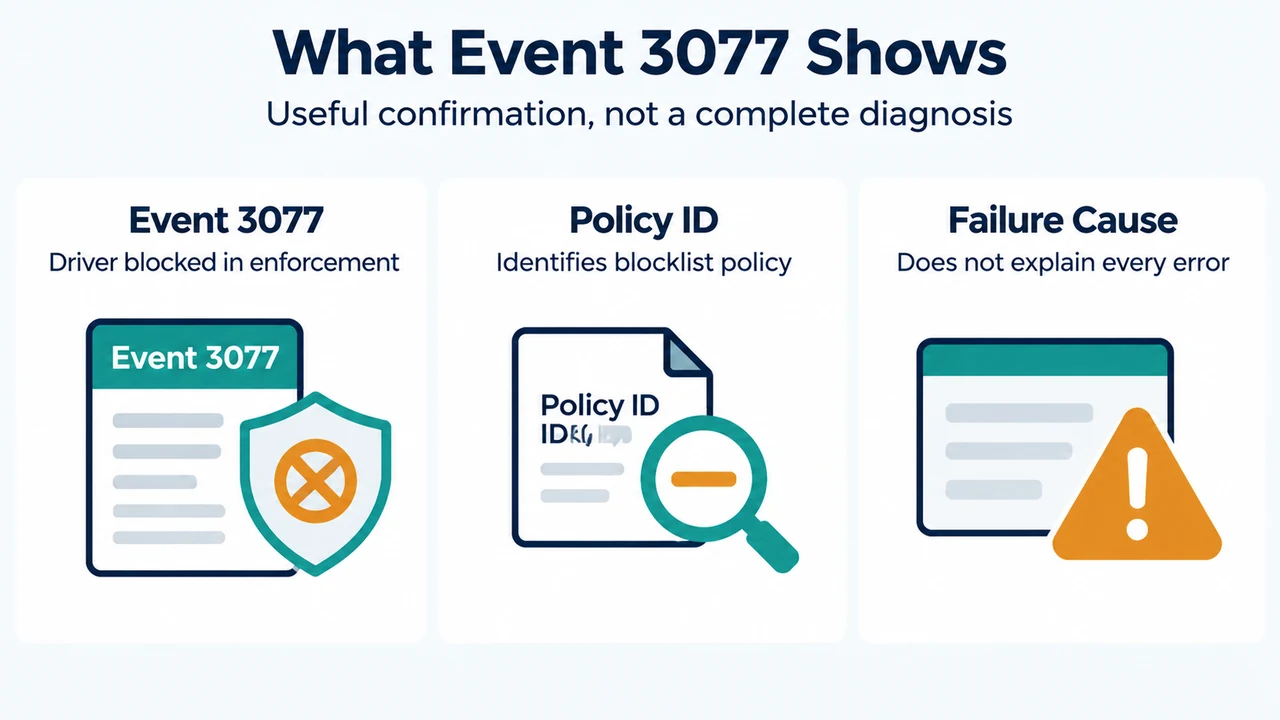
Microsoft identifies Code Integrity Event ID 3077 as the confirmation signal for a driver blocked in enforcement mode. The event includes policy ID {D2BDA982-CCF6-4344-AC5B-0B44427B6816}.
- Right-click Start and select Event Viewer.
- In the left pane, open Applications and Service Logs > Microsoft > Windows > CodeIntegrity > Operational.
- In the middle pane, look for Event ID 3077.
Use the event details to check whether the blocked driver is psmounterex.sys. Finding Event ID 3077 supports the conclusion that Code Integrity blocked a driver in enforcement mode. It does not, by itself, identify every cause of a backup failure or prove that all backup operations are affected.
Update the backup application
Microsoft says applications that depend on the blocked driver can continue to fail until they are updated to a newer version that includes the required protections. Update the backup application through the vendor’s supported process, then contact the application vendor if you are unsure whether your installed version is affected.
The supplied Microsoft guidance does not name a particular backup product or provide a universal application version number. Therefore, this article cannot identify a specific replacement release or promise that an update will resolve every VSS error.
What not to conclude from the symptoms
- A VSS timeout or
VSS_E_BAD_STATEcan appear among the documented symptoms, but the supplied excerpts do not establish that every occurrence of either error is caused by KB5083769. - A successful full image backup does not prove that image mounting, browsing, or restoring will work.
- The evidence supports updating the affected backup application. It does not support disabling the vulnerable-driver blocklist, weakening Code Integrity, or removing Windows security protections.
Research method and limitations
This article was prepared from the supplied public Microsoft excerpts for the April 2026 Windows security update and the KB5083769 release notes, retrieved September 22, 2026. The supplied Windows Central passage was used only to compare coverage, not as technical authority. The available KB5083769 excerpt is truncated in places, and no backup-vendor documentation or product-specific release notes were supplied. This is research-based guidance, not a hands-on test, lab result, benchmark, or comprehensive review.
Text version of the diagrams
- Creation vs Mounting: Create Image — May still succeed; Mount Image — May fail to load driver; Browse Restore — May show errors or timeouts
- What Event 3077 Shows: Event 3077 — Driver blocked in enforcement; Policy ID — Identifies blocklist policy; Failure Cause — Does not explain every error