Google Chrome displays distinct error messages when it encounters issues connecting to a website, loading a page, or interacting with web content. In Google Chrome documentation, page crashes, page loading errors, and certificate or connection errors are categorized separately with specific documented meanings and responses. This guide outlines the documented distinctions between these categories based on official Google Chrome Help guidance, explains what Google specifically advises for isolated page crashes and “Aw, Snap!” errors, and clarifies how troubleshooting steps for certificate and connection errors differ.
Distinguish Page Crashes from Page Loading Errors
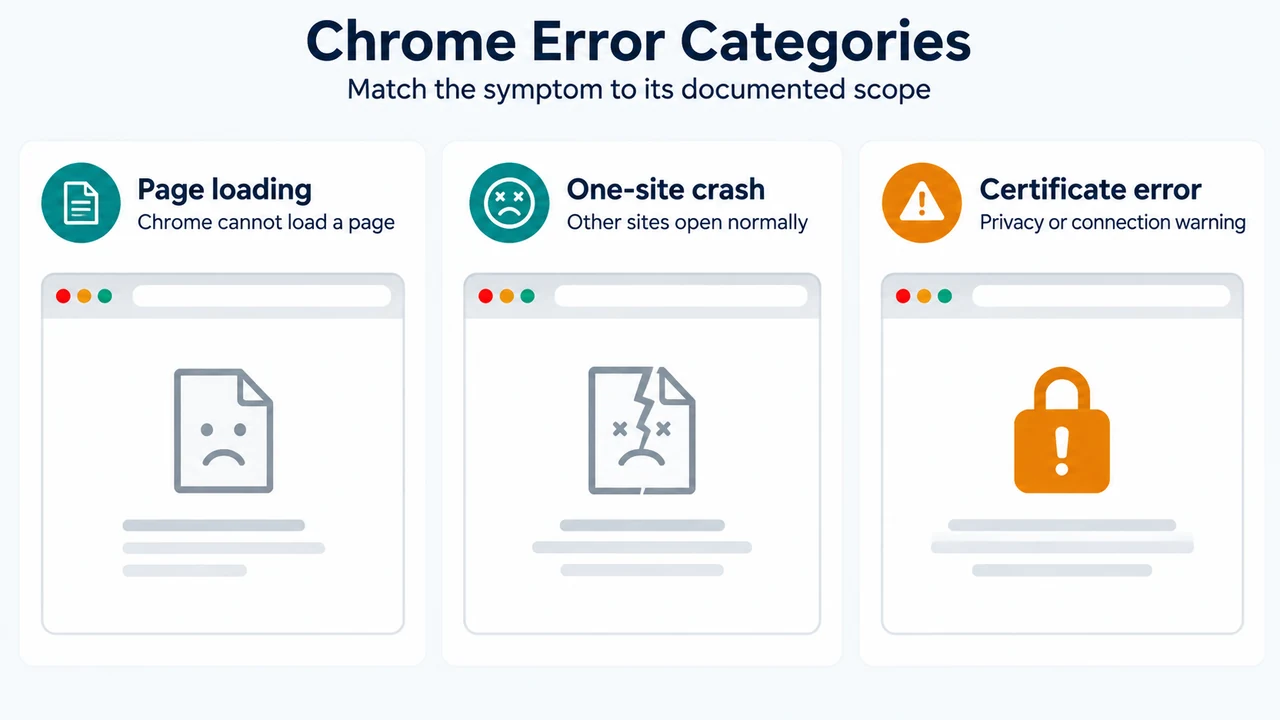
Google documentation differentiates between general page loading error codes and page crashes:
- Page loading errors: Error codes indicating a problem opening the page include
"Aw, Snap!"(Chrome is having problems loading the page),ERR_EMPTY_RESPONSE(the page did not send any data and might be down),ERR_CONNECTION_RESET(something interrupted the connection, such as an unstable connection, outdated browser, VPN issue, or security software), andERR_CACHE_MISS(the page needs previously entered information submitted again). A complete list of error codes can be viewed by typingchrome://network-errors/in the Chrome search bar. - Page crashes: Under the specific heading for page crashes, Google notes: if other sites open normally but one site crashes, that site might be the cause of the problem. For this scenario, the documented actions are:
- Turn on automatic error reporting or report the issue to Chrome.
- Contact the site owner to report the problem.
Documented Steps for Certificate and Invalid Connection Errors
Steps involving Incognito mode, operating system updates, antivirus HTTPS scanning, and proxy certificates are documented by Google specifically for certificate, “connection not private”, or invalid errors (such as "Your connection is not private," NET::ERR_CERT_AUTHORITY_INVALID, ERR_CERT_COMMON_NAME_INVALID, or SSL certificate error), rather than general “Aw, Snap!” page crashes:
- Sign in to network portal: For Wi-Fi networks requiring sign-in (such as cafes or airports), navigate to a website starting with
http://to access the sign-in portal. - Test in Incognito mode: Open the page in an Incognito window. Google states that if the page opens and a Chrome extension does not work, turn off the extension. Google documentation does not state that Incognito mode disables third-party extensions by default or that crashes across multiple sites indicate extensions.
- Update operating system: Ensure the device operating system (such as Windows or Mac) is up-to-date.
- Temporarily turn off antivirus software: Antivirus software providing “HTTPS protection” or “HTTPS scanning” can prevent Chrome from providing security, triggering certificate errors. Google advises turning off the antivirus software to test, and remembering to turn it back on when done.
- Check proxy configurations in enterprise environments: On computers with proxy configurations performing HTTPS interception (such as Zscaler, Palo Alto Networks, or Fortinet), a
NET::ERR_CERT_AUTHORITY_INVALIDerror indicates that the needed proxy certificate is missing or not installed. Google advises contacting your administrator rather than installing a certificate independently.
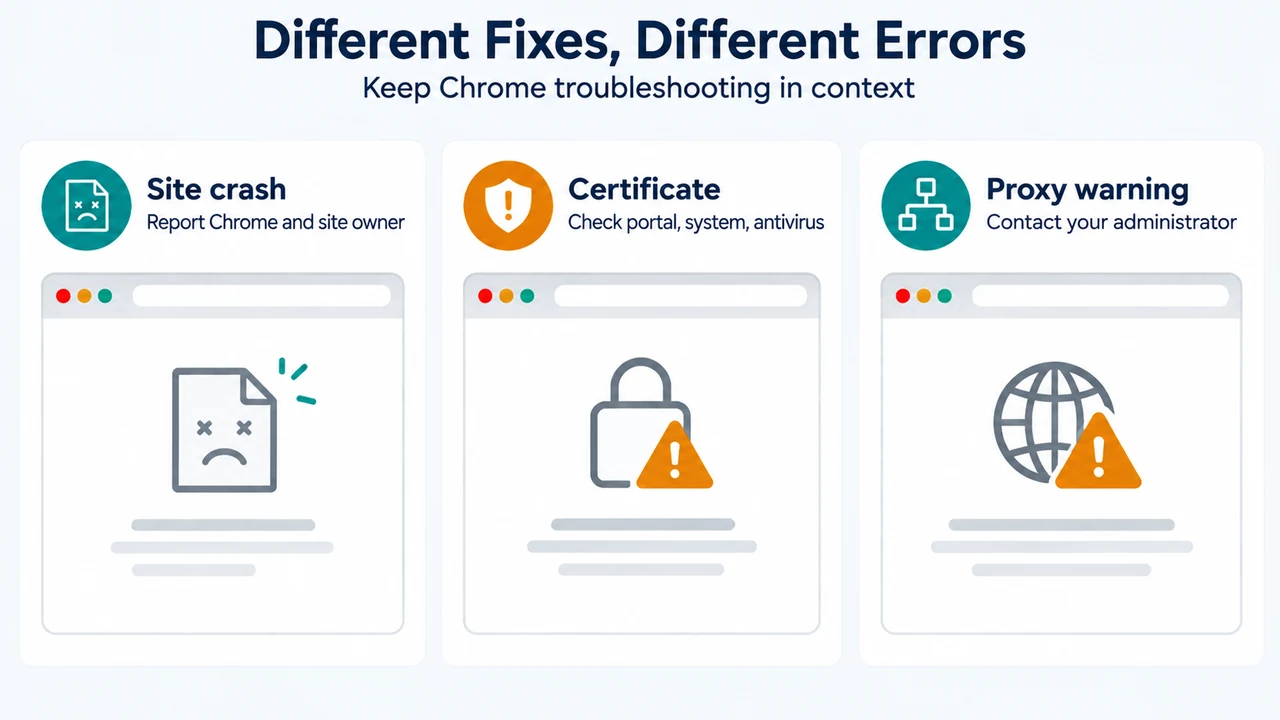
Text version of the diagrams
- Chrome Error Categories: Page loading — Chrome cannot load a page; One-site crash — Other sites open normally; Certificate error — Privacy or connection warning
- Different Fixes, Different Errors: Site crash — Report Chrome and site owner; Certificate — Check portal, system, antivirus; Proxy warning — Contact your administrator
Research Method and Limitations
This guide was prepared directly from the supplied public excerpt of the official Google Chrome Help article “Fix connection and loading errors in Chrome” (https://support.google.com/chrome/answer/95669). Material limitations include the absence of competing coverage or search results, and the omission of topics not present in the visible source excerpt (such as STATUS_ACCESS_VIOLATION codes, hardware acceleration, or memory diagnostics). Troubleshooting instructions for certificate errors are presented strictly within their documented context and are not generalized to “Aw, Snap!” crashes.