Microsoft documents a Visual Basic dialog with “Runtime error 4707” that users might encounter when opening documents in Word for Microsoft 365, starting in build 16.97. Microsoft marks the issue fixed with the Word 16.97.1 release.
What the documented issue covers
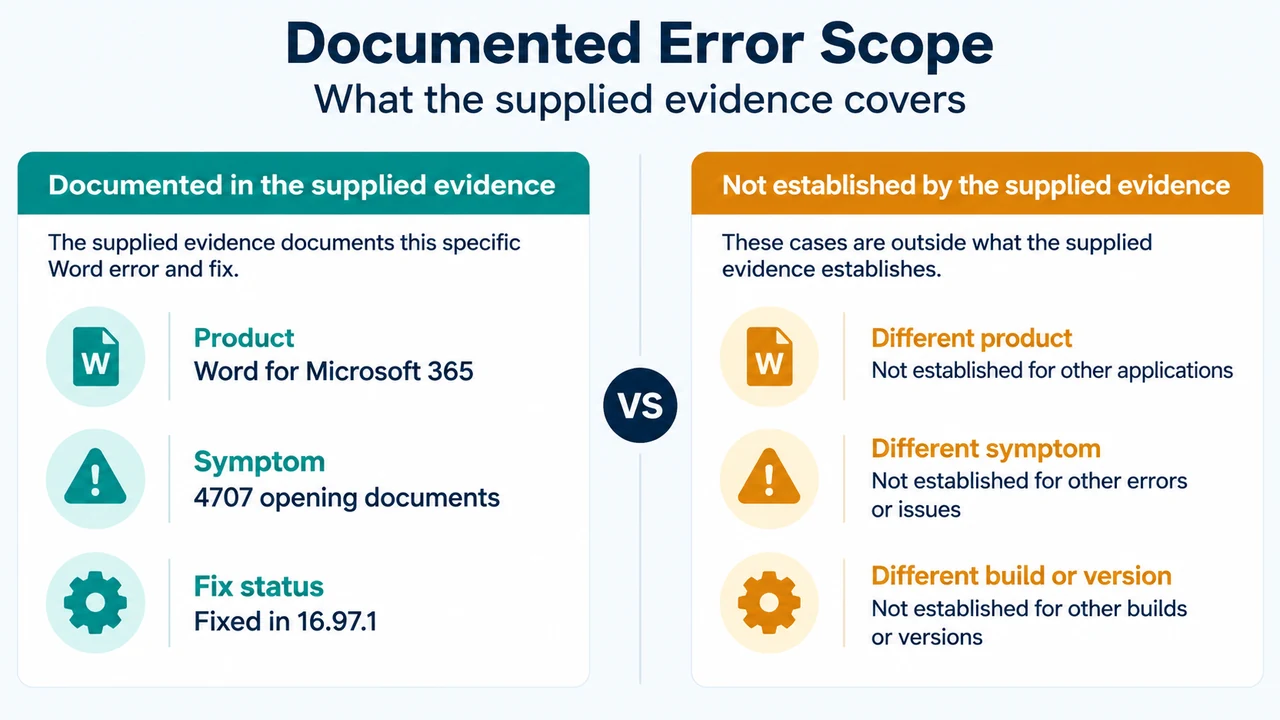
The supplied Microsoft notice applies to Word for Microsoft 365. It describes the error when opening documents and identifies build 16.97 as the starting build.
The excerpt does not establish a Mac-specific scope, a particular device configuration, a document type, or a cause such as an add-in. It also does not establish that every Word version or every opening failure is affected.
Supported corrective direction
Microsoft lists the issue as FIXED with the Word 16.97.1 release. If the documented symptom matches what you see and your Word installation is on build 16.97, the supported corrective direction identified by the notice is to use the 16.97.1 release.
The supplied Microsoft excerpt does not provide a menu path for checking the installed build or installing the release. It also does not state that all later builds are covered. Do not treat an unverified workaround or an assumed later-build result as established by this evidence.
What the supplied evidence does not establish
A supplied third-party excerpt mentions add-in deletion, rollback, reinstallation, and a safe-mode argument. Those suggestions are not supported as fixes by the supplied Microsoft notice. The third-party excerpt is truncated and is used only to compare coverage, not as technical authority.
The supplied evidence therefore does not establish a supported deletion, rollback, reinstallation, safe-mode, or add-in procedure for this issue.
If your case differs
If Word is not on build 16.97, the message is not Runtime error 4707, or the error occurs outside the documented document-opening scenario, the supplied evidence does not establish the cause or a corrective procedure. The same limitation applies if the issue continues after using the documented 16.97.1 release.
Research method and limitations
This answer was prepared from the supplied public source excerpts retrieved on September 23, 2026. The Microsoft Support excerpt is the primary source and supports only the visible statements about Word for Microsoft 365, build 16.97, the opening-document symptom, and the Word 16.97.1 fix. The competing excerpt is truncated and cannot support unseen claims; no broader competing coverage was supplied. This is not a hands-on test, benchmark, or comprehensive review.
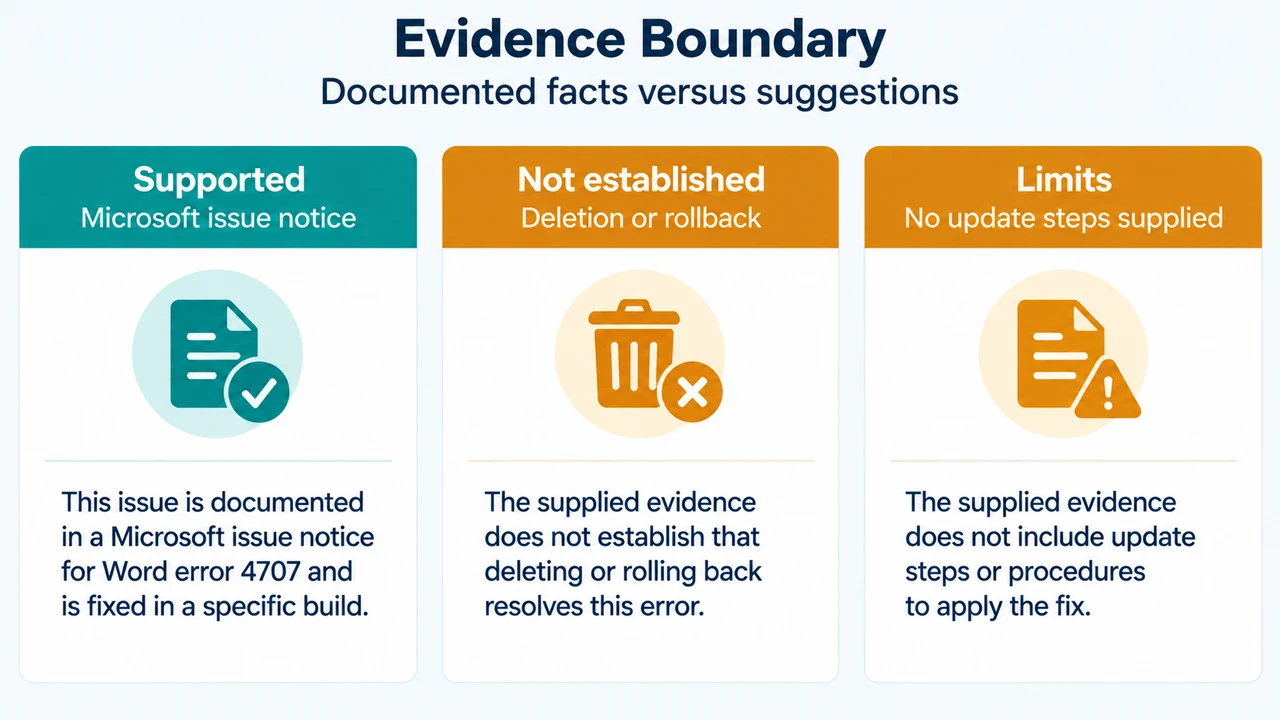
Text version of the diagrams
- Documented Error Scope: Product — Word for Microsoft 365; Symptom — 4707 opening documents; Fix status — Fixed in 16.97.1
- Evidence Boundary: Supported — Microsoft issue notice; Not established — Deletion or rollback; Limits — No update steps supplied