If a physical disk shows CanPool=False in Windows Server 2025 Storage Spaces, inspect its CannotPoolReason before resetting it. The visible Microsoft documentation describes different causes, and reset can remove Storage Spaces configuration, pool data, or lingering metadata.
This guide covers only the CannotPoolReason entries visible in the supplied Microsoft Storage Spaces excerpt. It does not claim to cover every possible reason because that excerpt is truncated. The supplied cmdlet pages are for Windows Server 2025, so this guide is scoped to that documentation.
Inspect the physical disk
Microsoft documents Get-PhysicalDisk for listing physical disk objects and supports filtering for disks available to a storage pool:
Get-PhysicalDisk -CanPool $TrueTo display the relevant properties for the disks, use:
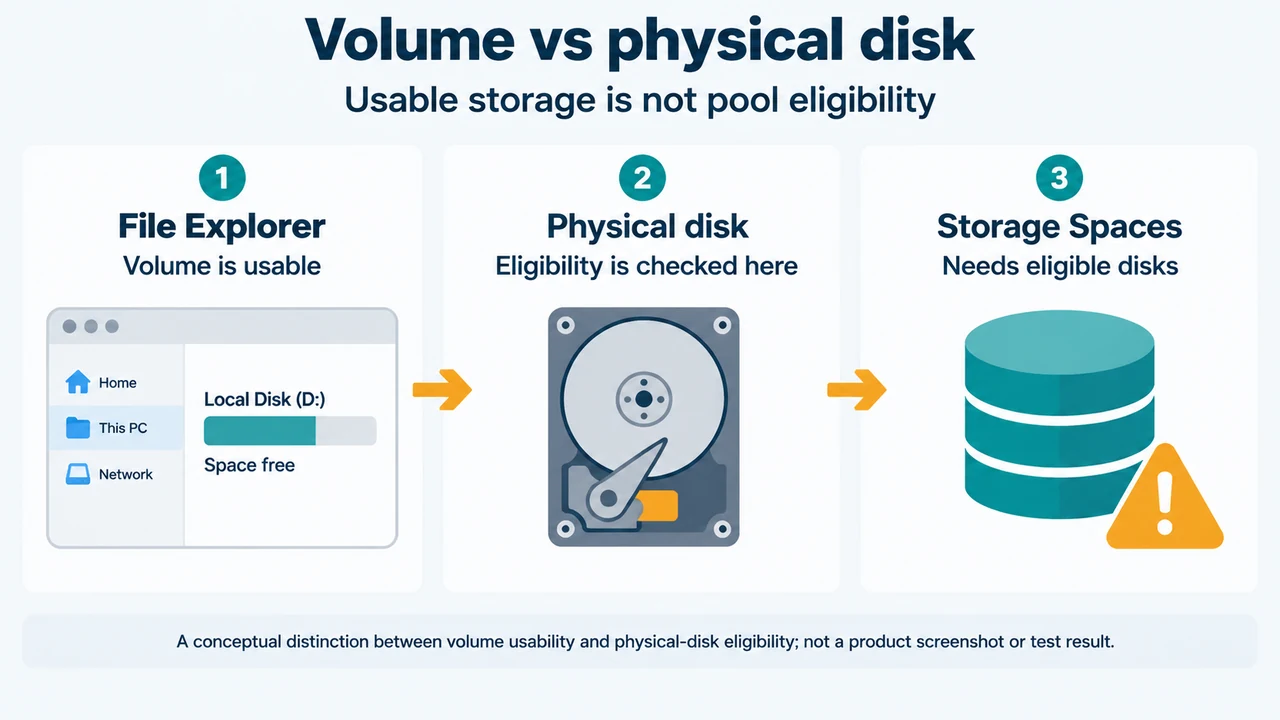
Get-PhysicalDisk | Select-Object FriendlyName, CanPool, CannotPoolReasonThe Storage Spaces documentation identifies CannotPoolReason as the property used to find out why a drive is not eligible for pooling. Inspect the result for the intended disk before choosing an action. When an operation supports it, identify the disk by its unique ID. Microsoft says a friendly name is not guaranteed to be unique.
Visible CannotPoolReason entries
In a pool
In a pool means the drive already belongs to a storage pool. A drive can belong to only one storage pool at a time.
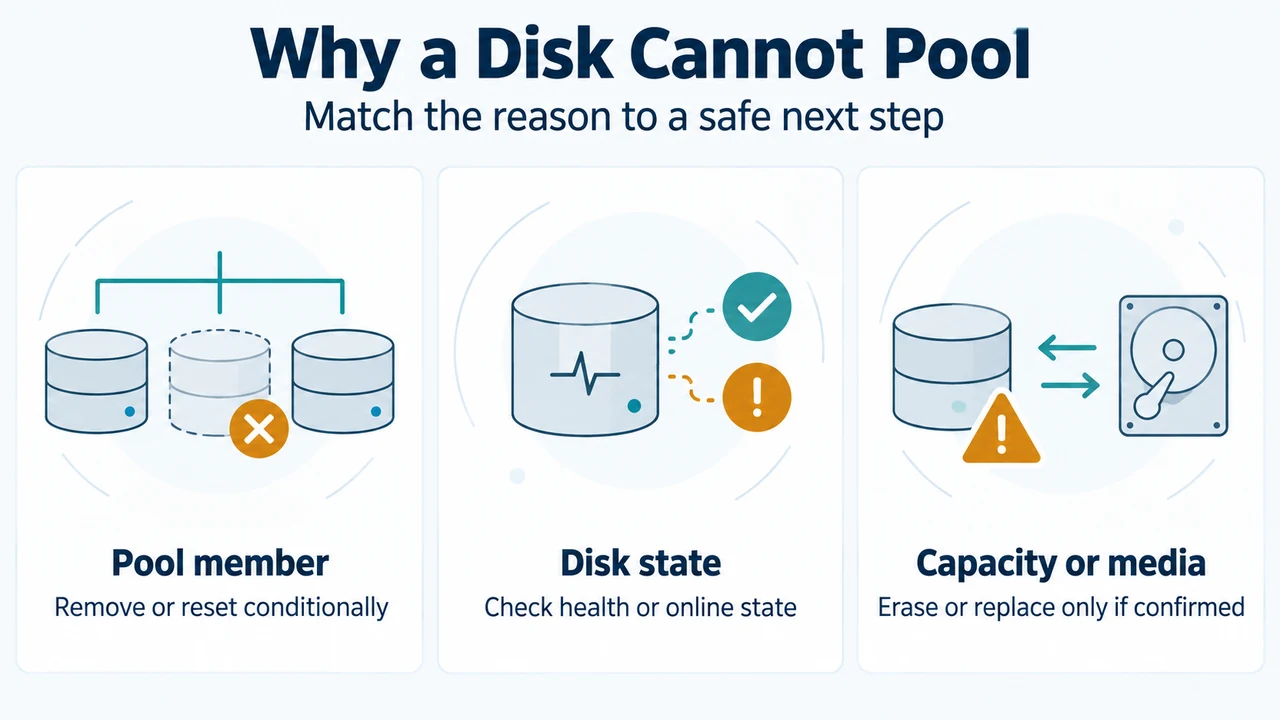
To use it in another pool, Microsoft documents removing it from the existing pool with Remove-PhysicalDisk or through Server Manager. Removal tells Storage Spaces to move the drive’s data to other drives in the pool. Microsoft also documents reset when a drive was disconnected from its pool without notifying Storage Spaces. That exception does not make reset a general solution for every disk.
Not healthy
Not healthy means the drive is not in a healthy state and might need to be replaced. The supplied excerpt does not provide a universal repair procedure for this reason.
Removable media
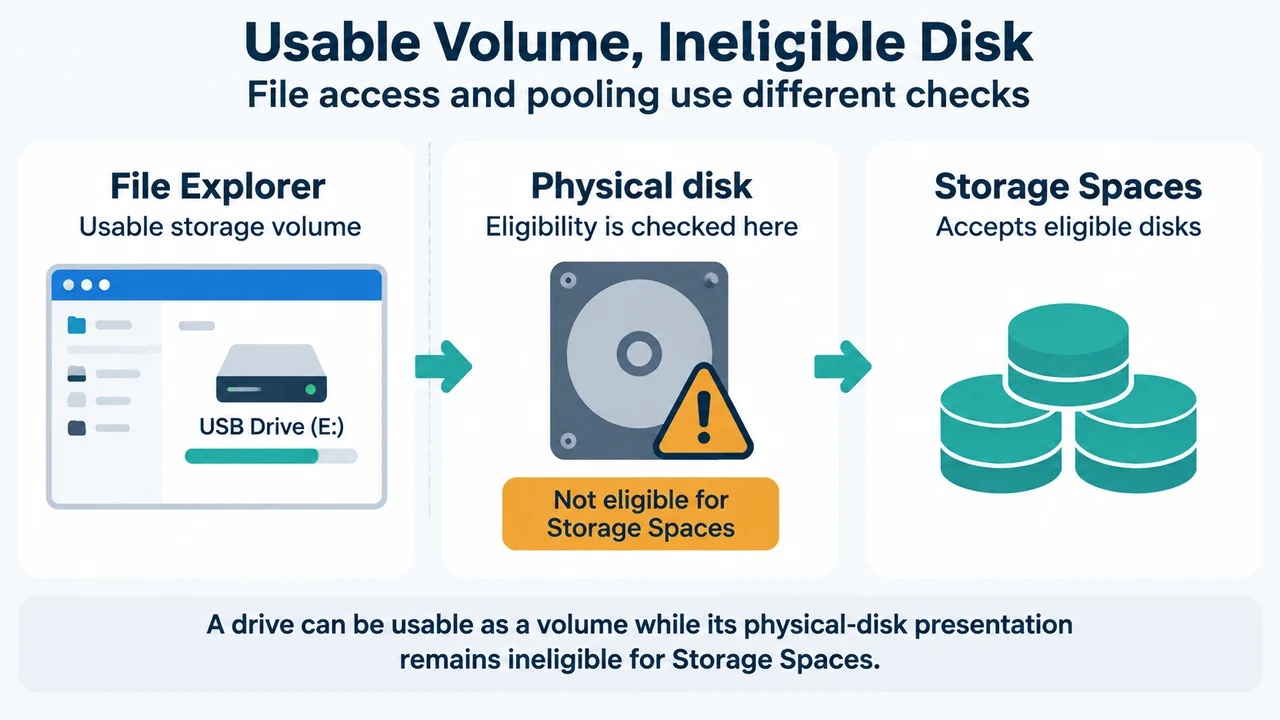
Removable media means Windows classifies the drive as removable. Storage Spaces does not support media recognized by Windows as removable, such as Blu-ray drives. A fixed drive in a removable slot can still be classified as removable by Windows.
In use by cluster
In use by cluster means the drive is currently used by a Failover Cluster. The supplied evidence does not provide a general procedure for taking it out of cluster use. Do not infer that resetting it is safe.
Offline
Offline means the drive is offline. Microsoft shows commands that bring all offline drives online and set all read-only disks to read/write:
Get-Disk | Where-Object -Property OperationalStatus -EQ "Offline" | Set-Disk -IsOffline $false
Get-Disk | Where-Object -Property IsReadOnly -EQ $true | Set-Disk -IsReadOnly $false
These commands are broad: they target every disk matching each condition, not one confirmed physical disk. Do not run them as a disk-specific fix based only on CannotPoolReason. First confirm the intended disk and the administrative context. The supplied evidence does not establish why a particular disk is offline or whether changing its state is appropriate.
Insufficient capacity
Insufficient capacity typically occurs when partitions occupy free space needed for pooling. The documented action is to delete volumes on the drive, which erases all data. The excerpt gives Clear-Disk as one way to do that.
Treat this as a data-erasure decision. Confirm that the disk is the intended target and that needed data has been preserved before considering that action.
Why reset requires a separate decision
Microsoft describes Reset-PhysicalDisk as destructive for Storage Spaces. On a disk in a storage pool, it removes the pool configuration and pool data from that disk. On a disk outside a pool, it clears lingering Storage Spaces data and metadata.
For a reset affecting a storage pool, Microsoft says to use Repair-VirtualDisk to restore the resiliency of affected virtual disks. That repair statement applies to affected pooled virtual disks; the supplied evidence does not support presenting it as a required follow-up for every reset.
Reset is therefore not a generic “make this disk poolable” step. First identify the CannotPoolReason, determine whether the disk belongs to a pool or cluster, and establish whether data or pool metadata could be removed.
Research method and limitations
This answer was prepared from the supplied public Microsoft source excerpts retrieved on 19 September 2026. The Storage Spaces and Get-PhysicalDisk excerpts are truncated, so only their visible statements are used. The supplied competing coverage was available only for comparison and did not provide the technical basis for this guide. No hands-on testing, benchmark, or comprehensive coverage claim is made.
Sources
- Microsoft: Storage Spaces states
- Microsoft: Get-PhysicalDisk, Windows Server 2025 view
- Microsoft: Reset-PhysicalDisk, Windows Server 2025 view
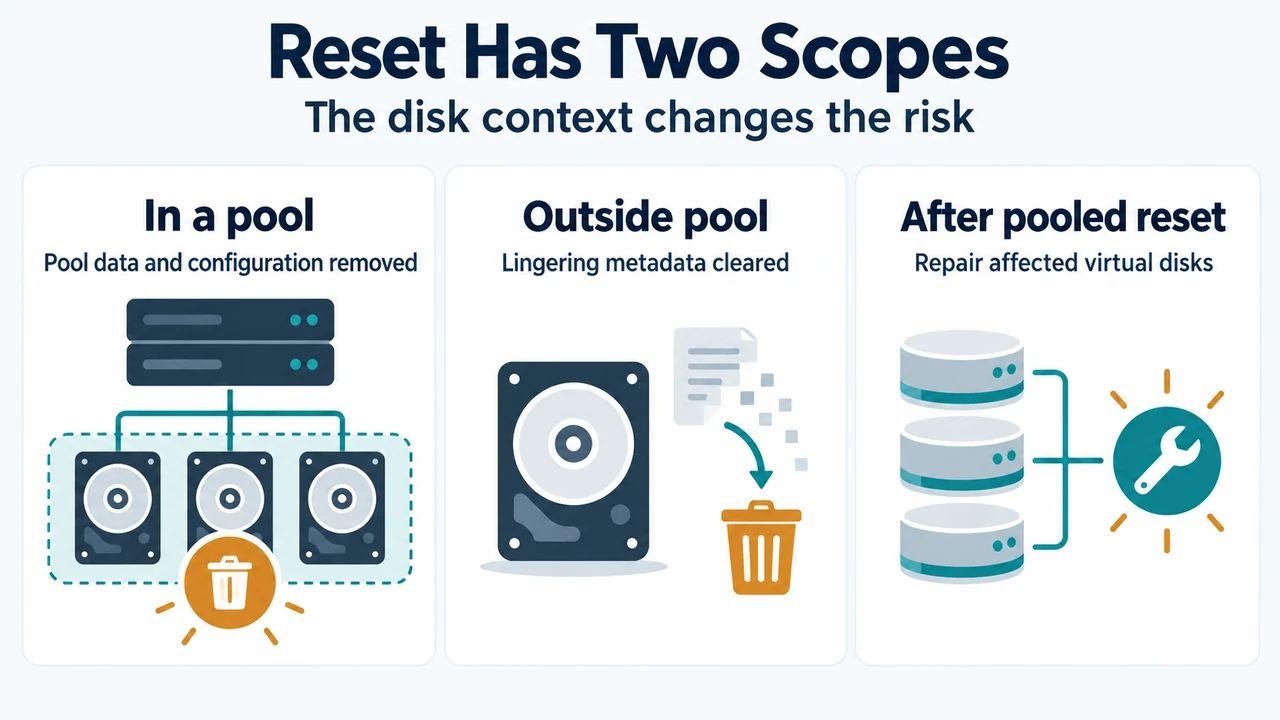
Text version of the diagrams
- Why a Disk Cannot Pool: Pool member — Remove or reset conditionally; Disk state — Check health or online state; Capacity or media — Erase or replace only if confirmed
- Reset Has Two Scopes: In a pool — Pool data and configuration removed; Outside pool — Lingering metadata cleared; After pooled reset — Repair affected virtual disks