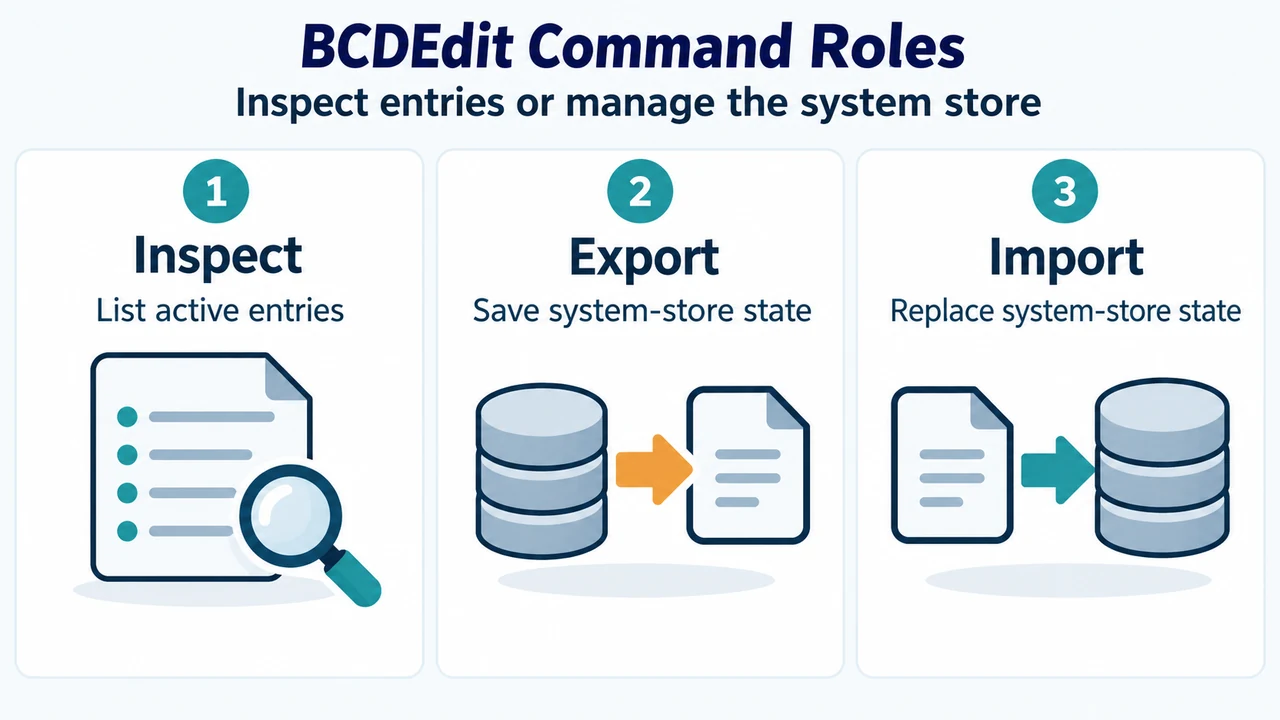
Boot Configuration Data (BCD) files describe boot applications and their settings, replacing Boot.ini on modern Windows releases. Administrators can use the built-in command-line tool bcdedit to inspect active entries and back up or restore the system store when maintaining system configurations.
Overview of BCD and BCDEdit Capabilities
According to Microsoft documentation for BCDEdit, BCD files store boot settings across Windows 11, Windows 10, Windows Server 2025, Windows Server 2022, Windows Server 2019, Windows Server 2016, and Azure Local 2311.2 and later. The bcdedit.exe tool is located in the %WINDIR%\System32 folder. Administrative privileges are required to use BCDEdit to modify the BCD store.
Core commands for managing stores and inspecting entries include:
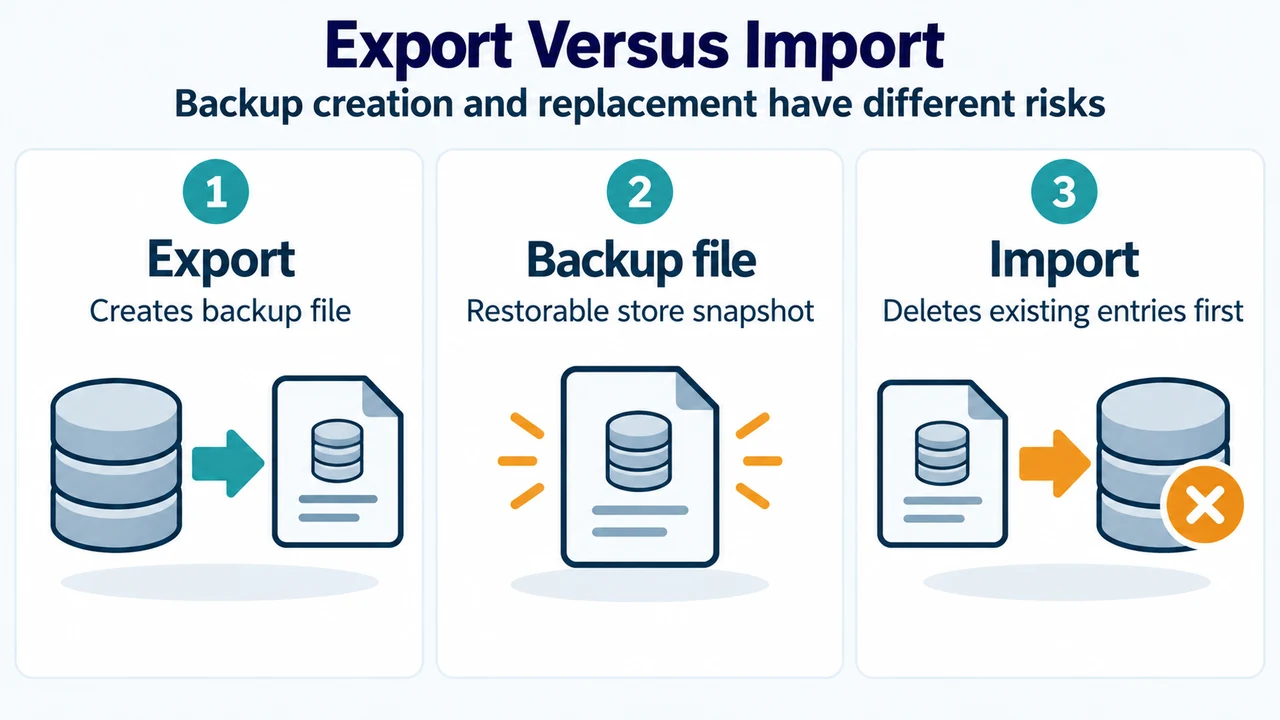
bcdedit(orbcdedit /enum active): Lists active entries in the store. Runningbcdeditwithout parameters or runningbcdedit /storewithout an argument defaults to enumerating active entries.bcdedit /v: Runs in verbose mode, displaying all entry identifiers in full rather than their friendly shorthand forms.bcdedit /export <filename>: Exports the contents of the system store to a specified backup file. This command operates only on the system store.bcdedit /import <filename>: Restores the system store from a backup file previously generated with/export. Running/importdeletes any existing entries in the system store before importing the file.
Backing Up and Inspecting the System Store
Administrators can inspect current entries and establish a restorable baseline before modifying boot configuration.
To view active boot entries in the system store:
bcdeditTo view active boot entries with full GUID identifiers instead of shorthand names:
bcdedit /vTo back up the current system store to a designated export file (such as C:\bcdbackup):
bcdedit /export C:\bcdbackupTo restore the system store using the previously exported backup file:
bcdedit /import C:\bcdbackupBecause bcdedit /import deletes all existing entries in the system store prior to restoration, ensure the specified backup file is valid and accessible before executing the command.
Research Method and Limitations
This article was prepared directly from the supplied public source excerpt of Microsoft’s command-line reference for BCDEdit. Hands-on system testing, benchmarks, and experimental verification were not conducted. Material limitations include the absence of startup repair loop parameters or specific boot troubleshooting walkthroughs in Microsoft’s primary command-line reference; secondary repair-loop bypass parameters were excluded because the visible evidence is truncated and does not establish a complete, verified troubleshooting workflow across supported platforms.
Text version of the diagrams
- BCDEdit Command Roles: Inspect — List active entries; Export — Save system-store state; Import — Replace system-store state
- Export Versus Import: Export — Creates backup file; Backup file — Restorable store snapshot; Import — Deletes existing entries first