For Microsoft Copilot on Windows, personal and work or school accounts remain separate by design. Microsoft says you can switch between them in Copilot, but data entered in one account experience does not flow into the other. Most chats and other content move to the updated Copilot app, while content created with retired features may be handled differently.
This guide covers the documented account boundary, general migration statements, and content Microsoft identified around August 18, 2026. It does not claim that every Copilot feature or account type behaves identically.
Personal and work accounts stay separate
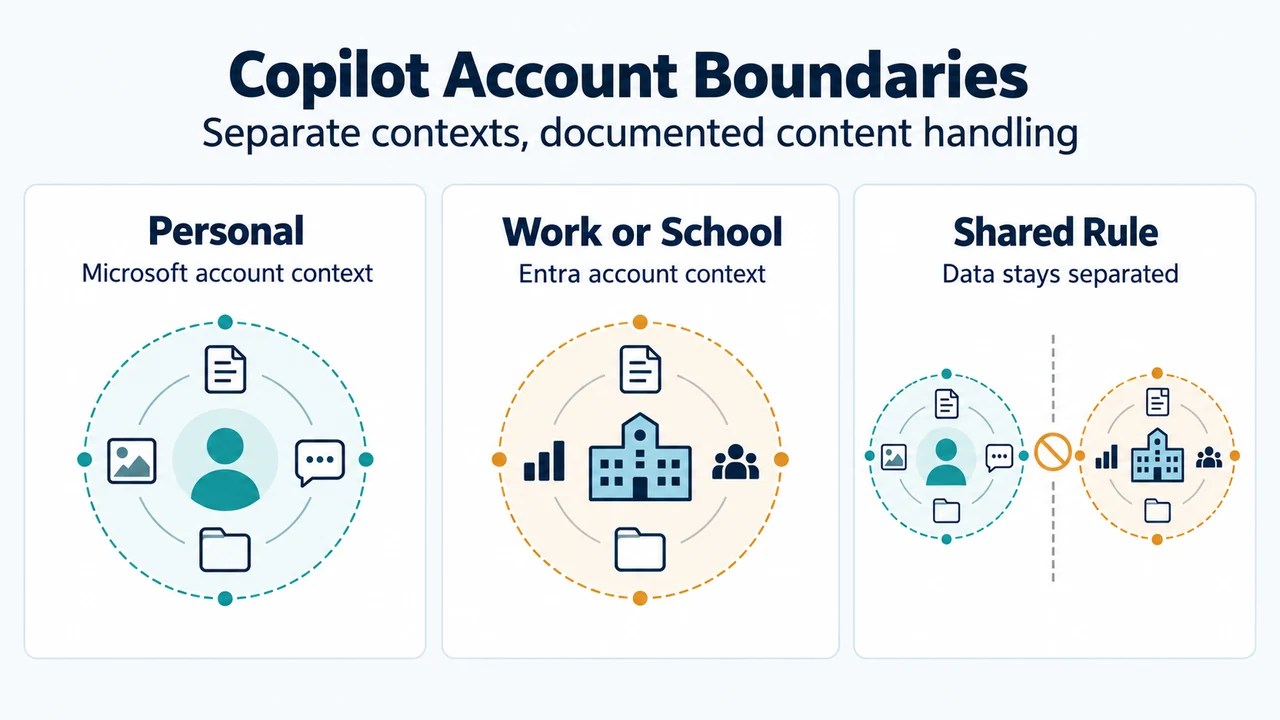
Microsoft says the updated Copilot app supports a personal account, a work or school account, or both. It also says you can switch between personal and work or school accounts with the account switcher in Copilot.
Microsoft documents personal Microsoft accounts and work accounts using Microsoft Entra as distinct by design. Data entered into the work or school experience does not flow into the personal experience, and personal data does not flow into the work or school experience. Microsoft also says commercial data boundaries, tenant controls, and compliance protections are not changing.
Switching accounts is therefore described as changing the account context, not merging personal and workplace conversations. This account-separation information appears in Microsoft’s Copilot app update article.
What Microsoft says generally moves
For personal-account users moved to the updated Copilot app, Microsoft says chat history and most content move with the user. The listed data includes chats, images, and other content created with Copilot.
Microsoft also says that people who used Copilot with more than one linked personal account may have their Copilot history, preferences, and eligible content brought together through their Microsoft account. The supplied excerpt does not define every item that qualifies as eligible content, so this is not a guarantee that every feature-specific item will move.
Files shared and generated with the standalone Copilot app are documented as moving to OneDrive. Microsoft says these files can be managed through the OneDrive app or by signing in to the Microsoft account. This identifies the documented storage destination; it does not establish identical behavior for every Copilot artifact.
Content Microsoft identified around August 18
Group Chat
Microsoft says Group Chat threads, messages, and content, including images created in Group Chats, would not be carried forward after August 18, 2026. Its guidance was to copy messages worth keeping into a document or notes app and download images worth saving before the account update.
Podcasts
Microsoft says Podcasts was being retired from Copilot and would no longer be available after August 18, 2026. After retirement, customers would no longer be able to create or access Podcasts in Copilot. Microsoft’s guidance says individual podcasts could be downloaded from the podcast library with the download option in the podcast menu.
Deep Research
Microsoft says Deep Research was being retired in the Copilot app for consumers starting August 18, 2026. The supplied excerpt refers to detailed reports and analyses created with Deep Research and says the source explains what the change means and how to access existing research content. Because the visible excerpt does not provide that access procedure, this guide does not add one.
What Windows access documentation confirms
Microsoft’s Windows access documentation says that, if the Copilot app is not already installed, users can download it from the Microsoft Store and sign in with a Microsoft 365 work or school account. It also documents access with the Copilot keyboard key and Windows+C. These access methods do not change the separate-account boundary.
Microsoft’s Windows Insider release notes describe an August 14, 2026 preview for Windows Insiders using version 152.0.4191.25. The visible excerpt says the preview could include icon, visual, navigation, and feature-availability changes. Ask Copilot on the taskbar was temporarily disabled, while Notebooks, Connectors, and Vision could be temporarily unavailable. These notes apply to that Insider preview scope, not automatically to every Windows installation.
A practical decision rule
If you switch between personal and work or school accounts, identify which account contains the material you need and keep the two account contexts separate.
If the material is a Group Chat thread, Group Chat image, Podcast, or Deep Research report, check whether you preserved it before or around the documented August 18, 2026 retirement date. For files shared or generated with the standalone Copilot app, check OneDrive because Microsoft documents it as the storage location.
For other chats and images, Microsoft says most data moves to the updated Copilot app, but the supplied documentation does not promise identical behavior for every feature-specific item.
Research method and limitations
This article was prepared from the supplied public Microsoft source excerpts retrieved on September 20, 2026. One Microsoft support passage was truncated, so this article uses only statements visible in that excerpt and does not treat unseen text as evidence. The Windows Insider page required authorization, and its supplied excerpt was limited to visible August 2026 release-note details. No competing coverage was supplied. This is research-based guidance, not a hands-on test, benchmark, or comprehensive review.
Text version of the diagrams
- Copilot Account Boundaries: Personal — Microsoft account context; Work or School — Entra account context; Shared Rule — Data stays separated
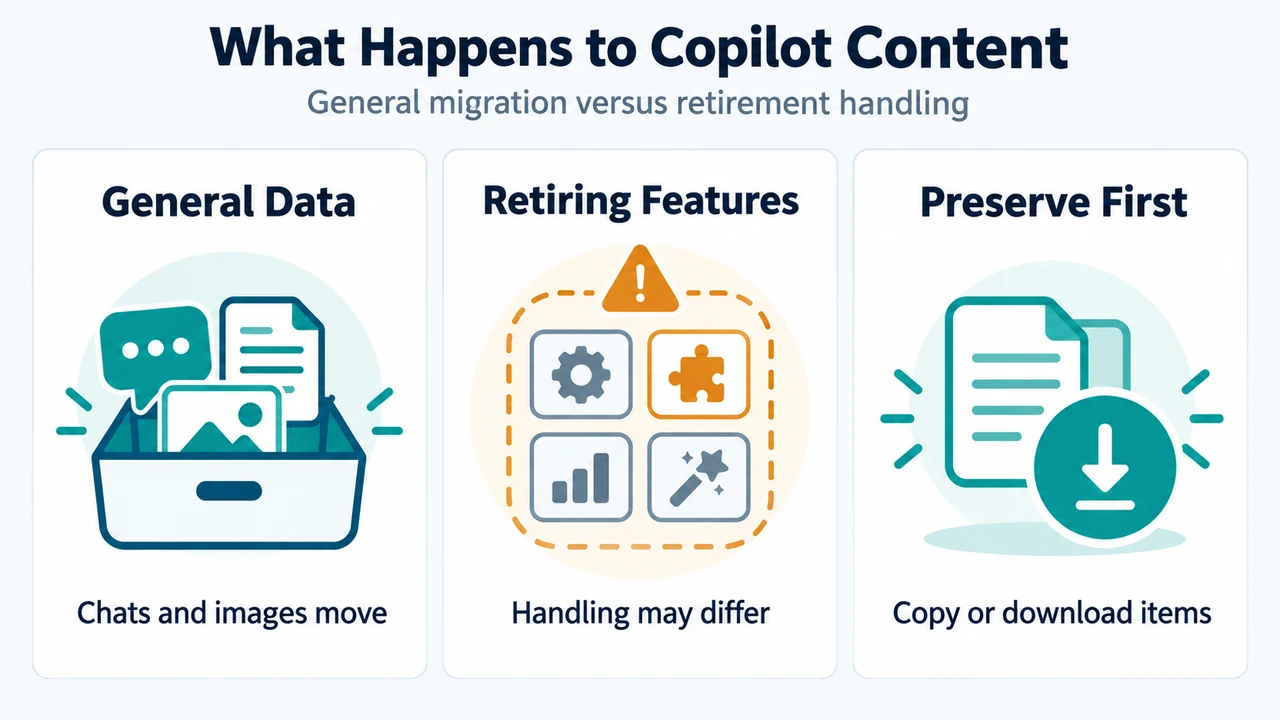
- What Happens to Copilot Content: General Data — Chats and images move; Retiring Features — Handling may differ; Preserve First — Copy or download items