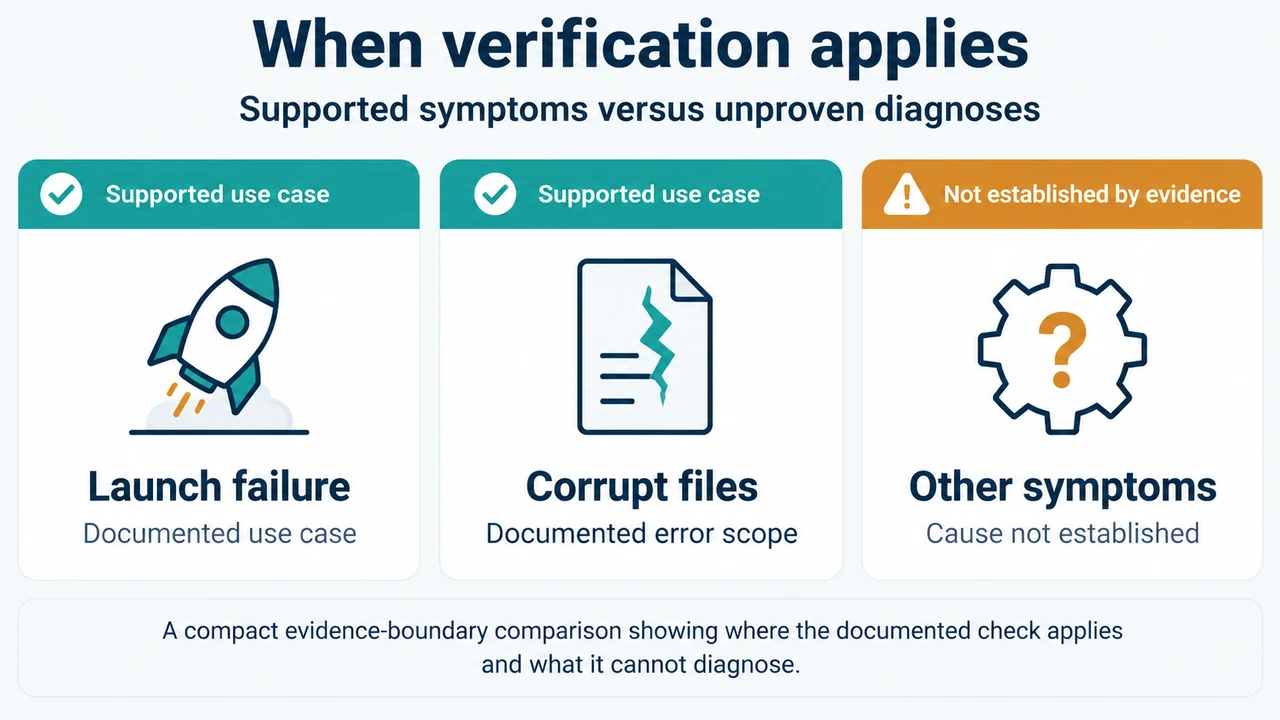
If a Steam game will not launch or Steam reports corrupt or missing files, use Steam’s documented Verify integrity of game files check before considering a reinstall. Bethesda Support documents this option for launch failures and corrupt- or missing-file errors. The supplied Steam Support excerpt confirms the official support topic exists, but it does not expose the procedure or its result details, so this guide keeps its claims to the visible evidence.
When this check applies
The supplied Bethesda guidance applies when you cannot launch a game on Steam or receive Steam errors about corrupt or missing files. It does not establish that every crash, missing texture, save problem, mod problem, driver problem, or game-build problem will be fixed by verification.
How to run Steam’s file check
- Open Steam.
- Open the Library section.
- Right-click the affected game and choose Properties.
- Open the Local files tab.
- Select Verify integrity of game files….
Bethesda Support says Steam will verify the game’s files and that the process may take several minutes. When it finishes, close the window and launch the game again.
What the check can and cannot tell you
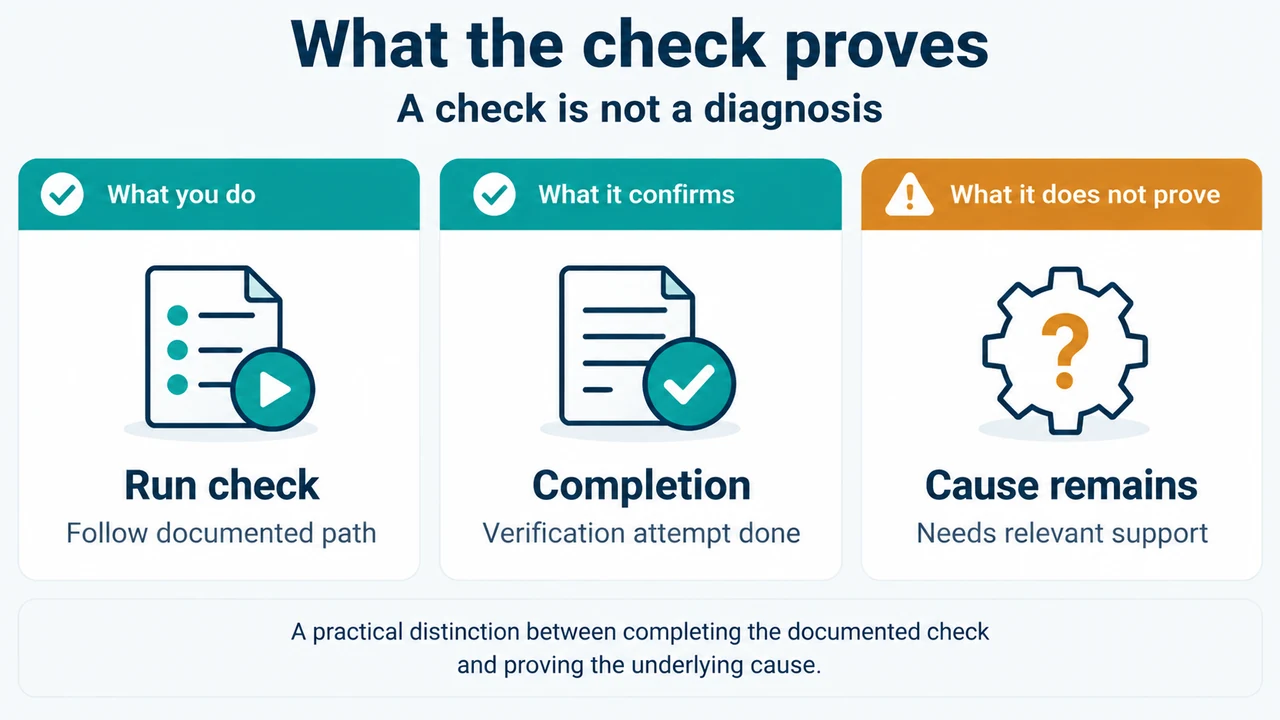
A completed verification gives you a documented Steam check to try for the specific launch or corrupt/missing-file problem described above. The supplied excerpts do not explain how Steam reports individual failed files, how many files may be reacquired, or whether a result proves that a save, mod, driver, or particular game build caused the original problem.
For that reason, do not treat a verification attempt as proof of the underlying cause. If the same problem remains, the supplied evidence does not provide a further diagnostic procedure. Use the game developer’s or Steam’s relevant support information for the remaining symptom rather than assuming that reinstalling, changing drivers, or altering saves is necessary.
Research method and limitations
This article was prepared from the supplied public excerpts retrieved on 2026-09-21. The primary Steam passage was visible only as the page heading and site navigation in the supplied excerpt, so it does not support additional procedural or result-interpretation claims here. Bethesda Support supplied the visible procedure and scope. The competing pages were reviewed only for coverage comparison; one was explicitly truncated and neither was used as technical authority. This is research-based guidance, not a hands-on test, lab result, benchmark, or comprehensive review.
Text version of the diagrams
- When verification applies: Launch failure — Documented use case; Corrupt files — Documented error scope; Other symptoms — Cause not established
- What the check proves: Run check — Follow documented path; Completion — Verification attempt done; Cause remains — Needs relevant support