On January 21, 2026, Microsoft announced that the Xbox PC app was available on all Arm-based Windows 11 PCs. Microsoft also said that more than 85% of the Game Pass catalog was compatible with these PCs. That is a catalog-level claim, not a guarantee that every game will run locally on every Arm device.
This guide is for people who already own, or are considering, a Windows 11 Arm PC. It explains the documented scope of the update and the difference between downloading a supported title to the PC and playing an unsupported title through Xbox Cloud Gaming.
What the January 2026 update confirms
Microsoft says players can download and play a wide range of titles from the Xbox PC app catalog on Arm-based Windows 11 PCs. It reports that more than 85% of the Game Pass catalog is compatible with these PCs and says support is still being expanded with partners.
The Xbox Wire announcement describes the expansion as support for downloading titles from the Xbox PC app catalog to Arm-based Windows 11 PCs. It says this includes titles offered through a Game Pass subscription. Game Pass is sold separately.
The announcement does not establish that every catalog title works locally, that every Arm PC provides the same performance, or that a particular game will work without checking its requirements and the available device guidance.
Local downloads and cloud play are different
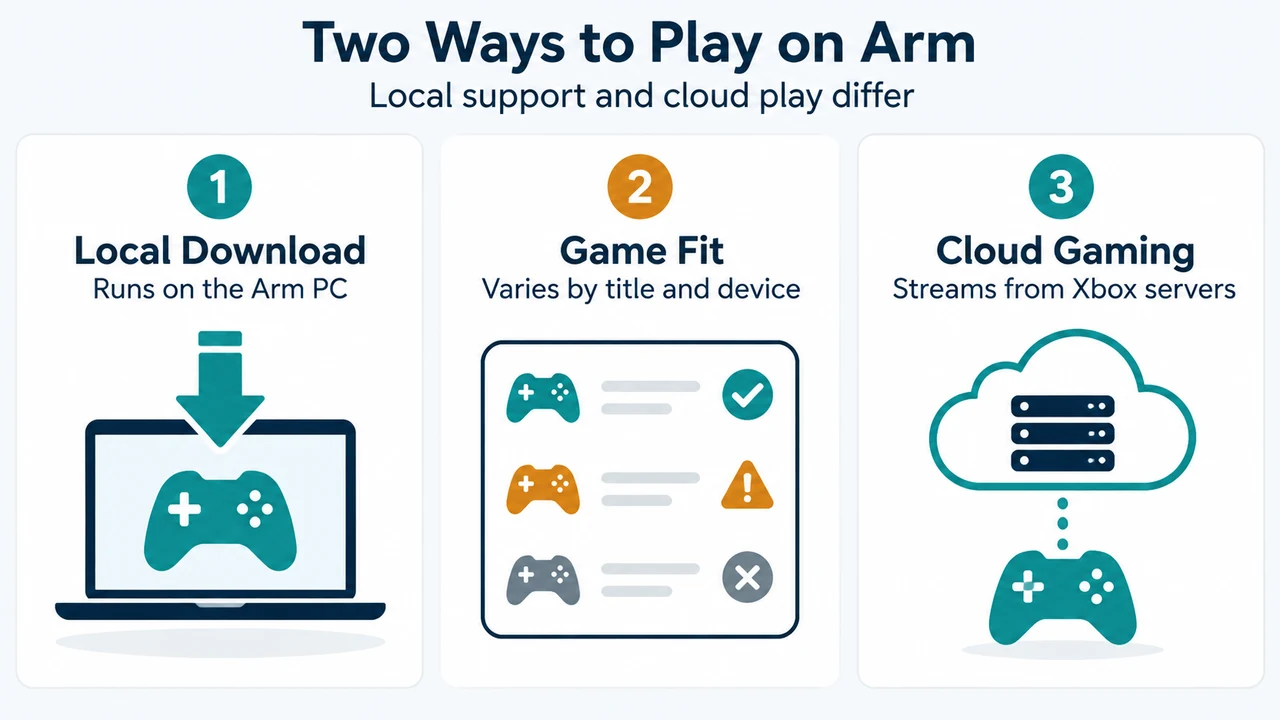
A compatible title can be downloaded from the Xbox PC app and played locally on the Windows 11 Arm PC. For a title not yet supported locally, Microsoft points to Xbox Cloud Gaming as an alternative way to play while compatibility work continues.
Cloud play is therefore an alternative for titles that are not supported locally in the documented Arm rollout. It is not evidence that the game can be installed and run locally on the PC.
The Xbox PC app page separately describes downloading games and playing console games from the cloud. It also says that system requirements vary by game and that performance scales with higher-end systems.
Why compatibility has expanded
Microsoft says Prism, the emulator that runs x86 and x64 software on Arm, now supports AVX and AVX2. Microsoft presents this as a change that helps expand compatibility for many modern games.
Microsoft also says Epic’s Easy Anti-Cheat support enables some games on Arm-based Windows 11 PCs. Its examples include Gears of War: Reloaded and Fortnite. These examples do not establish that every game using anti-cheat software is supported.
What to check before installing or buying
1. Confirm the operating-system scope
The Xbox PC app page lists Windows 10/11, version 22H2 or higher, as its requirement. The January 2026 announcement concerns Arm-based Windows 11 PCs. Confirm that the device is an Arm-based Windows 11 PC and that its Windows version meets the app requirement.
2. Review the game’s requirements and device guidance
Do not treat the “more than 85%” figure as a title-by-title guarantee. Microsoft says that some titles are not yet supported locally and that compatibility is being expanded over time. The Xbox PC app page says system requirements vary by game. Microsoft also describes Windows Performance Fit as guidance about which titles should play well on a given device based on its hardware capabilities.
3. Decide whether local play or cloud play is acceptable
If the title is supported locally, the app can provide a download path. If it is not yet supported locally, Microsoft’s documented alternative is Xbox Cloud Gaming. The Xbox PC app page says cloud gaming lets users stream hundreds of games on a PC with Xbox Game Pass.
4. Keep device differences in mind
System requirements vary by game, and performance scales with higher-end systems. Windows Performance Fit offers guidance about which titles should play well on a given device based on its hardware capabilities. Compatibility and expected playability are related but are not the same promise.
What this update does not prove
The supplied Microsoft material does not provide a complete title-by-title compatibility list, a guarantee for every Arm processor or device, performance measurements, frame-rate results, or a universal answer for every third-party game launcher or anti-cheat implementation.
It also does not establish that a game unavailable for local download will become supported by a particular date. Microsoft says it is working with partners to broaden compatibility, but the timing and final scope remain unspecified in the supplied sources.
Bottom line
The January 21, 2026 update makes the Xbox PC app a documented option for local game downloads on Arm-based Windows 11 PCs. Microsoft’s reported figure is more than 85% Game Pass catalog compatibility, while some titles remain unsupported locally. Before installing or buying a game, verify the Windows requirement, review the game’s system requirements and available device guidance, and decide whether cloud play is an acceptable alternative.
Research method and limitations: This article was prepared from the supplied public Microsoft and Xbox source excerpts retrieved on September 20, 2026, plus supplied competitor excerpts used only to compare coverage. The excerpts do not provide a complete compatibility database or device-by-device testing. The competitor excerpts are truncated, so unseen text is not treated as evidence. This is research-based guidance, not a hands-on review, lab test, benchmark, or comprehensive review of every game.
Text version of the diagrams
- Two Ways to Play on Arm: Local Download — Runs on the Arm PC; Game Fit — Varies by title and device; Cloud Gaming — Streams from Xbox servers
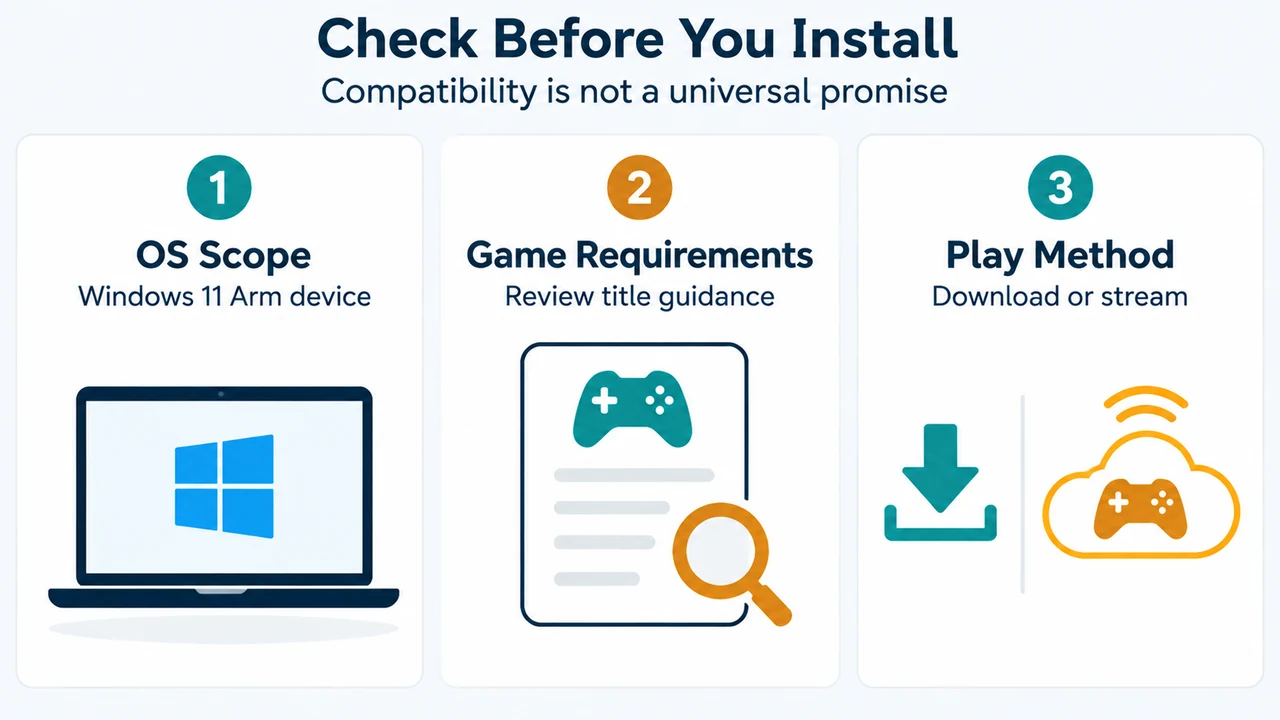
- Check Before You Install: OS Scope — Windows 11 Arm device; Game Requirements — Review title guidance; Play Method — Download or stream