On an eligible iPhone running iOS 27, open Settings > Siri and choose Try Siri AI (Beta). If Siri is switched off, turn it on first. The beta starts in English, and availability depends on your device and region. Here is the setup path and what to check when the option is missing.
Check whether your iPhone supports it
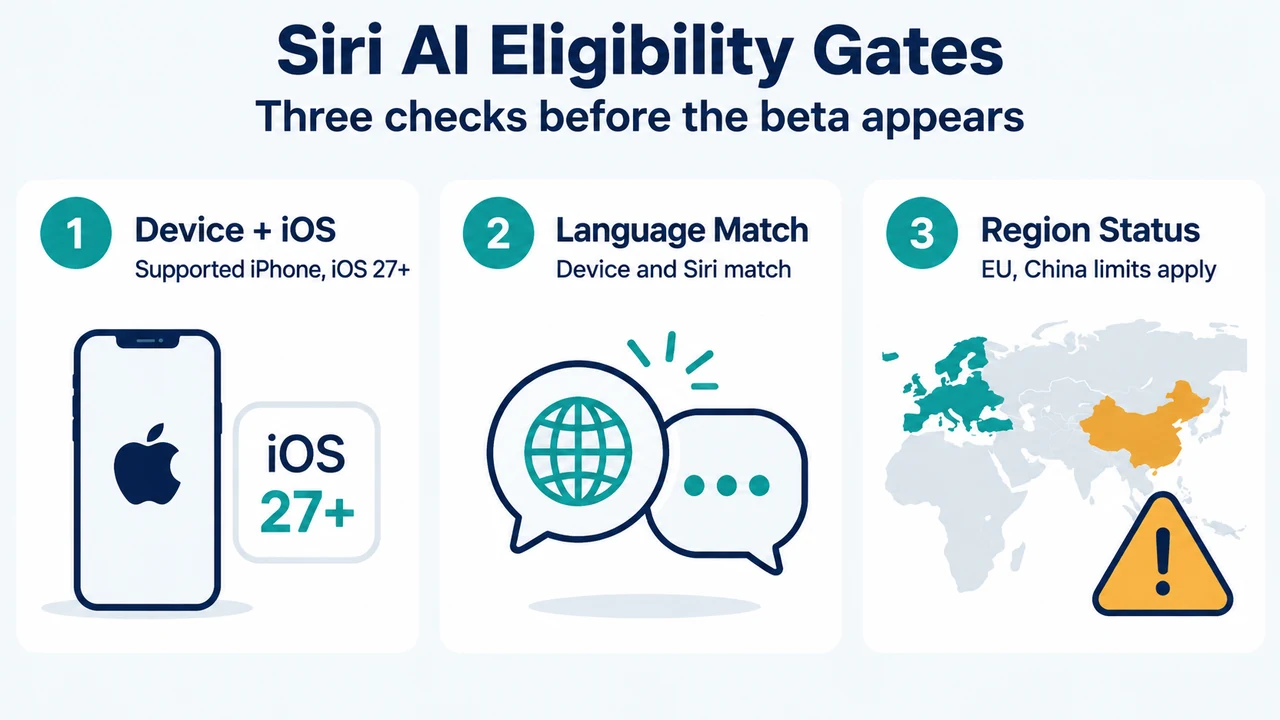
Apple lists iPhone 15 Pro, iPhone 15 Pro Max, and iPhone 16 models or later for Siri AI. Your phone must run iOS 27 or later. Installing iOS 27 alone does not establish eligibility: the model also needs Apple Intelligence support.
Enable Siri AI in Settings
- Open Settings on your supported iPhone.
- Select Siri.
- If Siri is disabled, enable it. Then select the beta option shown above.
- Complete the instructions displayed on your phone.
These steps follow Apple’s Siri AI setup guide. The feature remains a beta; the instructions are not a promise that every iPhone will show the option.
If the Siri AI option is missing
Compare your configuration with the requirements before trying additional changes:
- Language: Siri AI launches in English. Apple Intelligence requires the device and Siri languages to match. Its broader language list does not mean every language already supports the Siri AI beta.
- Storage: Apple’s requirements list up to 14 GB of storage on device for iPhone 17 Pro, iPhone 17 Pro Max, and iPhone Air, and up to 8 GB of storage for other eligible iPhone models.
- After changing language: Apple Intelligence can be unavailable while the new Siri language downloads and until it matches the device language.
- China mainland: Apple documents restrictions for devices purchased there, and for devices purchased elsewhere when both the user’s location and Apple Account region are China mainland.
See Apple’s current requirements and regional conditions. If your configuration does not meet them, this guide does not provide a workaround.
Availability and what happens after setup
Apple’s launch announcement says Siri AI begins in English and is not initially available in the European Union on iOS. It also excludes users under 13. A missing option under these conditions is not evidence that your phone is broken.
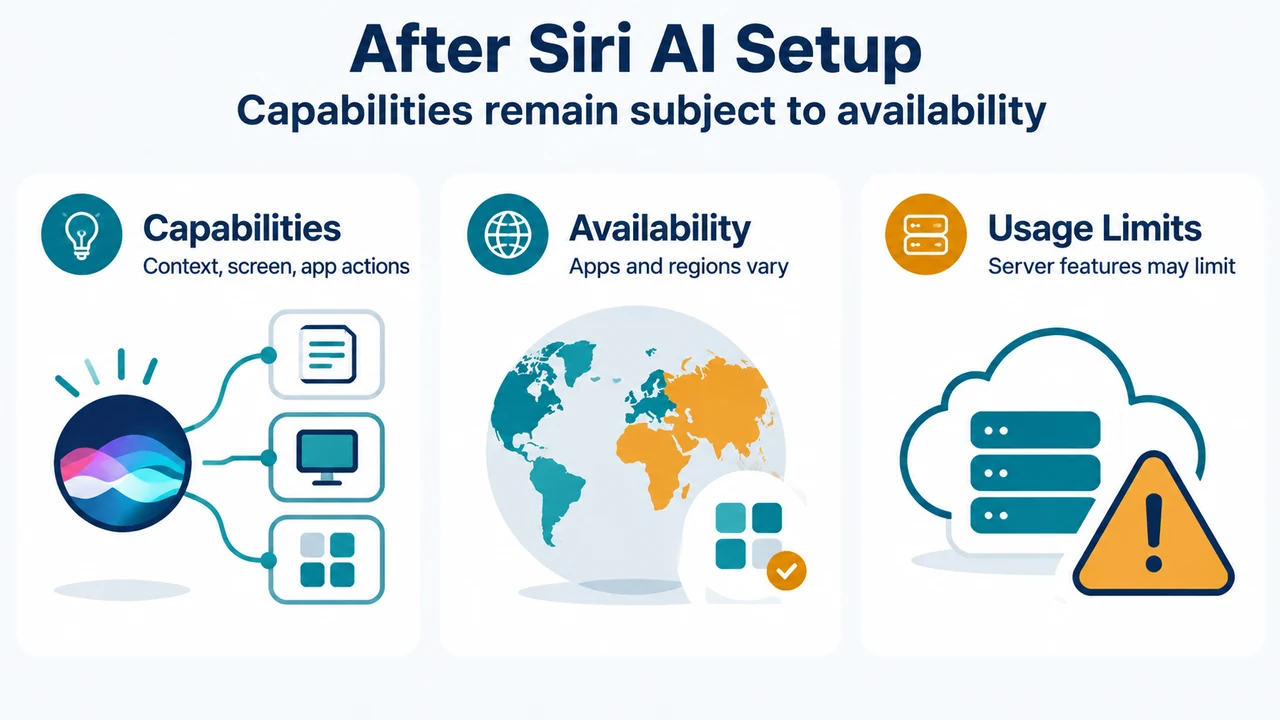
Once enabled, the beta offers conversational assistance, a dedicated Siri app, and the ability to work with personal context and information on screen. Apple describes requests that find information across apps such as Mail, Photos and Calendar. Capabilities can depend on supported apps and availability; enabling the beta does not guarantee that any particular request will succeed.
Read the official Siri AI launch announcement for rollout details. Server-based features can have usage limits, as described in Apple’s requirements page.
Text version of the diagrams
- Siri AI Eligibility Gates: Device + iOS — Supported iPhone, iOS 27+; Language Match — Device and Siri match; Region Status — EU, China limits apply
- After Siri AI Setup: Capabilities — Context, screen, app actions; Availability — Apps and regions vary; Usage Limits — Server features may limit
Research method and limitations
This answer was prepared strictly from the supplied public source excerpts from Apple Support and Apple Newsroom retrieved on September 19, 2026. It is subject to material limitations, including truncated documentation excerpts and the lack of accessible competing coverage or hands-on device verification.